Revision 14
134 August 02, 2019
6.2.2 Types of Parameters in a Configuration
A configuration contains a broad range of parameters and settings that govern the operation
of the system. These fall into two general groups:
• Commonly edited parameters and settings that are closely related to the desired
measurement(s). (Section 6.3).
• Parameters and settings that are changed relatively infrequently once they are set, such as
the relay assigned to a specific alarm and the high or low alarm limits (Section 6.4).
6.2.3 General Guidelines for Editing Parameters
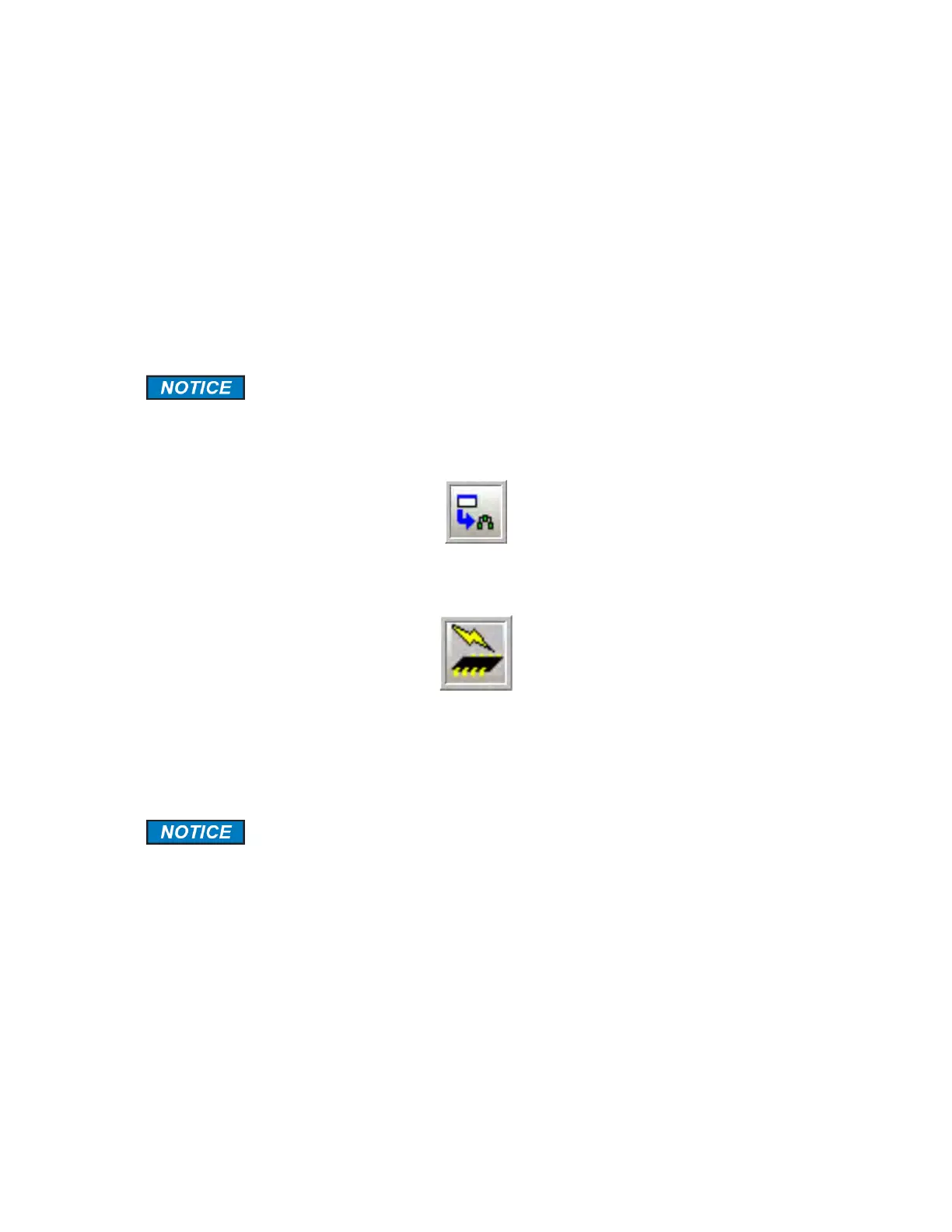
If a change is made to any data on a tab, it is necessary to save the change
before you move to another tab by pressing the Write Current Page to
Analyzer button (Figure 6-1) or the Permanent Configuration Write to the
Analyzer button (Figure 6-2).
Figure 6-1: Write Current Page to Analyzer Button
Figure 6-2: Permanent Configuration Write to the Analyzer Button
The Write Current Page to Analyzer allows you to store and view your analyzer configuration
and its behaviour before you make a decision to permanently accept the change.
If information has been written to the analyzer via the Write Current Page to
Analyzer button, a re-boot of the analyzer will cause the information to be
lost unless a Permanent Write to Analyzer has been performed.
The Permanent Configuration Write to the Analyzer button sends a command to the analyzer
will start the process of copying data from analyzer memory to the analyzer hard drive. This
process takes about 30 seconds to complete. After this step, all the changes are permanently
stored to the analyzer.



 To Next Page