Revision 14
119 August 02, 2019
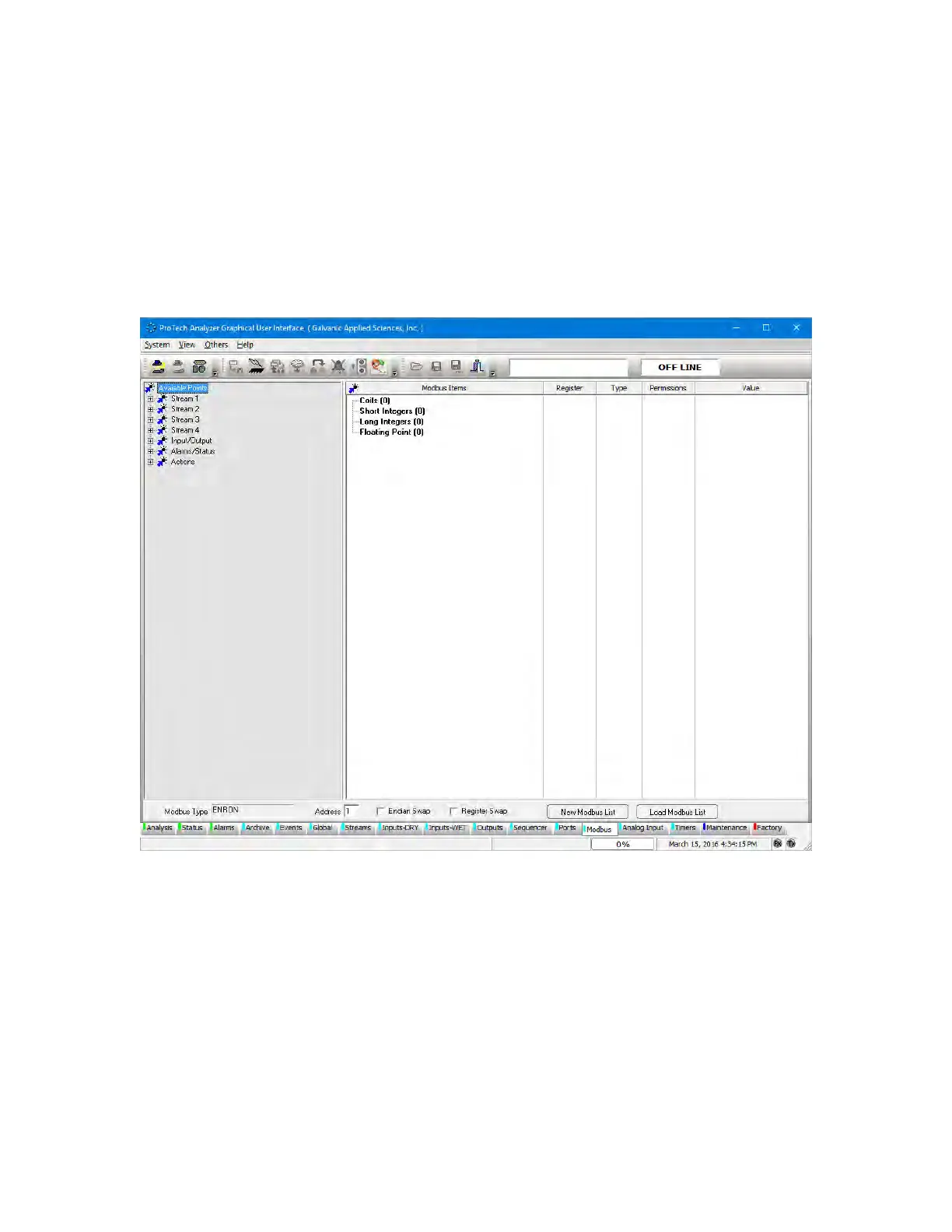
5.16 Modbus Tab
The Modbus tab allows the user to set up the analyzer to output data in 3 varieties of the
Modbus communication protocol - Enron, Modicon 16, and Modicon Floating Point. As there
are a large number of possible configurations for Modbus, and every user may desire a
slightly different configuration, this manual will only cover the basics of Modbus configuration.
If the user requires assistance in setting up a Modbus configuration, the Service department
at Galvanic Applied Sciences Inc. will assist in configuring the unit as desired.
Figure 5-35: Modbus Tab
To set up a new Modbus list, press the New Modbus List button at the bottom of the screen.
This will bring up the dialog box shown in Figure 5-34.



 To Next Page