Revision 14
123 August 02, 2019
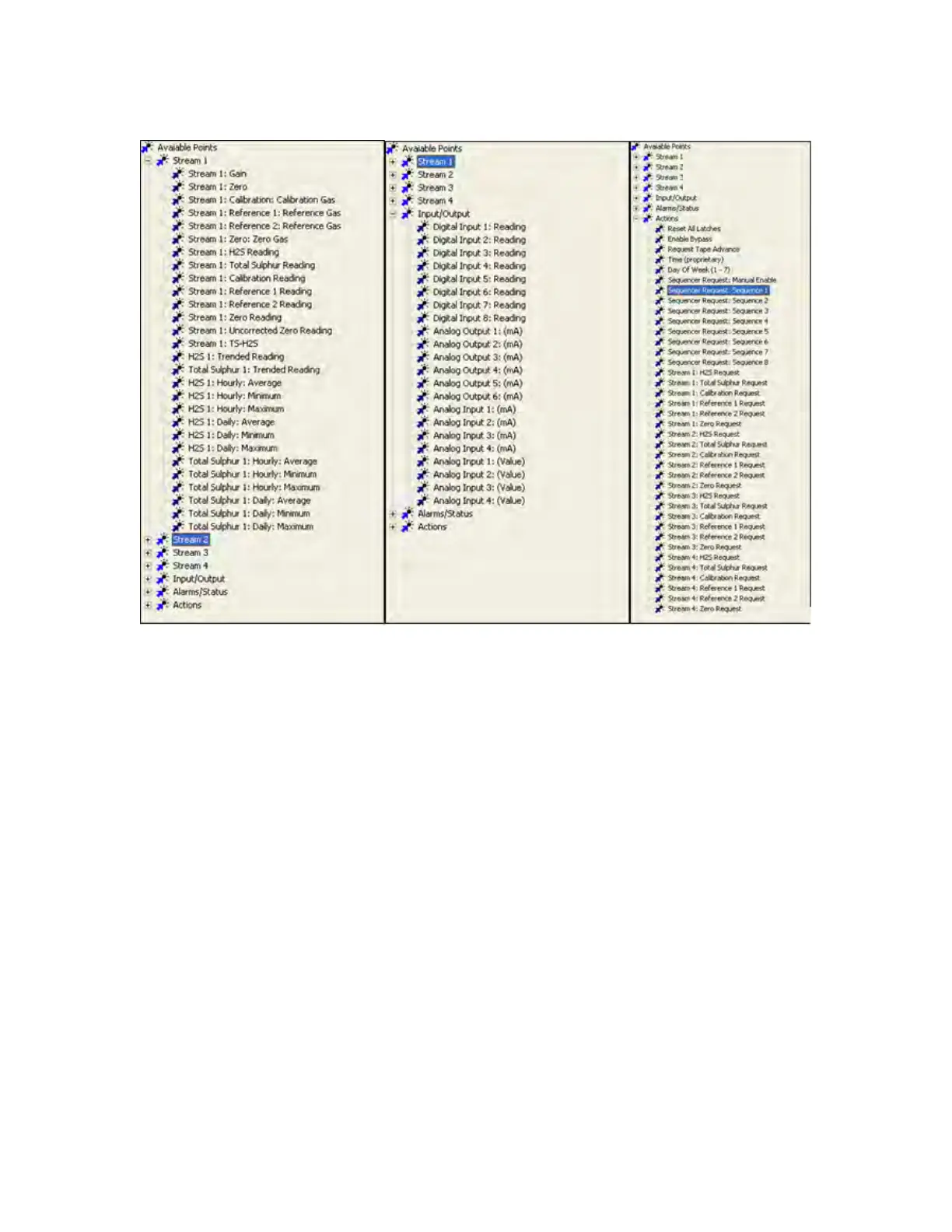
Figure 5-39: Expanded Modbus Nodes
There are several columns in the Modbus list table. The first is Modbus Items which shows
the Modbus list tree and the various data points that are in each node (Figure 5-38). Register
is the most important, as it shows the address of each data point. These addresses are
essential for setting up the device that will read the Modbus list, so it knows which data point
is output to which register. Type shows the type of each data point. Possible values in this
column include Boolean, unsigned long, and float. Most data points are either Boolean or
Float. Floats can be output in the short and long nodes, but the decimal points will be lost.
Certain data points have specific units associated with them, and these will be shown in the
Units column. If a data point does not have units associated with it, this column will show a
value of Unknown for that data point. In the Value column, Boolean data points will have
either a value of True (if on) or False (if off). Numerical data points will show the value
currently entered in the given data point. The Permissions column shows whether a given
data point is Read Only or Writeable. Writeable data points are the only data points that can
be written to remotely through Modbus.



 To Next Page