page | 116
Basic Operation
Menu System
Basic Operation
14. Press the OK button to save the change.
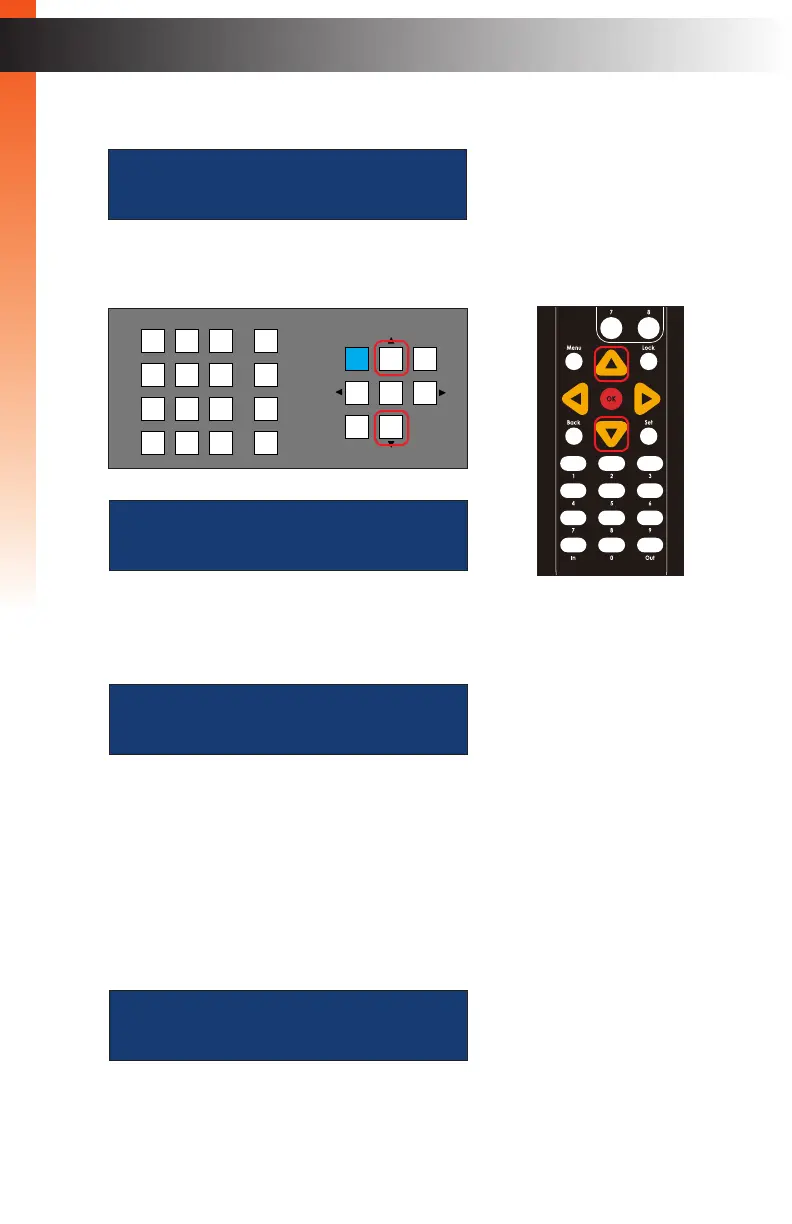
15. Press the ▲ or ▼ button to select the Welcome Message setting.
16. Press the OK button to edit the current setting.
17. Press the ▲ or ▼ buttons to select either Enabled or Disabled.
If this option is set to Enabled, then the following message will be displayed at the
beginning of each Telnet session: “Welcome to EXT-CU-LAN Telnet”. If set to
Disabled, then no message will be displayed.
18. Press the OK button to save the changes.
tcp port:
23
welcome message: ED
disabled
welcome message:
Enabled
LAN
POE
5V DC
1 2
Matrix Controller
Status
IR
Power
Menu
1 2 3
4 5 6
7 8 9
In 0 Out Set
Clear
Mask
Preset
Back
OK
Lock
welcome message:
disabled
OR
Basic OperationBasic Operation



 To Next Page