page | 227
Appendix
Firmware Update Procedure
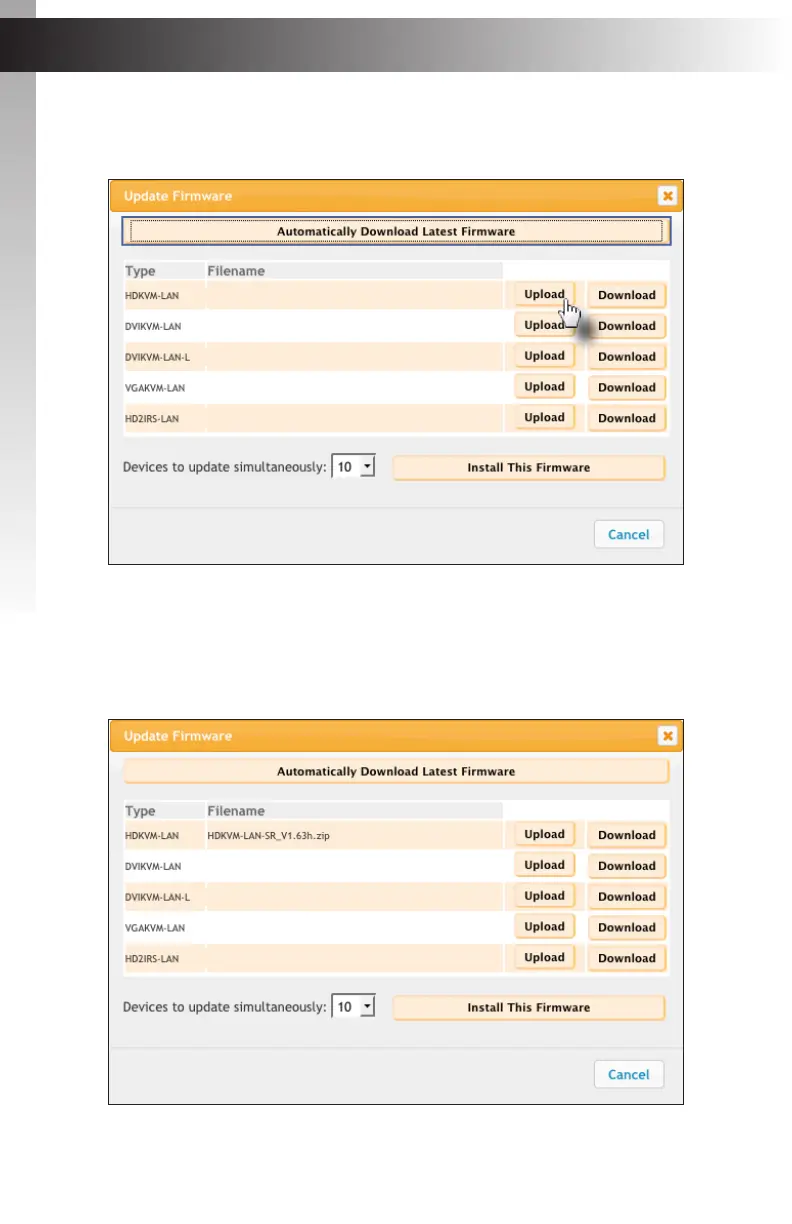
7. Locate the unit that is being updated, under the Type column of the Update Firmware
dialog, and click the Upload button.
8. On the File Upload dialog that is displayed, select the rmware le on the computer
and select the Open button.
9. The selected le will appear under the Filename column of the Update Firmware
dialog.



 To Next Page