FAQ
QuantumX A03031_24_E00_01 HBM: public 173
S If the PC settings will not permit a scan via a network area at all (e.g. for
security reasons), it is still possible to connect a device manually with a se
lected configuration (from catman®EASY/AP version 2.2). This setting can
be found in the "Scan options" as the option "Add device manually".
Please note that administrator rights under Windows® may be necessary for
some of these settings.
Question/Problem
How can I quickly check whether or not I can actually communicate with the
amplifier?
Reply/Solution
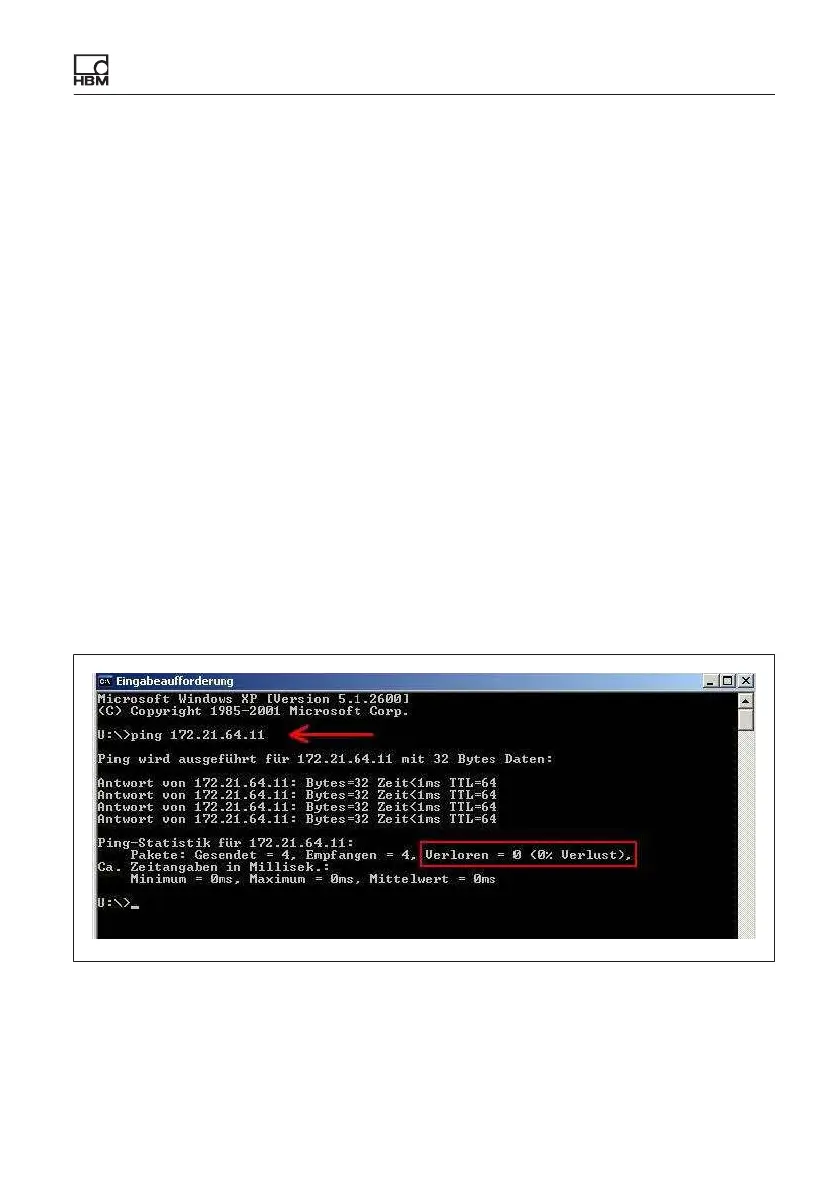
Windows Start > Search and start "cmd" and enter the following at the C:>
prompt:
ping xxx.xxx.xxx.xxx (ENTER)
The xxx.xxx.xxx.xxx represents the IP address of your QuantumX device. If
correctly connected, the device will reply positively. An example is shown in the
following screenshot:
If no module appears, there are several possible causes. Check the following
points and then repeat the search.
S Have you activated the correct interface or correct interface adapter?









 To Next Page