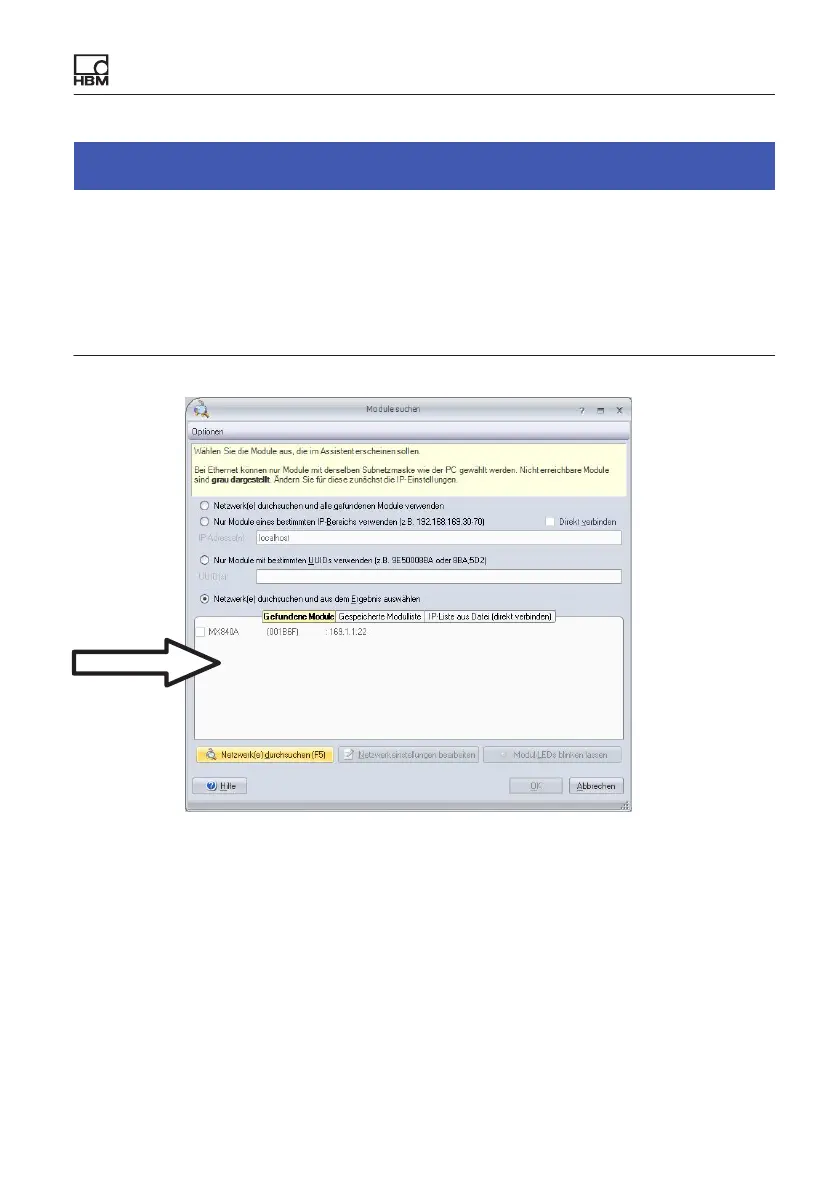
Connecting individual QuantumX modules
QuantumX A03031_24_E00_01 HBM: public 61
Notice
The network connection can be influenced by:
S An activated WiFi connection on your PC: Switch off this connection, if
necessary, and restart the network search.
S The relevant scan ports not being enabled in the firewall settings of your
PC.
Recommended
To configure the IP address of the module:
S Activate DHCP/APIPA for automatic configuration. Please set any PC
directly connected to QuantumX to DHCP as well.
S Manual configuration: Deactivate DHCP and enter the same subnet mask
address as used with your PC. Change the IP address of your module so
that it permits communication (see example below)









 To Next Page