Calibration
WTX110 A4774-1.0 HBM: public 179
Information
The filtration level can also be changed retrospectively in ServiceMode and
Master mode. This makes it possible to change the filtration level even after
legal verification, without breaking the verification seal.
The filter setting in Service mode overwrites the calibration value every time
the application is started. So to check the validity of the setting the value in
ServiceMode must be checked!
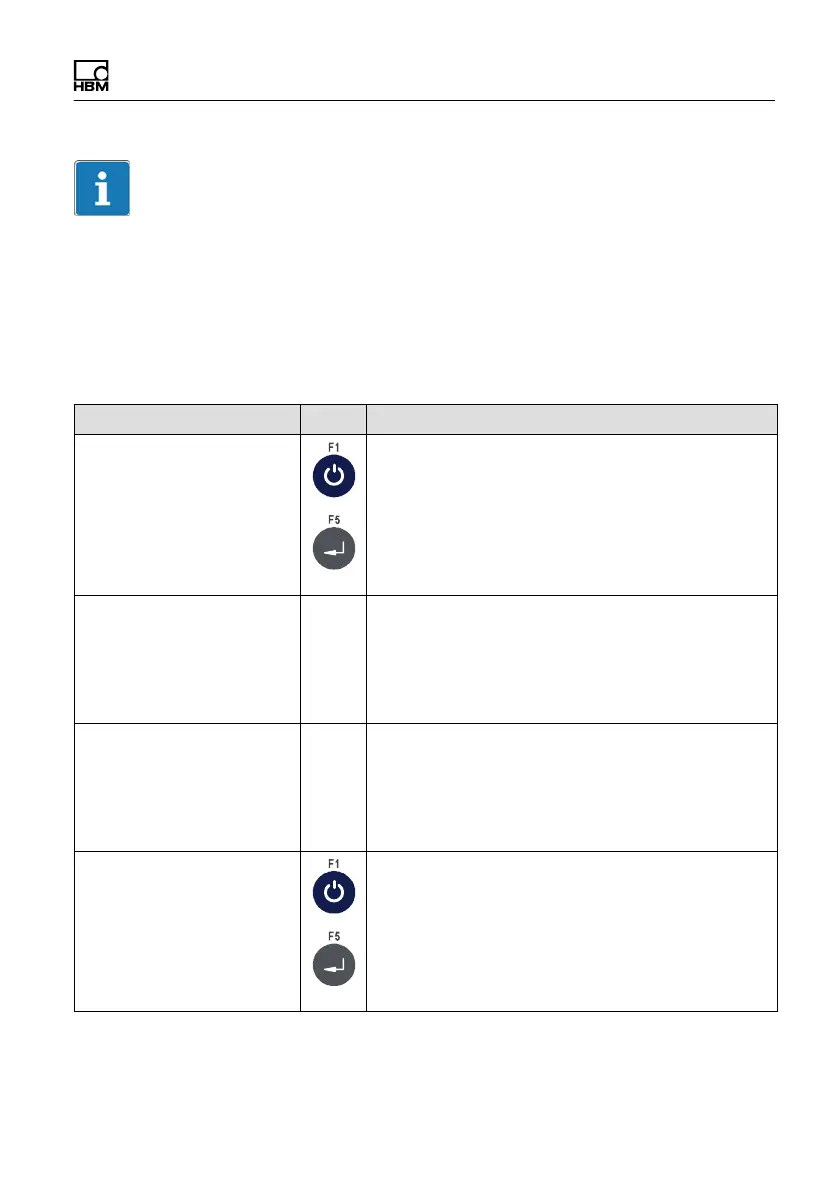
Menu Key Function/Secondary selection
Auto Zero Range 0.5D Automatic zeroing
This sets the range around the zero point in
which the weight value must be in order for
automatic zeroing to activate.
OFF Turn off zeroing
0.5D, 1.0D, 3.0D Range size
PbZero (%) + 999 Range of zero setting (+)
This sets the range above the power-up zero
point in which the scale can be zeroed by the
Zero key, and in which automatic zeroing takes
effect.
PbZero (%) - 999 Range of zero setting (-)
This sets the range below the power-up zero
point in which the scale can be zeroed by the
Zero key, and in which automatic zeroing takes
effect.
Power-up Zero +/- 10 % Startup range of zero setting
This sets the range around the calibrated zero
point in which the scale is automatically zeroed
on power-up.
OFF Power-up zero off.
±2 %, ± 10% Range size


 To Next Page