4.7 Foot Limit Switch
Chapter 4: Removal, Replacement, and Adjustment Procedures
Affinity® Three Birthing Bed and Affinity® Four Birthing Bed Page 4 - 23
Service Manual (MAN272 REV 4)
4
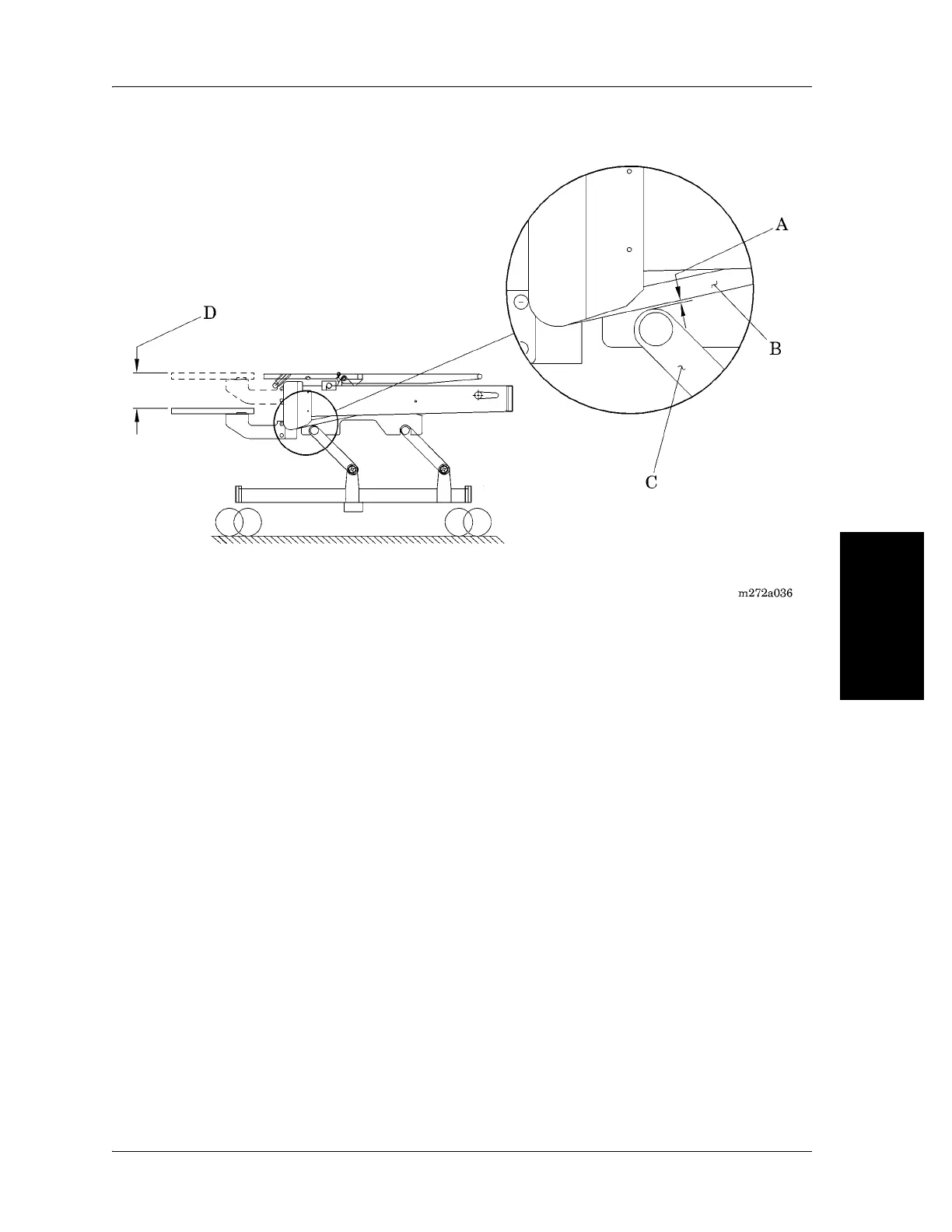
Figure 4-10. Checking the Foot Limit Switch
The green light indicates the maximum limit of the foot section's travel. If the
green light is out, the foot section can travel farther until the light comes on or
the foot section reaches its mechanical limits.
d. Continue to adjust the screw clockwise and counterclockwise in small
increments, until an adjustment is attained between the green light
coming on and going off.
e. Using the measuring tape, measure the height of the foot section in the
low position.
f. Using the foot function, raise the foot section up 8¼" (209.6 mm) (D)
from the measurement in the low position .
g. Using the small screwdriver, turn the screw (F) on the foot limit switch
(LFU), located on the logic control P.C. board, until the green light
comes on (see figure 4-11 on page 4-24).
h. Continue to adjust the screw clockwise and counterclockwise in small
increments, until an adjustment is attained between the green light
coming on and going off.
i. Using the foot function, raise and then lower the foot section.














 To Next Page