12-21
12
SET MODE
■ Others set mode (continued)
Sets the keyer memory transmission capability ON or
OFF when one of the [F1] to [F4] keys is pushed.
•ON :Pushingoneofthe[F1]to[F4]keystrans-
mits the desired keyer memory contents dur-
ing CW mode operation.
And while holding down the [SHIFT] key,
push [F1] to [F4] keys to repeatedly transmit
the desired keyer memory contents.
•OFF:[F1]to[F4]keysdonotfunction.(default)
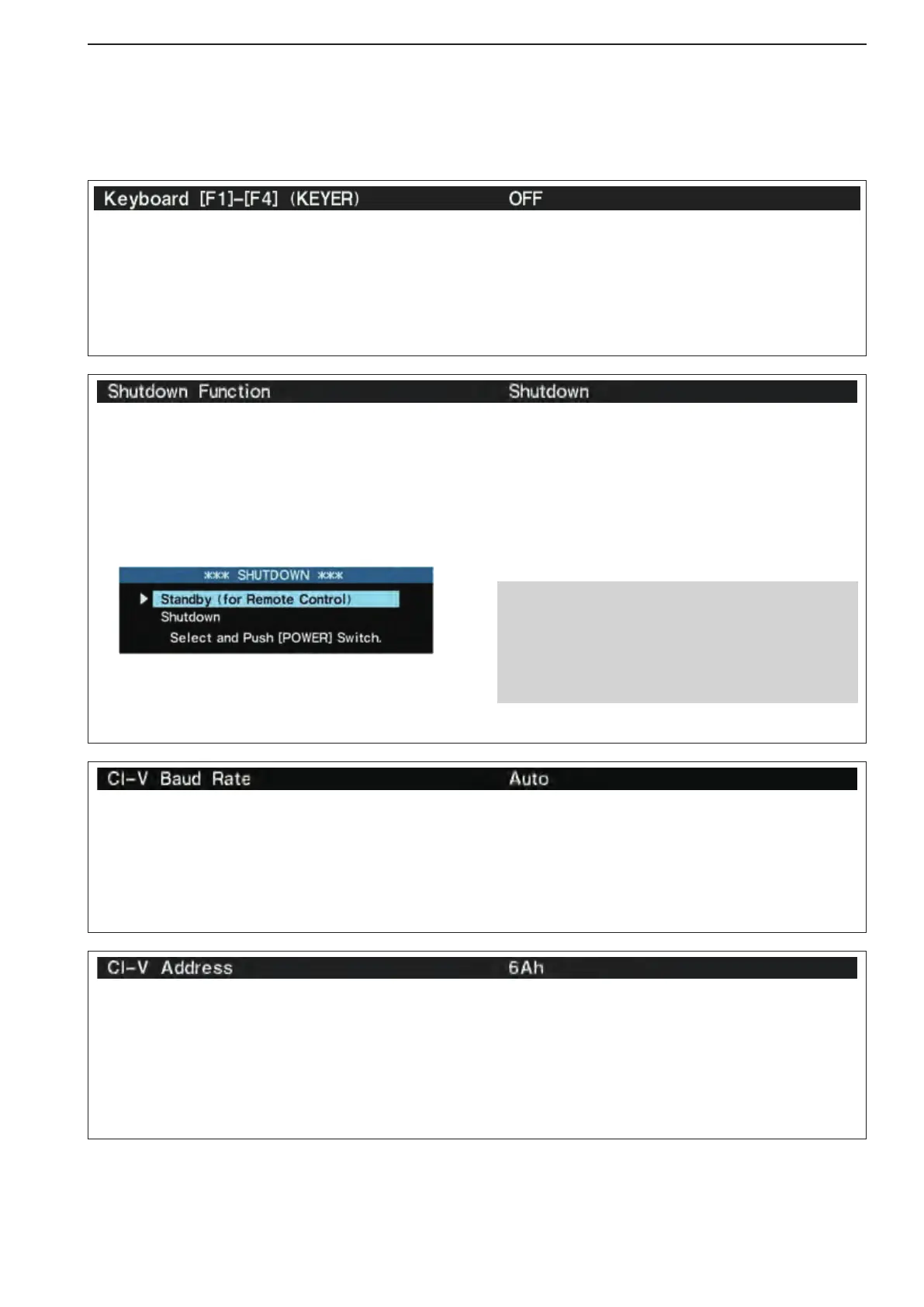
Selects the shutdown option between Standby/Shut-
down and Shutdown, for turning ON the transceiver
by Remote stations.
(default: Shutdown)
When this item is set to “Standby/Shutdown:
z Holding down [POWER] for 1 second displays the
dialog box below.
x Push [POWER] to turn OFF the power with the
Standby mode.
•Ifyouwanttoselect“Shutdown,”rotatethemaindial
orpush[F-1•p]or[F-2•q], then push [POWER].
Standby/Shutdown :
You can turn ON the transceiver’s power
using external equipment such as a PC
with RS-BA1.
Shutdown : Only the [POWER] switch turns ON the
transceiver.
NOTE while in the standby mode:
•Theinternalcoolingfanisactive,thisisnormal;
not malfunction.
•Fortheremotecontrol,onlythe[LAN]portor[RE-
MOTE] connector are active. Thus the [RS-232C]
port is not accessible.
Todistinguishequipment,eachCI-Vtransceiverhas
its own Icom standard address in hexadecimal code.
The IC-7800’s address is 6Ah.
When 2 or more IC-7800’s are connected to an op-
tional CT-17
c i -v l e v e l c o n v e r t e r , rotate the main
dial to select a different address for each IC-7800;
the range is 01h to DFh.
SetstheCI-Vdatatransferrate.300,1200,4800,
9600, 19200 bps and “Auto” are available. (default:
Auto)
When “Auto” is selected, the baud rate is automati-
cally set according to the data rate of connected con-
troller.



 To Next Page