12-23
12
SET MODE
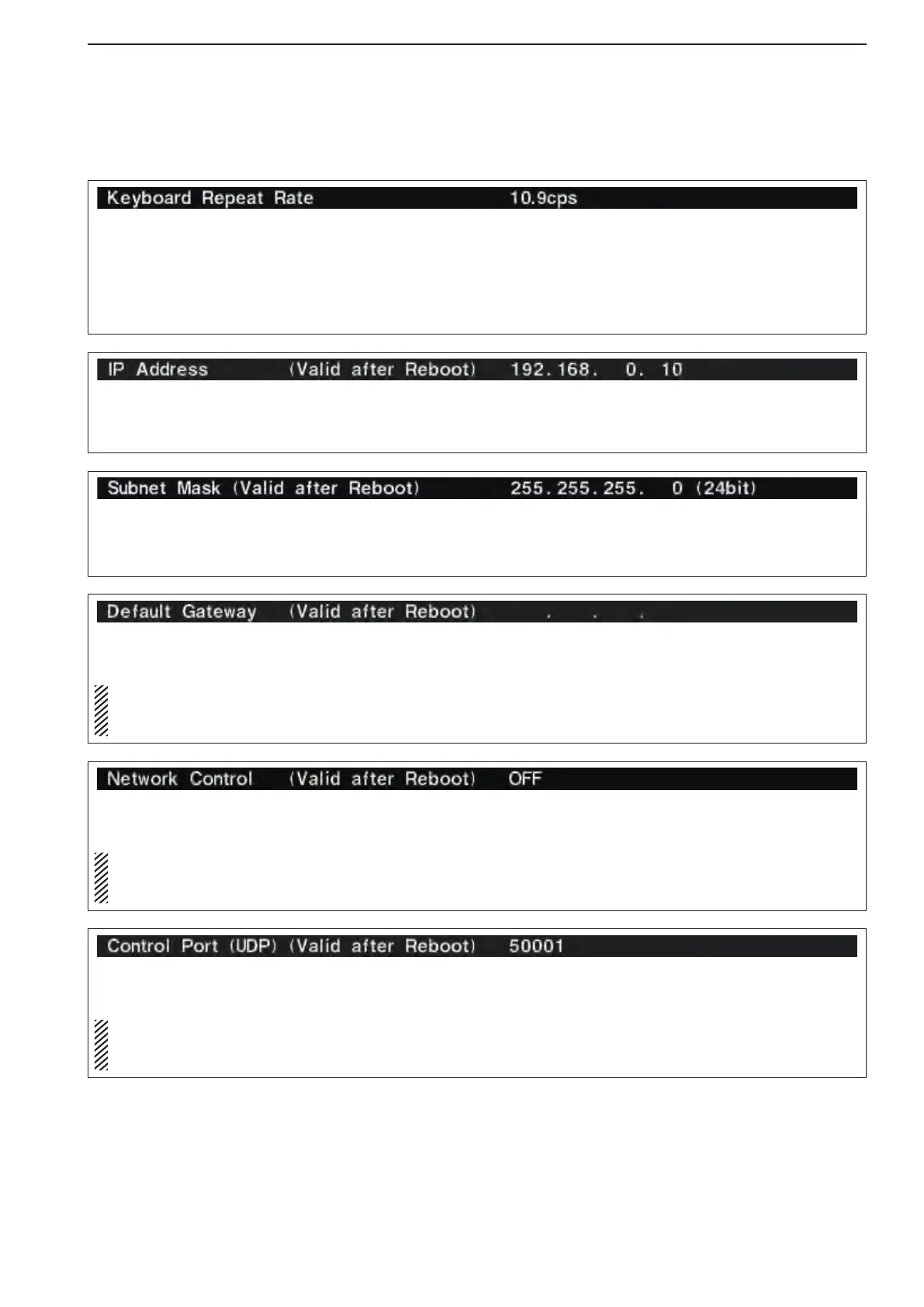
Sets subnet mask for the IC-7800 when connecting
to your PC or LAN (Local Area Network) through the
Ethernet connector.
Turn the transceiver power OFF then ON to make the
setting effective. See page 16-7 for details.
Sets the repeating rate for the connected keyboard
within 2.0 to 30.0 cps. (default: 10.9 cps)
*cps=character per second
When a key of the connected keyboard is held down,
the character is repeatedly input with the set speed.
Sets IP address for the IC-7800 when connecting to
your PC or LAN (Local Area Network) through the
Ethernet connector.
Turn the transceiver power OFF then ON to make the
setting effective. See page 16-7 for details.
Sets the default gateway of the router that you want
to connect the IC-7800 to.
Only when you configure the remote control sys-
tem using an optional RS-BA1 through the Inter-
net, you need this setting.
Turn the transceiver power OFF then ON to make the
setting effective.
Selects the remote control capability ON or OFF.
(default : OFF)
Only when you configure the remote control sys-
tem using an optional RS-BA1, you need this set-
ting.
Turn the transceiver power OFF then ON to make the
setting effective.
■ Others set mode (continued)
Sets the Control port of the IC-7800 by accessing
from the remote station.
Only when you configure the remote control sys-
tem using an optional RS-BA1, you need this set-
ting.
Turn the transceiver power OFF then ON to make the
setting effective.



 To Next Page