12-24
12
SET MODE
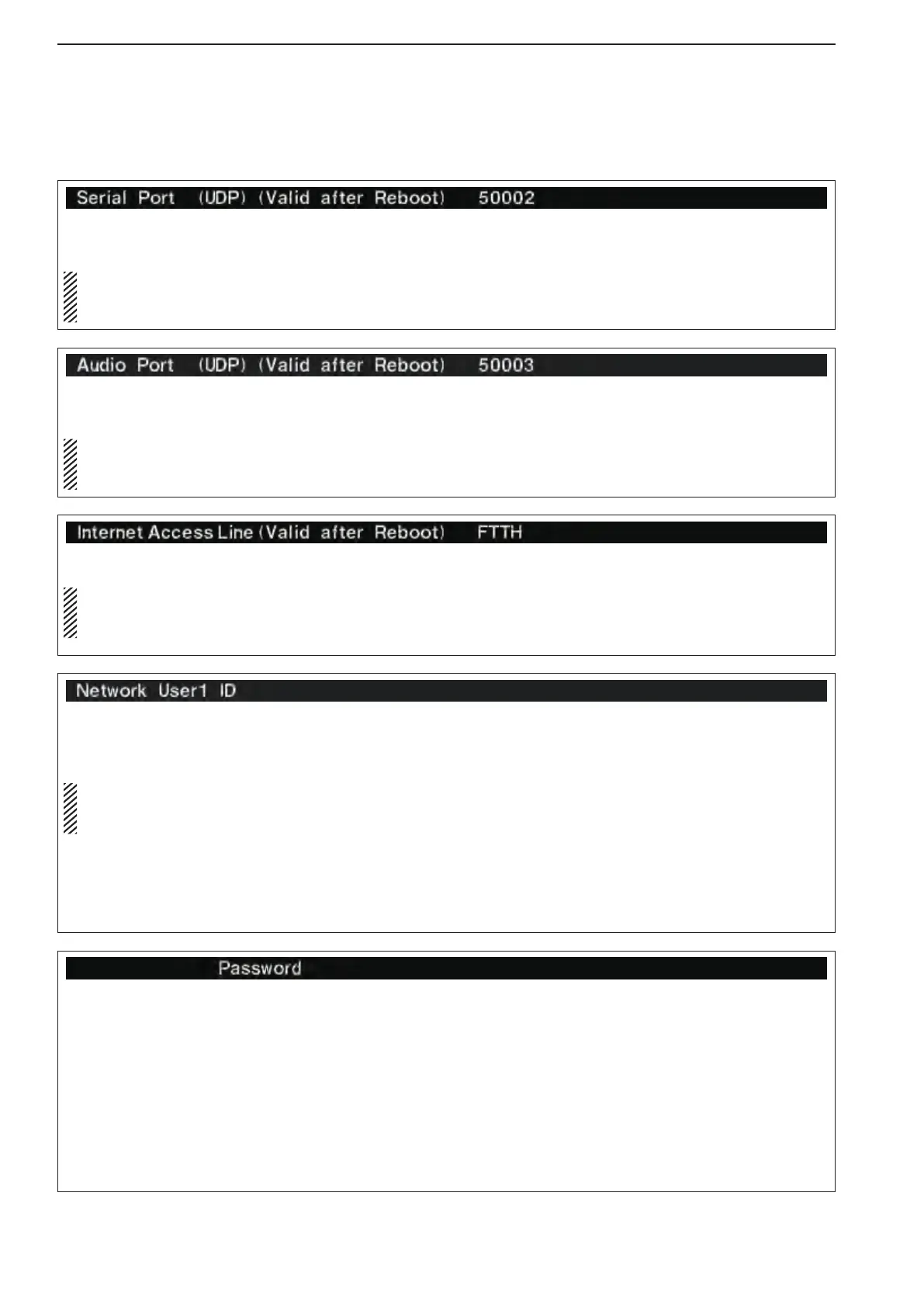
Register the Users ID to allow them to remotely ac-
cess the IC-7800. The IC-7800 can register three
users to Network User1 ID to Network User3 ID.
Only when you configure the remote control sys-
tem using an optional RS-BA1, you need this reg-
istration.
The IC-7800 verifies the User ID and password when
Remote stations attempt to access the transceiver. If
the User ID or password is incorrect, the Remote sta-
tion cannot access the transceiver.
zPush[F-5•EDIT]toentertheUserIDEditmode.
x Rotate the main dial to input a User ID of up to 16
characters.
•Push[ABC]or[abc]totoggleupperandlowercaselet-
ters.
•Push[123]or[Symbol]totogglebetweennumerals
and symbols.
•YoucannotregisterthesameIDwithUser2orUser3,
if the ID is already registered.
•Push[F-1•t]or[F-2•u] for cursor movement.
•Push[F-3•DEL]todeletetheselectedcharacter.
cPush[F-5•SET]toset.
Register the password for the Network User1 ID.
zPush[F-5•EDIT]toenterthePasswordEditmode.
x Rotate the main dial to input a Password of 8 to 16
characters, case-sensitive.
•Atleasttwodifferentcharactersmustbeused.
•Push[ABC]or[abc]totoggleupperandlowercaselet-
ters.
•Push[123]or[Symbol]totogglebetweennumerals
and symbols.
•Push[F-1•t]or[F-2•u] for cursor movement.
•Push[F-3•DEL]todeletetheselectedcharacter.
cPush[F-5•SET]toset.
Sets the Serial port of the IC-7800 by accessing from
the remote station.
Only when you configure the remote control sys-
tem using an optional RS-BA1, you need this set-
ting.
Turn the transceiver power OFF then ON to make the
setting effective.
Sets the Audio port of the IC-7800 by accessing from
the remote station.
Only when you configure the remote control sys-
tem using an optional RS-BA1, you need this set-
ting.
Turn the transceiver power OFF then ON to make the
setting effective.
Selects the your internet access line type.
Only when you configure the remote control sys-
tem using an optional RS-BA1 through the Inter-
net, you need this setting.
•FTTH :FiberToTheHome
•ADSL/CATV:ADSLorCabletelevision
Turn the transceiver power OFF then ON to make the
setting effective.
■ Others set mode (continued)



 To Next Page