Auto Sentry® flex User Manual 142 Marketing with your Auto Sentry
Next, you can configure the Auto Sentry® flex coin hopper to dispense tokens:
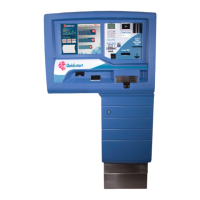
Figure 104. Auto Sentry® flex
1 Open WashConnect
®
.
2 On the System Setup menu, click Devices, and then click Assign Denominations.
The Assign Denominations tab appears.
3 In the Device box, select the device that will dispense tokens.
4 In the Component box, select Coin Hopper.


 To Next Page