Model 250
Printer Applicator
Operators/Technical Manual Section Six
Section 6 Page 15 of 20
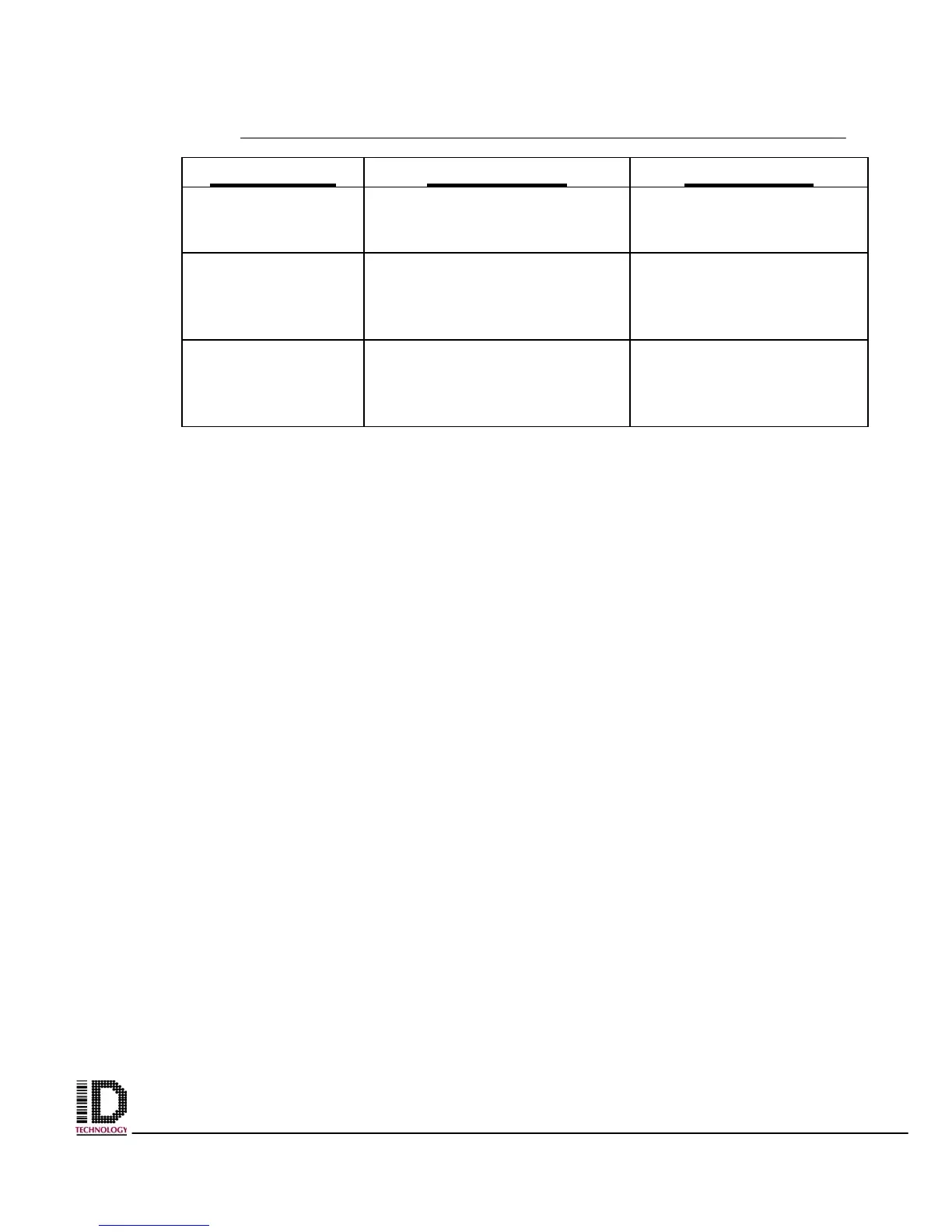
SYMPTOM DIAGNOSIS SOLUTION
ERROR and
LABEL lights
flashes on printer
Media error. Open and close head
lever.
ERROR light
flashes and LABEL
light on
Label end. Replace labels if
necessary. Open and
close head lever. Open
and close label hold down.
ERROR light
flashes and
RIBBON light on.
Ribbon end. Replace ribbon if
necessary. Open and
close head lever. Open
and close label hold down.
*****IMPORTANT****
This is only a guide and is not intended for use as a complete source.
Please refer to your operator/maintenance manual for complete information
on the printer you are using.
For parts and service, please call:
ID Technology Corporate Office at (888) 438-3242
ID Technology
Technical Support



 To Next Page