Model 250
Printer Applicator
Operators/Technical Manual Section Three
Section 3 Page 14 of 19
ID Technology 250 Label Printer/Applicator
with ______________ Series Print Engine
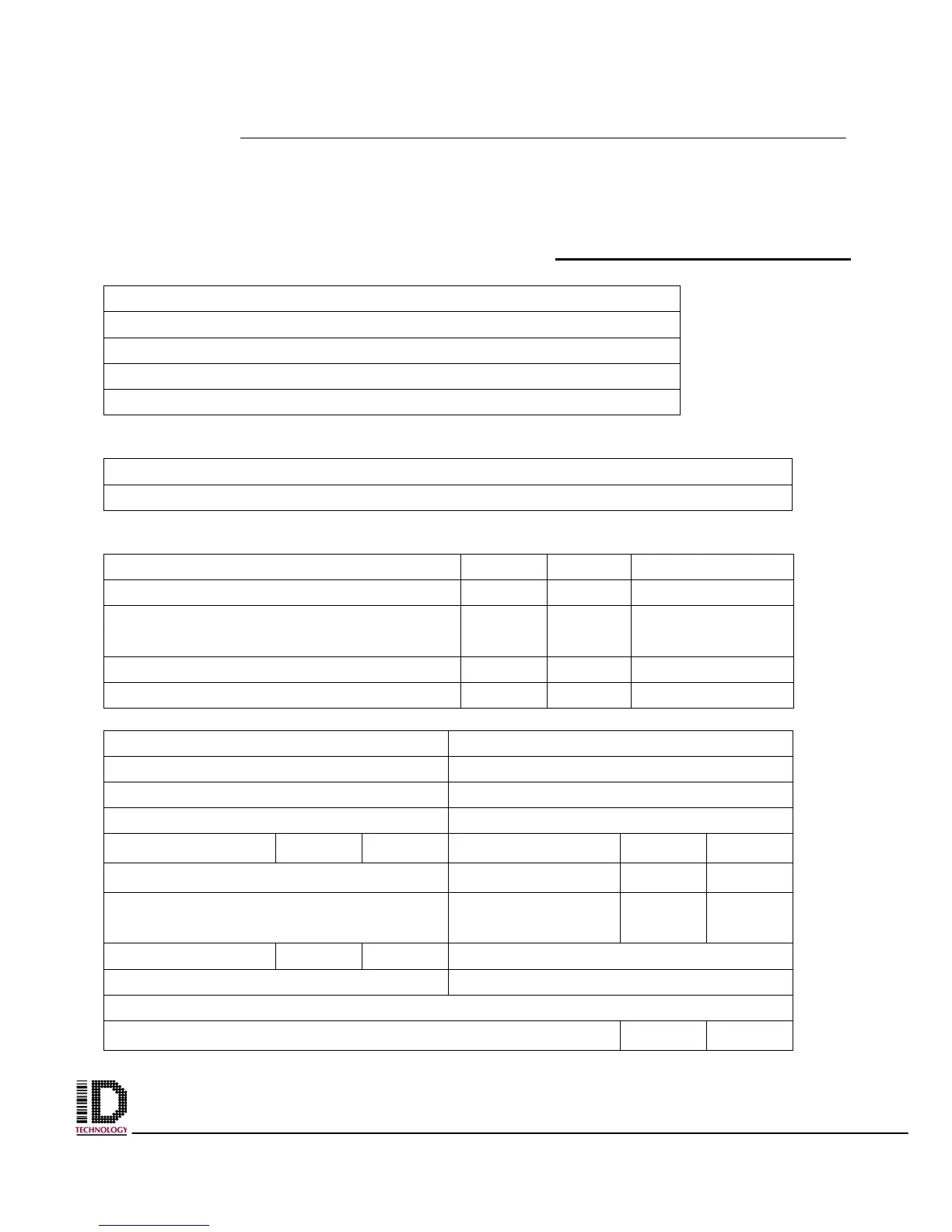
INSTALLATION CHECK LIST
Customer:
Site:
Address:
Address:
City: State
Location of equipment:
Line speed: Product height:
Product handling ok: YES NO
Spare parts: YES NO ON ORDER
Operator/Technical Manual on
labeler
YES NO ON ORDER
Operator Manual on print engine: YES NO ON ORDER
Technical Manual on print engine: YES NO ON ORDER
Applicator Serial Number
Print Engine Serial Number
Label size: Ribbon:
Roll Size: Memory:
Smart tamp:
YES NO
Beacon:
YES NO
Voltage: UPS:
YES
NO
Air pressure Vacuum ok?
YES NO
Air assist ok? YES NO Tamp Stroke
Air blast setting: Product Delay setting:
Product detector type
Is bar code being scanned for readability?
YES
NO



 To Next Page