Model 250
Printer Applicator
Operators/Technical Manual Section Three
Section 3 Page 15 of 19
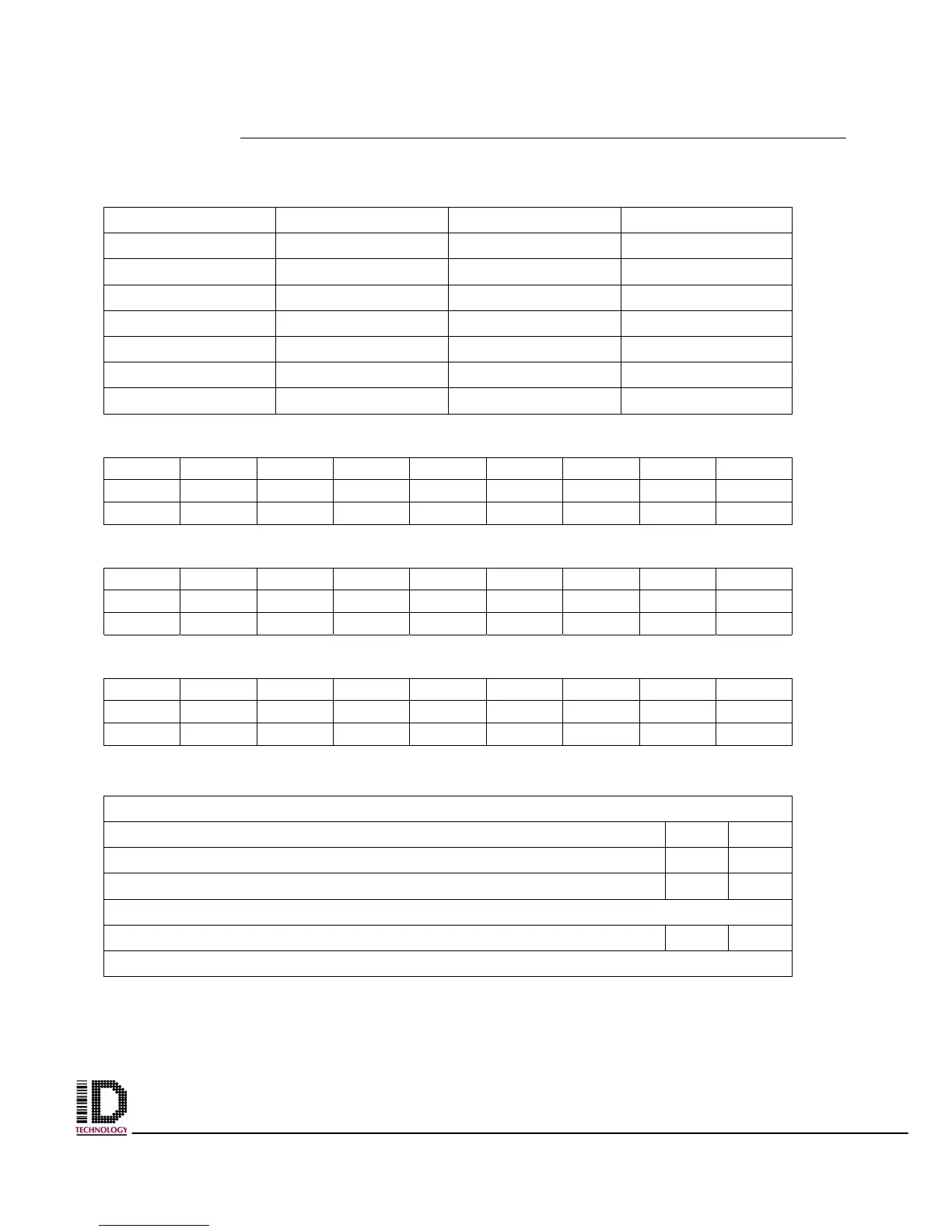
PRINT ENGINE SETUP
Print Darkness Print Speed
Pitch Direction Pitch Offset
Zero Slash Auto Online
Vert. Offset Hor. Direction
Hor. Offset Gap (label)
Gap (liner) Input
DSW1 LAY OUT
ON
OFF
1 2 3 4 5 6 7 8
DSW2 LAY OUT
ON
OFF
1 2 3 4 5 6 7 8
DSW3 LAY OUT
ON
OFF
1 2 3 4 5 6 7 8
TEST PRINT ENGINE
Print a test label using the User Test Print mode
Is printhead balanced? YES NO
Is there any printhead element out? YES NO
Check for Ribbon Wrinkle? YES NO
Print test label for printer configuration using Factory Mode test print
Is the label attached to back of this page? YES NO
Send label format to printer



 To Next Page