28
5. Initial Start-up
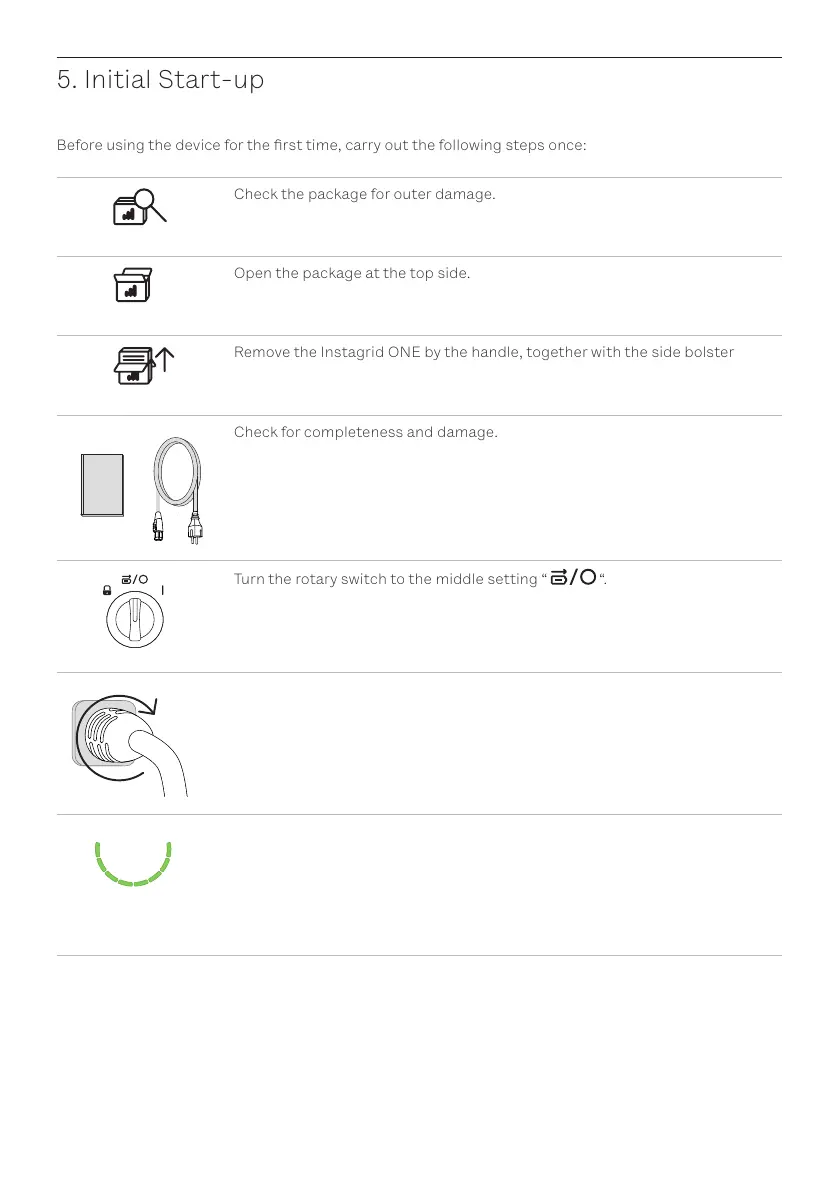
Before using the device for the rst time, carry out the following steps once:
Check the package for outer damage.
Open the package at the top side.
Remove the Instagrid ONE by the handle, together with the side bolster
Check for completeness and damage.
Turn the rotary switch to the middle setting “ “.
*click
Note: The charging cable connector must rst be plugged in at the Instagrid
ONE and then turned clockwise until it audibly engages.
Connect the mains cable with the Instagrid ONE and the mains supply. Wait
until all LEDs [5] are permanently lit in green


 To Next Page