- 256 - - 257 -
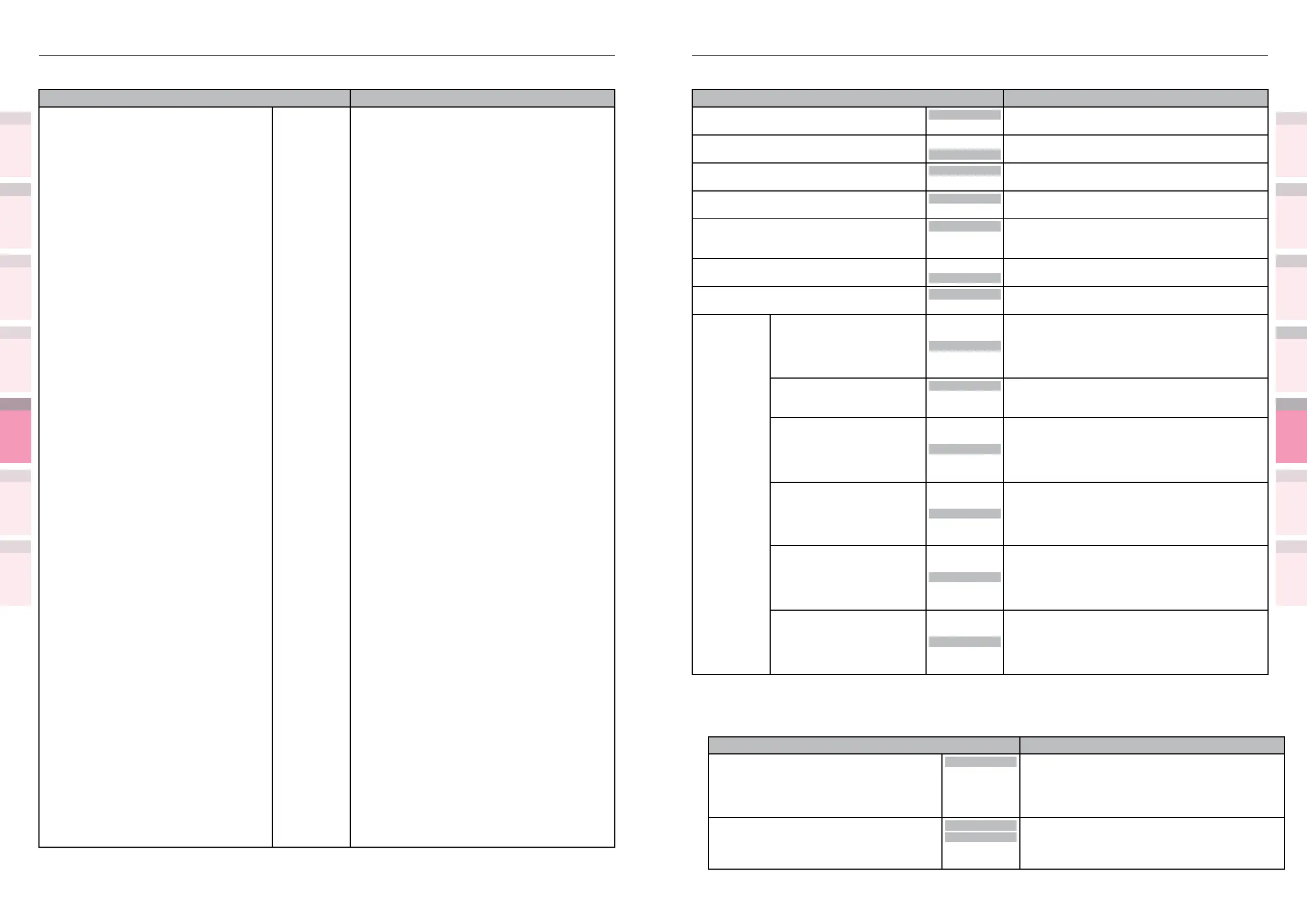
Table of setting items in the device setup screen Table of setting items in the device setup screen
1
2
3
5
4
1
2
3
5
4
Convenient print
functions
Appendix Index
Checking and
Changing Printer
Settings Using
the Control Panel
Network
Setup
Matching
Colors
Using Utility
Software
Convenient print
functions
Appendix Index
Checking and
Changing Printer
Settings Using
the Control Panel
Network
Setup
Matching
Colors
Using Utility
Software
z
Shaded areas are factory-set values.
Item Details
A4 Print Width 78 column
80 column
Sets the number of digits until an auto carriage
return on A4 paper.
White Page Skip
On
Off
Sets whether not to print blank pages.
CR Function
CR
CR+LF
Sets the operations when receiving CR codes.
LF Function
LF
LF+CR
Sets the operations when receiving LF codes.
Print Margin
Normal
1/5"
1/6"
Sets the are of the paper where printing is not
possible.
True Black
Off
On
Sets whether to print image data black using mixed
CMYK or print using black toner only.
Pen Width Adjust
On
Off
Compensates so that thin lines are visible.
Tray ID# MPTray
1
to
4
to
59
Species the number of the Multi-Purpose Tray
specication using the output specication
command in the PCL commands.
Tray1
1
to
59
Species the number of the tray 1 specication
using the output specication commands in the PCL
commands.
Tray2
*1
*1: The optional expansion
tray unit is displayed when
mounted.
1
to
5
to
59
Species the number of the tray 2 specication
using the output specication commands in the PCL
commands.
Tray3
*1
*1: The optional expansion
tray unit is displayed when
mounted.
1
to
20
to
59
Species the number of the tray 3 specication
using the output specication commands in the PCL
commands.
Tray4
*1
*1: The optional expansion
tray unit is displayed when
mounted.
1
to
21
to
59
Species the number of the tray 4 specication
using the output specication commands in the PCL
commands.
Tray5
*1
*1: The optional expansion
tray unit is displayed when
mounted.
1
to
22
to
59
Species the number of the tray 5 specication
using the output specication commands in the PCL
commands.
IBM PPR Setup
z
Shaded areas are factory-set values.
Item Details
Character Pitch 10 CPI
12 CPI
17 CPI
20 CPI
Proportional
Species character pitch in IBM PPR emulation.
Font Condense
12CPI to
20CPI
12CPI to
12CPI
Species 12CPI pitch for Condense Mode.
z
Shaded areas are factory-set values.
Item Details
Symbol Set USPSFIM
USPSSTP
USPSZIP
Arabic-8
Bulgarian
CWI Hung
DeskTop
German
Greek-437
Greek-437 Cy
Greek-737
Greek-8
Greek-928
Hebrew NC
Hebrew OC
Hebrew-7
Hebrew-8
IBM-437
IBM-850
IBM-860
IBM-863
IBM-865
ISO Dutch
ISO L1
ISO L2
ISO L4
ISO L5
ISO L6
ISO L9
ISO Swedish1
ISO Swedish2
ISO Swedish3
ISO-2 IRV
ISO-4 UK
ISO-6 ASC
ISO-10 S/F
ISO-11 Swe
ISO-14 JASC
ISO-15 Ita
ISO-16 Por
ISO-17 Spa
ISO-21 Ger
ISO-25 Fre
ISO-57 Chi
ISO-60 Nor
ISO-61 Nor
ISO-69 Fre
ISO-84 Por
Select the symbol set.
ISO-85 Spa
ISO-Cyr
ISO-Grk
ISO-Hebrew
Kamenicky
Legal
Math-8
MC Text
MS Publish
PC Ext D/N
PC Ext US
PC Set1
PC Set2 D/N
PC Set2 US



 To Next Page