- 254 - - 255 -
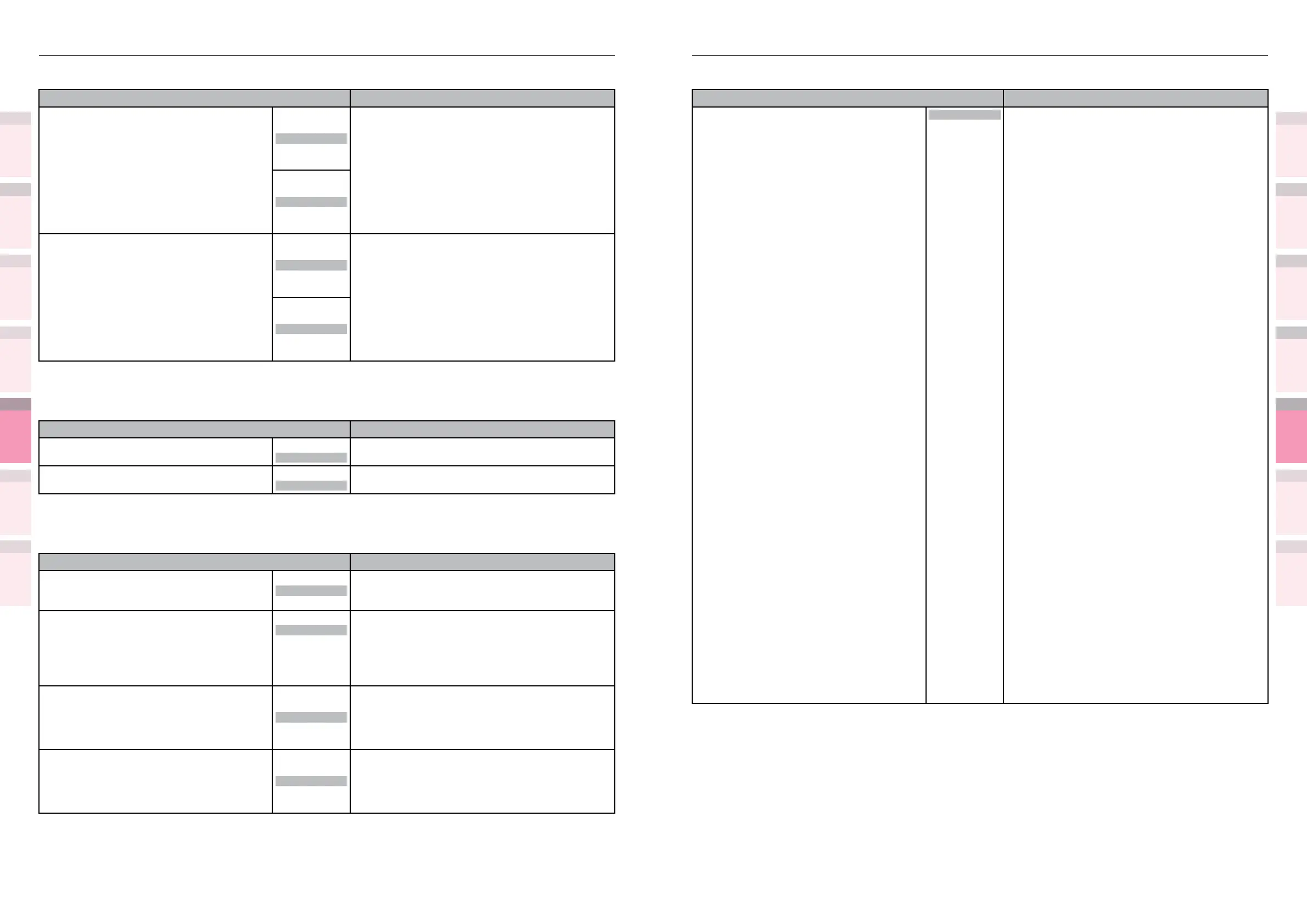
Table of setting items in the device setup screen Table of setting items in the device setup screen
1
2
3
5
4
1
2
3
5
4
Convenient print
functions
Appendix Index
Checking and
Changing Printer
Settings Using
the Control Panel
Network
Setup
Matching
Colors
Using Utility
Software
Convenient print
functions
Appendix Index
Checking and
Changing Printer
Settings Using
the Control Panel
Network
Setup
Matching
Colors
Using Utility
Software
z
Shaded areas are factory-set values.
Item Details
Symbol Set WIN3.1J
PC-8
PC-8 Dan/Nor
PC-8 Grk
PC-8 TK
PC-775
PC-850
PC-851 Grk
PC-852
PC-855
PC-857 TK
PC-858
PC-862 Heb
PC-864 L/A
PC-866
PC-866 Ukr
PC-869
PC-1004
Pi Font
Plska Mazvia
PS Math
PS Text
Roman-8
Roman-9
Roman Ext
Serbo Croat1
Serbo Croat2
Spanish
UCS-2
Ukrainian
VN Int'l
VN Math
VN US
Win 3.0
Win 3.1 Arb
Win 3.1 L/G
Win 3.1 Blt
Win 3.1 Cyr
Win 3.1 Grk
Win 3.1 Heb
Win 3.1 L1
Win 3.1 L2
Win 3.1 L5
Wingdings
Dingbats MS
Symbol
OCR-A
OCR-B
OCRB Subset2
HP ZIP
Select the symbol set.
z
Shaded areas are factory-set values.
Item Details
X Dimension 2.5"
to
8.3"
to
13"
Sets the default custom paper width.
64mm
to
210mm
to
330mm
Y Dimension
3.5"
to
11.7"
to
52.0"
Sets the default custom paper length.
89mm
to
297mm
to
1321mm
PS Setup
z
Shaded areas are factory-set values.
Item Details
Network Protocol ASCII
RAW
Sets the PS communications protocol mode for data
from the network.
USB Protocol
ASCII
RAW
Sets the PS communications protocol mode for data
from the USB.
PCL Setup
z
Shaded areas are factory-set values.
Item Details
Font Source Resident
Resident2
Downloaded
Sets the location of the fonts to be used.
Font Number
I0
C1
C2
C3
C4
S1
Sets the numbers of the fonts to be used.
Font Pitch
0.44CPI
to
10.00CPI
to
99.99CPI
Sets the font width.
Increases and reduces in 0.01 CPI units.
Displayed when the font selected using [Font No.]
is an outline font with xed spacing.
Font Height
4.00 point
to
12.00 point
to
999.75 point
Sets the font height.
Increases and reduces in 0.25 point units.
Displayed when the font selected using [Font No.]
is an outline font with variable spacing.



 To Next Page