40 Event V3 Manual
Creating Memories & Chases
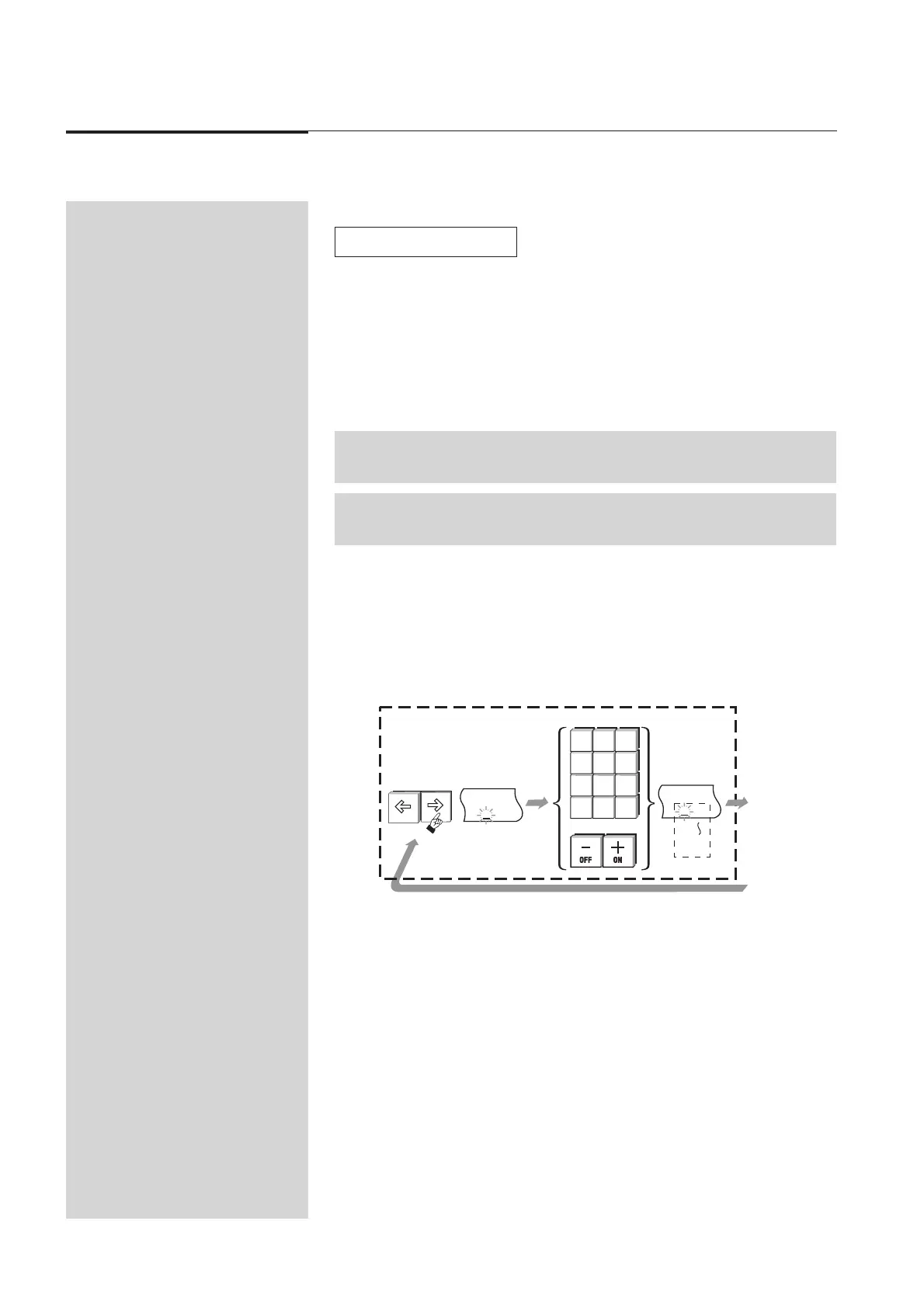
8.40 Setting the Chase Speed
1. Use the arrow buttons to move the cursor to the BPM (Speed in Beats Per
Minute) field.
2. Enter a number using the numeric keypad or alternatively use the 1 (On)/
2 (Off) buttons to change the displayed number; 999 is the highest speed.
At 0 the Chase is stopped (HH) and can be single stepped using the Chase
Flash button.
3. Press the Exit button.
Diagram 8D + 8A
☞
P
I
9
B
H
9
M
T
9
P
2
B
1
M
0
789
456
123
0
MEMORY EDIT CHASE
PAGE ASSIGN FILE
BUILD CLEAR STACK
EXIT SETUP RECORD
OR
8D
Setting the Chase Speed
▼
NOTE: Do NOT press the Record button if only entering or changing the Speed.
TIP: Chase rates can be adjusted using the Rate Control.



 To Next Page