3-19
3
3.6.5.1 Background Color of Main Display
This menu can set Main area background color.
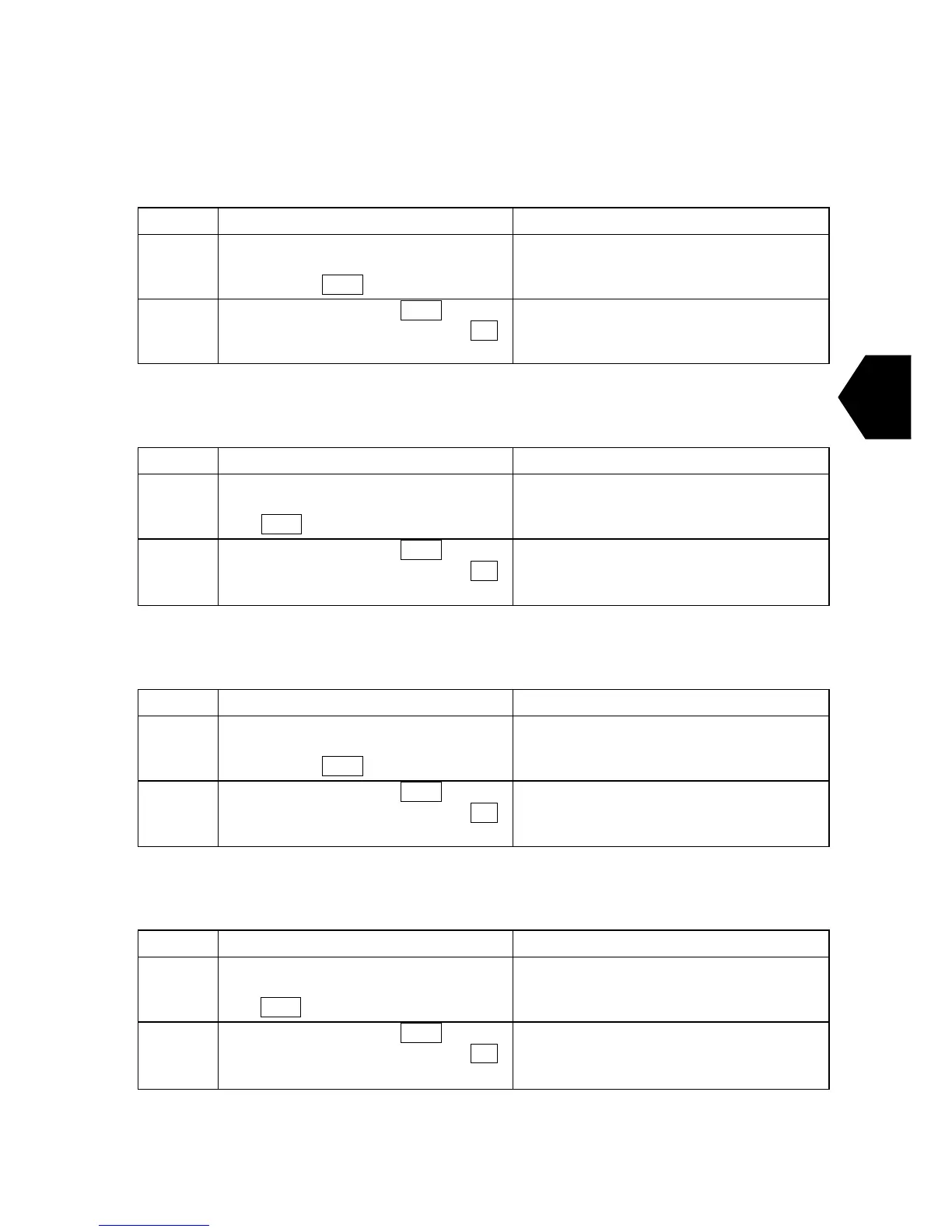
Step Operation IME/DTE Response
1
・Move the cursor to “Background color
of main display” with using the arrow
keys and press Enter key.
・“Background color of main display”
setting window is displayed.
2
・Select the color and press Enter key.
When the color is not changed , Press F10
key.
・Change the setting to new one.
3.6.5.2 Text Color of Main Display
This menu can set the Main area text color.
Step Operation IME/DTE Response
1
・Move the cursor to “Text color of main
display” with using the arrow keys and
press Enter key.
・“Text color of main display” setting
window is displayed.
2
・Select the color and press Enter key.
When the color is not changed , Press F10
key.
・Change the setting to new one.
3.6.5.3 Background Color of H&F Display
This menu can set H&F area background color.
Step Operation IME/DTE Response
1
・Move the cursor to “Background color
of H&F display” with using the arrow
keys and press Enter key.
・“Background color of H&F display”
setting window is displayed.
2
・Select the color and press Enter key.
When the color is not changed , Press F10
key.
・Change the setting to new one.
3.6.5.4 Text Color of H&F Display
This menu can set H&F area text color.
Step Operation IME/DTE Response
1
・Move the cursor to “Text color of H&F
display” with using the arrow keys and
press Enter key.
・“Text color of H&F display” setting
window is displayed.
2
・Select the color and press Enter key.
When the color is not changed , Press F10
key.
・Change the setting to new one.



 To Next Page