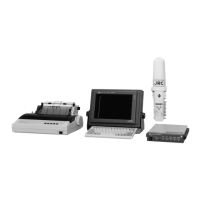
3-26
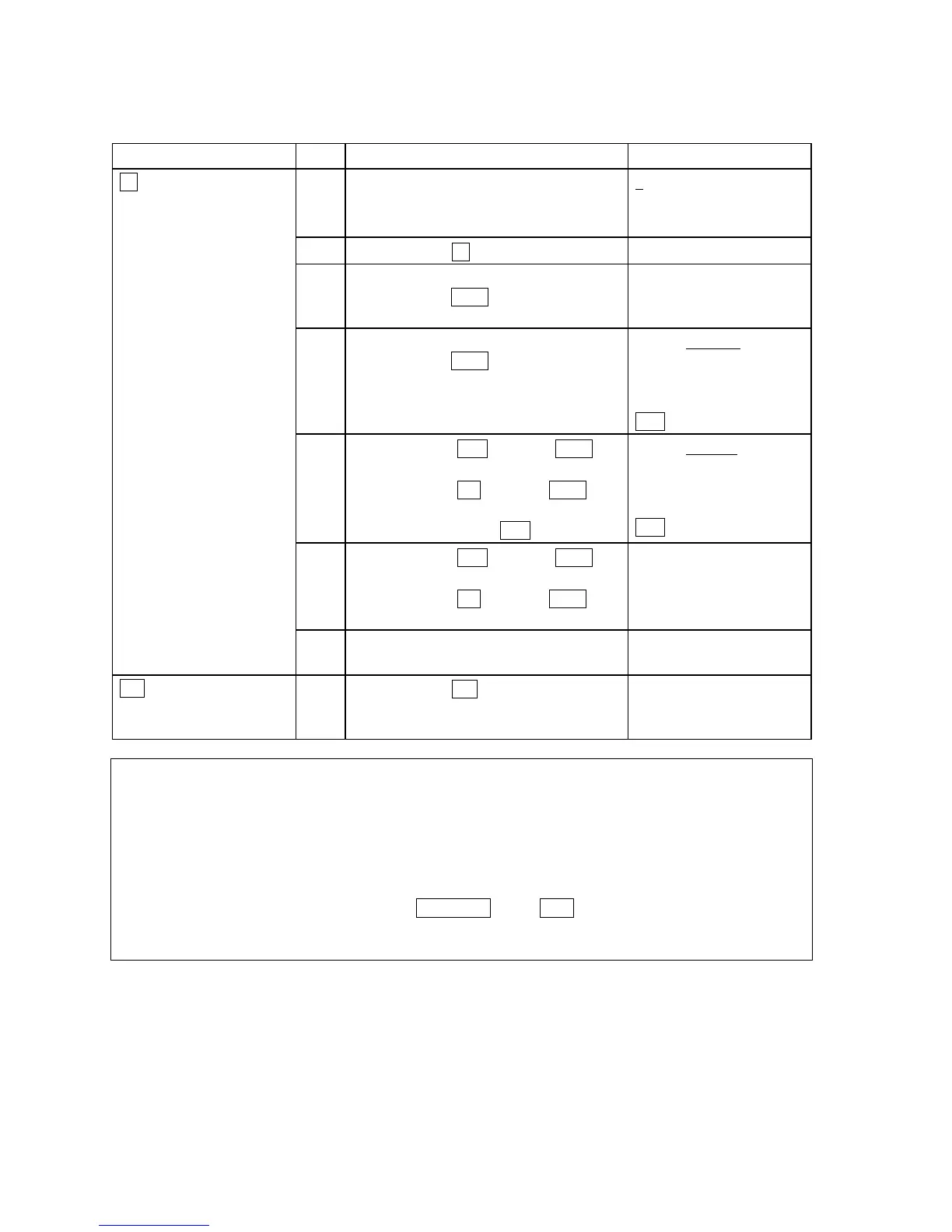
Function Step Operation Example
1
• Move the cursor to the
beginning of the line.
1
. THE QUICK
2. THE BLOCK
3. THE QUICK
2
• Press
F9 (“Find/Replace”).
Input Search String:
3
• Input the search string and
press
Enter.
EX. “BLOCK”
Input Replace String:
4
• Input the replace string and
press
Enter
EX. “QUICK”
2. THE BLOCK
3. THE QUICK
Replace the string?
YES NO
5
• Select
YES and press Enter to
replace the search string.
• Select
NO and press Enter to
stop the search.
EX. Select
YES
2. THE QUICK
3. THE QUICK
Continue Search?
YES NO
6
• Select
YES and press Enter to
continue the search string.
• Select
NO and press Enter to
stop the search string.
String xxxxx not found!
F9 (“Find/Replace”)
Word Search and Replace
7
• Press any Key to return the edit
mode.
F10 (“-Others-”)
Switch of Command sets
1
• Press
F10 (“-Others-”) to
switch the command sets to the
group A.
NOTE
• When the edit mode is “edit Telex file”, set the max. columns to “69”.
• Characters, words, and lines can be copied easily with using “Undo” command. After once deleted,
press “Undo” command the number of times you want to copy.
• Input a word with capital letter when searching and replacing the word in Telex file. To make capital
letter, input character string with pressing Caps Lock key or Shift key.


 To Next Page