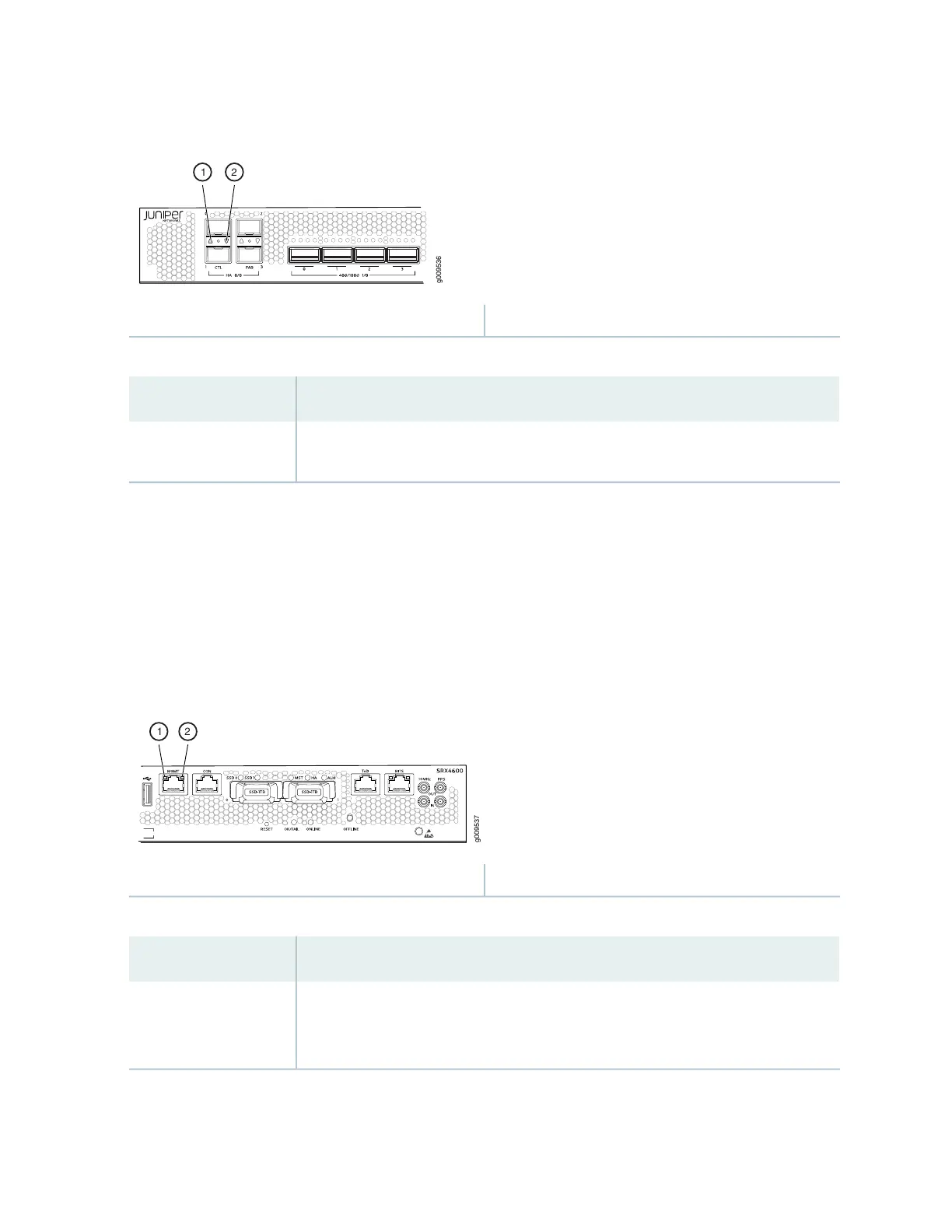
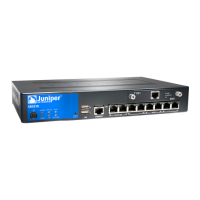
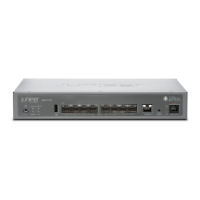
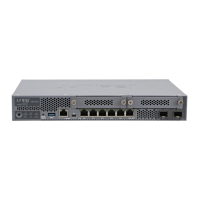
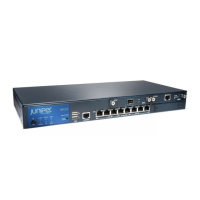
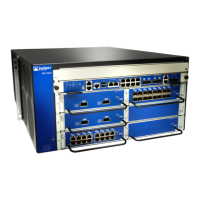
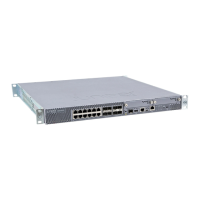
Figure 6: HA Port LEDs
2—1— Link activity LED of HA port 1Link activity LED of HA port 0
Table 6: HA Port LEDs
DescriptionLED
•
Solid green—A link is established.
•
Off—There is no link established.
Link activity LED
Management Port LEDs
The management port has two LEDs that indicate link activity and status of the management port.
Figure 7 on page 28 shows the location of the LEDs on the management port and Table 7 on page 28
describes the LEDs.
Figure 7: Management Port LEDs
2—1— Status LEDLink activity LED
Table 7: Management Port LEDs
DescriptionLED
•
Solid green—A link is established, but there is no activity on the link.
•
Blinking green—There is link activity.
•
Off—There is no link established.
Link activity LED
28


 To Next Page