DRAFT
The language of touch
With specific gestures on a touch enabled device, you can quickly perform key activities
like Search and Share; there’s a corresponding command for using a mouse or keyboard,
so you can interact in whatever way you prefer.
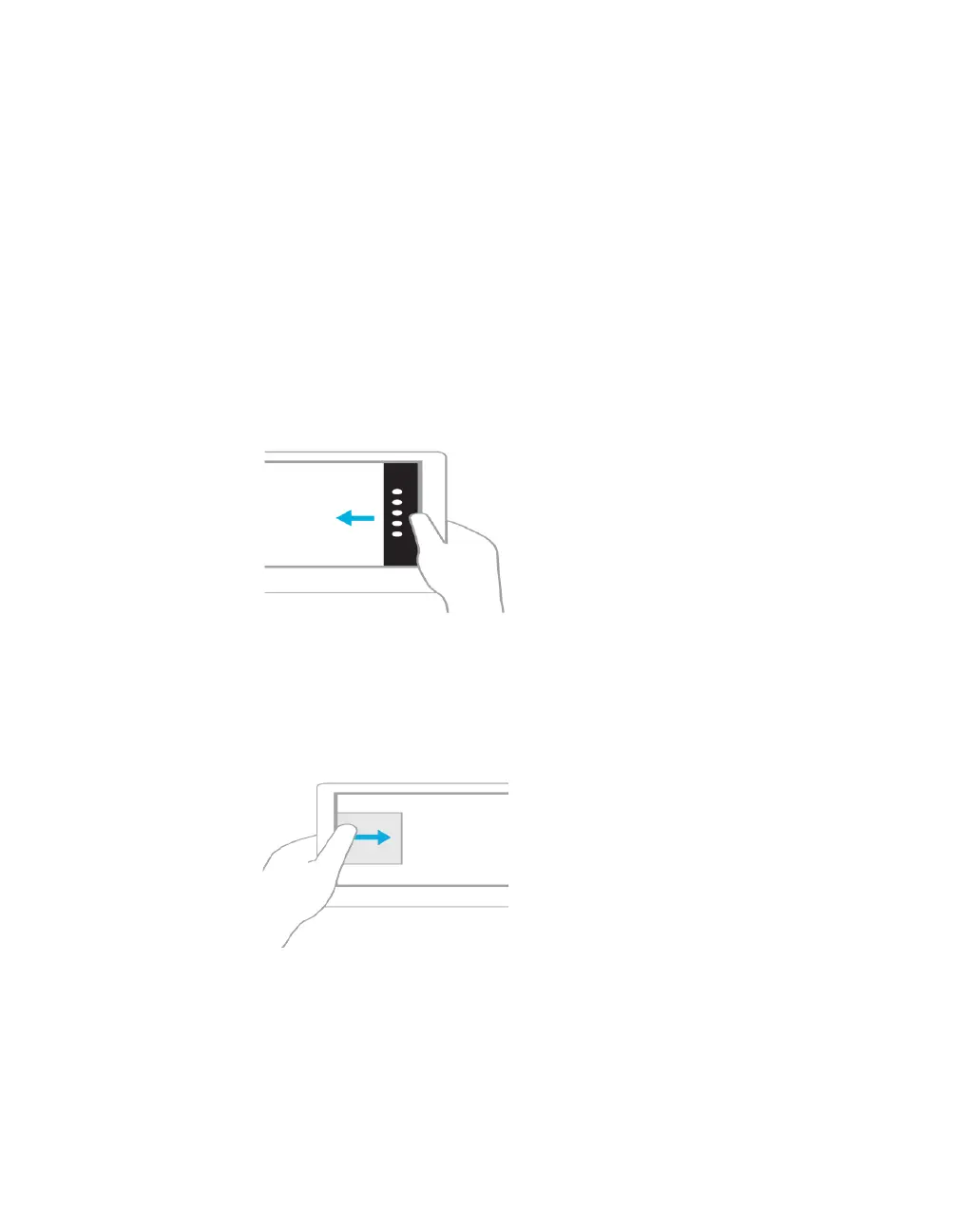
Swipe from the right edge for system commands
Swiping from the right side of the screen reveals the charms with system commands.
Swiping from the left brings up previously used apps.
Mouse equivalent
Place the mouse pointer in the lower or upper-right corner of the screen
Swipe in from the left to switch apps
Swiping in from the left reveals thumbnails of your open apps so you can switch to them
quickly.
Mouse equivalent
Place the mouse pointer in the upperleft corner, and click to cycle through apps, or in the
lower-left corner to see the Start screen.



 To Next Page