DRAFT
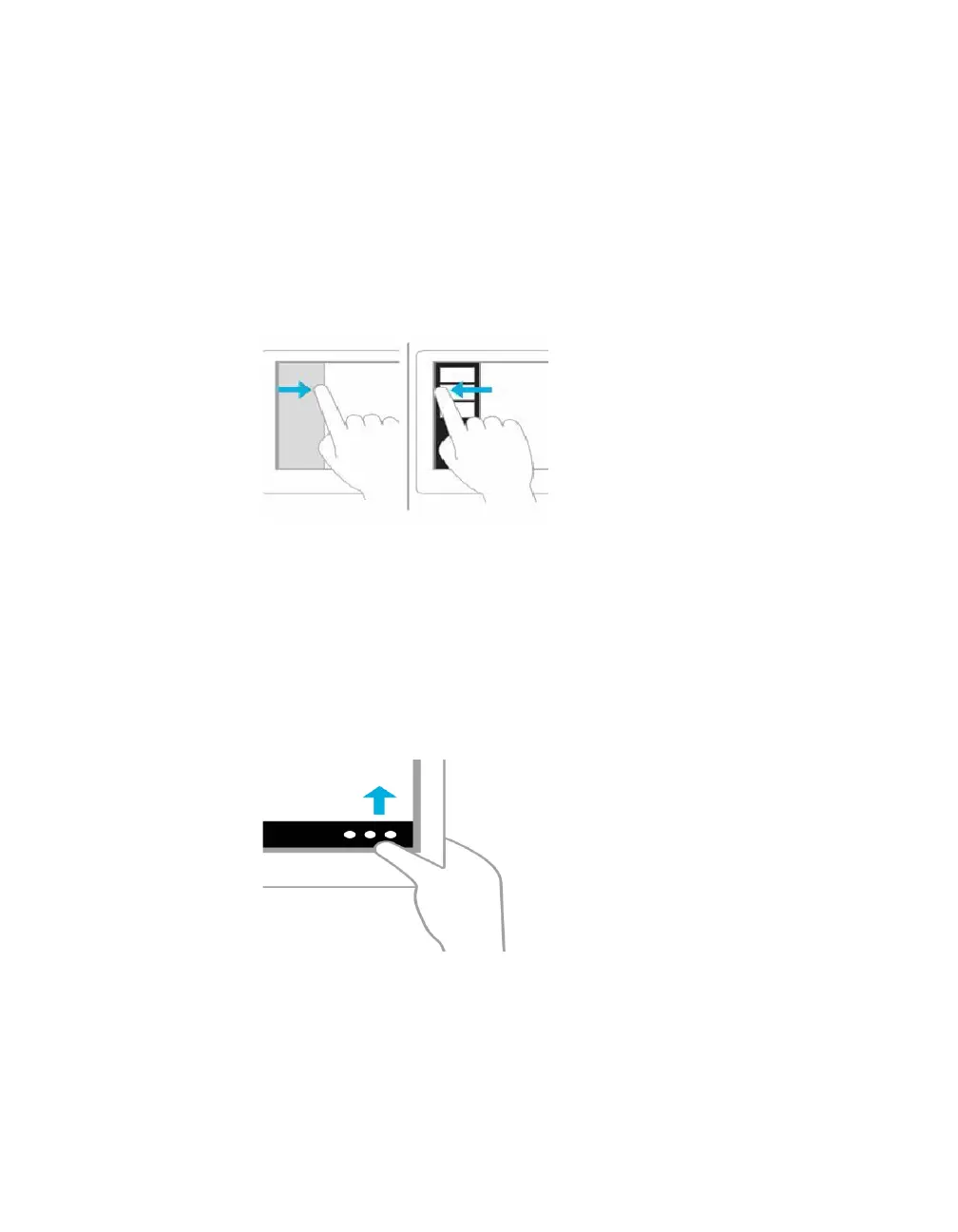
Swipe in and out on the left to bring up previously used apps
Swiping in and back out on the left brings up the most recently used apps and you can
select an app from that list.
Mouse equivalent
Place the mouse pointer in the upper left and slide down the left side of the screen to see
the most recently used apps
Swipe from the bottom or top edge for app commands
App commands are revealed by swiping from the bottom or top edge. You can swipe from
the top to the bottom of the screen to dock or close the current app.
Mouse equivalent
Right-click the app to see the apps commands



 To Next Page