DRAFT
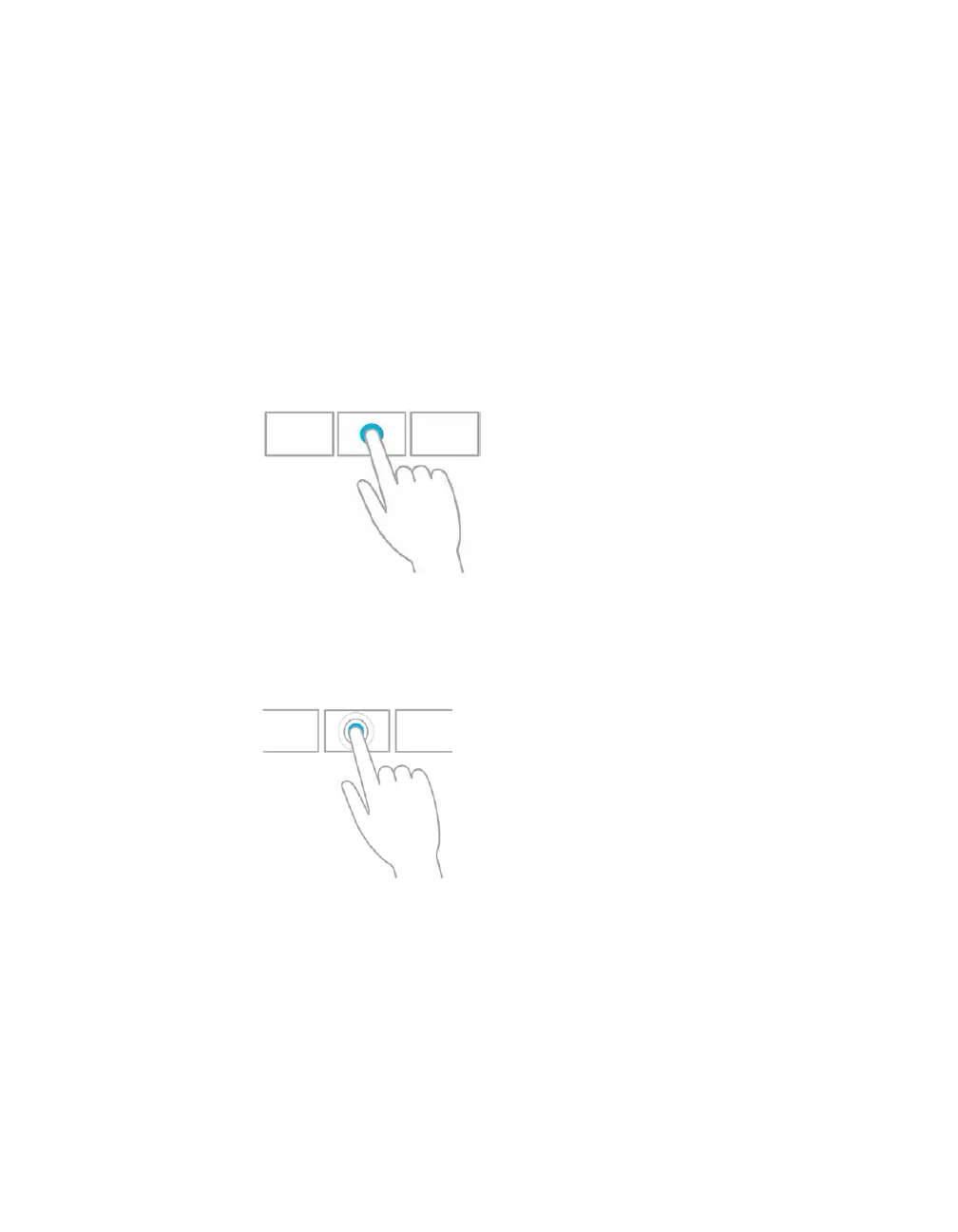
Press and hold to learn
You can see details when you press and hold. In some cases, pressing and holding opens
a menu with more options.
Mouse equivalent
Point to an item to see more options.
Tap to perform an action
Tapping something causes an action, such as launching an app or following a link.
Mouse equivalent
Click an item to perform an action
Slide to drag
This is mostly used to pan or scroll through lists and pages, but you can use it for other
interactions, too, such as moving an object or for drawing and writing.
Mouse equivalent
Click, hold, and drag to pan or scroll. Also, when you use a mouse and keyboard, a scroll
bar appears at the bottom of the screen so you can scroll horizontally.



 To Next Page