DRAFT
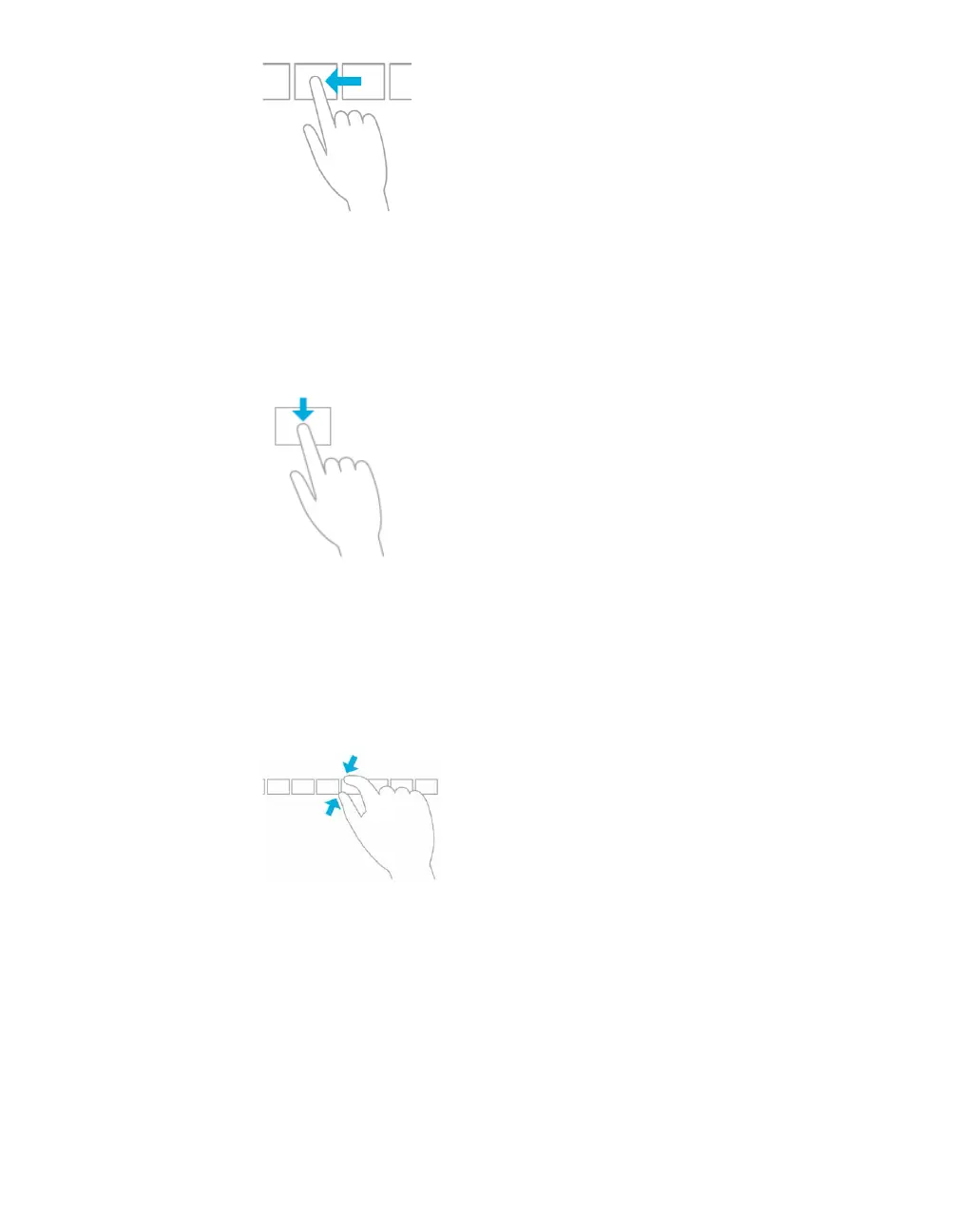
Swipe to select
Within an app, swipe down or across an item to select it. A quick, short movement works
best. On Start, press and hold to select a tile.
Mouse equivalent
Simply right-click to select within the app.
Pinch or stretch to zoom
Zooming provides a way to jump to the beginning, end, or a specific location within a list.
You can start zooming by pinching or stretching two fingers on the screen.
Mouse equivalent
Hold down the control key on the keyboard while using the mouse wheel to expand or
shrink an item or tiles on the screen.
Rotate to turn
Rotating two or more fingers turns an object. You can turn the whole screen 90 degrees
when you rotate your device.
Mouse equivalent
Support for rotating an object depends on whether the specific app supports it.



 To Next Page