Chapter 2. The Validator AVS Hardware
Kaye Validator AVS User’s Manual 28
2.3.1b Connecting a Contact
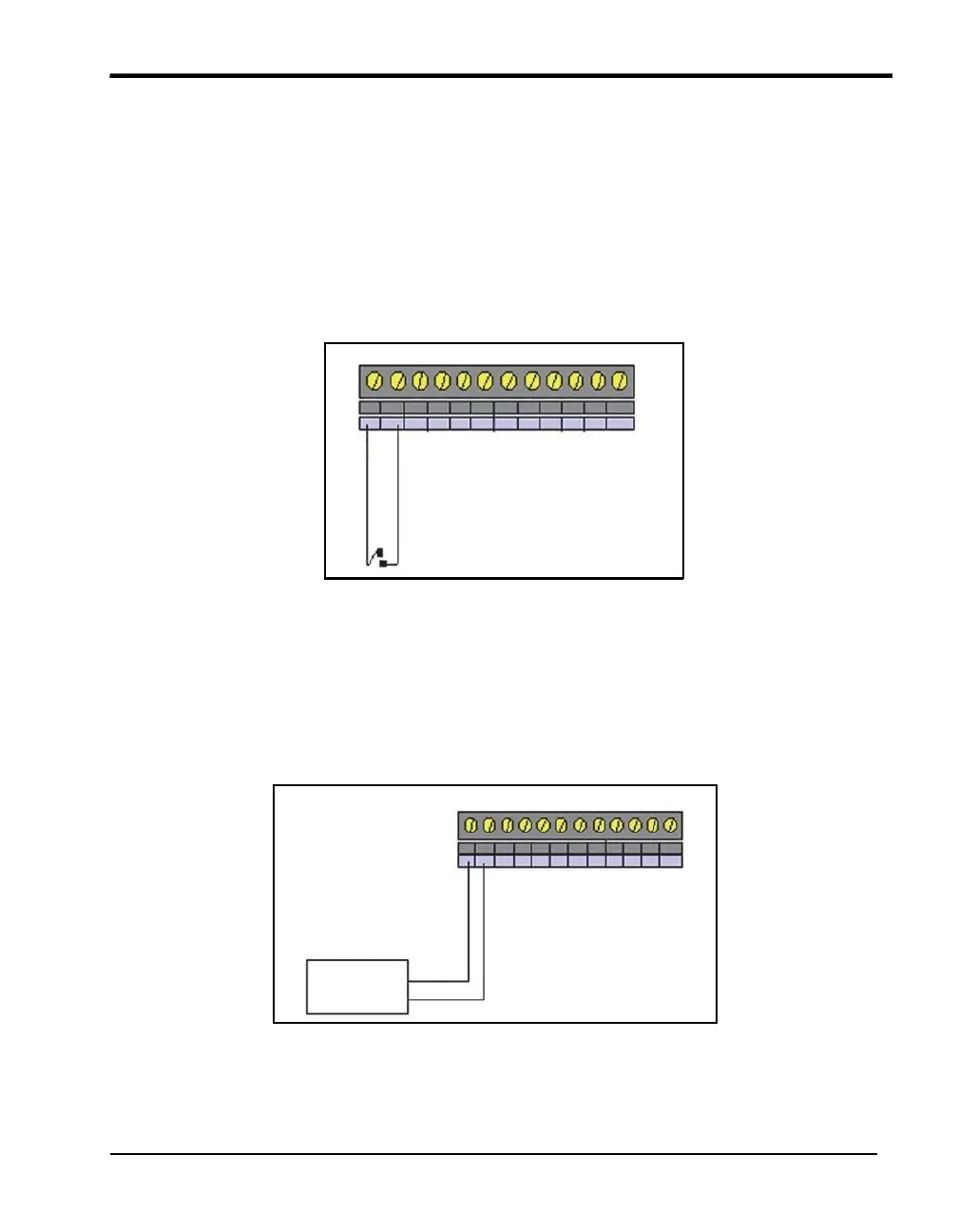
You can connect dry contact inputs directly to the TC-SIM, as shown in Figure 13 below.
Dry contact inputs can be used to make a time notation in the data file (to mark start
exposure, stop exposure, start of qualification, end of qualification) and to mark any events
that occur during the qualification study. You can also wire a dry contact to your vessel's
PLC to detect status output, and use it to automatically mark the start and end of the
exposure cycle during the qualification study.
+ – + – + – + – + – + –
1 2 3 4 5 6
Figure 13: Connecting Dry Contact Inputs
2.3.1c Connecting a Voltage Input
Connect a voltage input (up to 10 VDC) to the connectors, as shown in Figure 14 below.
Always connect the positive (+) lead to the positive (+) connector and the negative (-) lead
to the negative (-) connector.
+ – + – + – + – + – + –
1 2 3 4 5 6
Voltage +
Transducer –
Figure 14: Voltage Input Connection



 To Next Page