Chapter 3. Creating User Accounts
Kaye Validator AVS User’s Manual 39
3.2 Logging in as a Default System Administrator
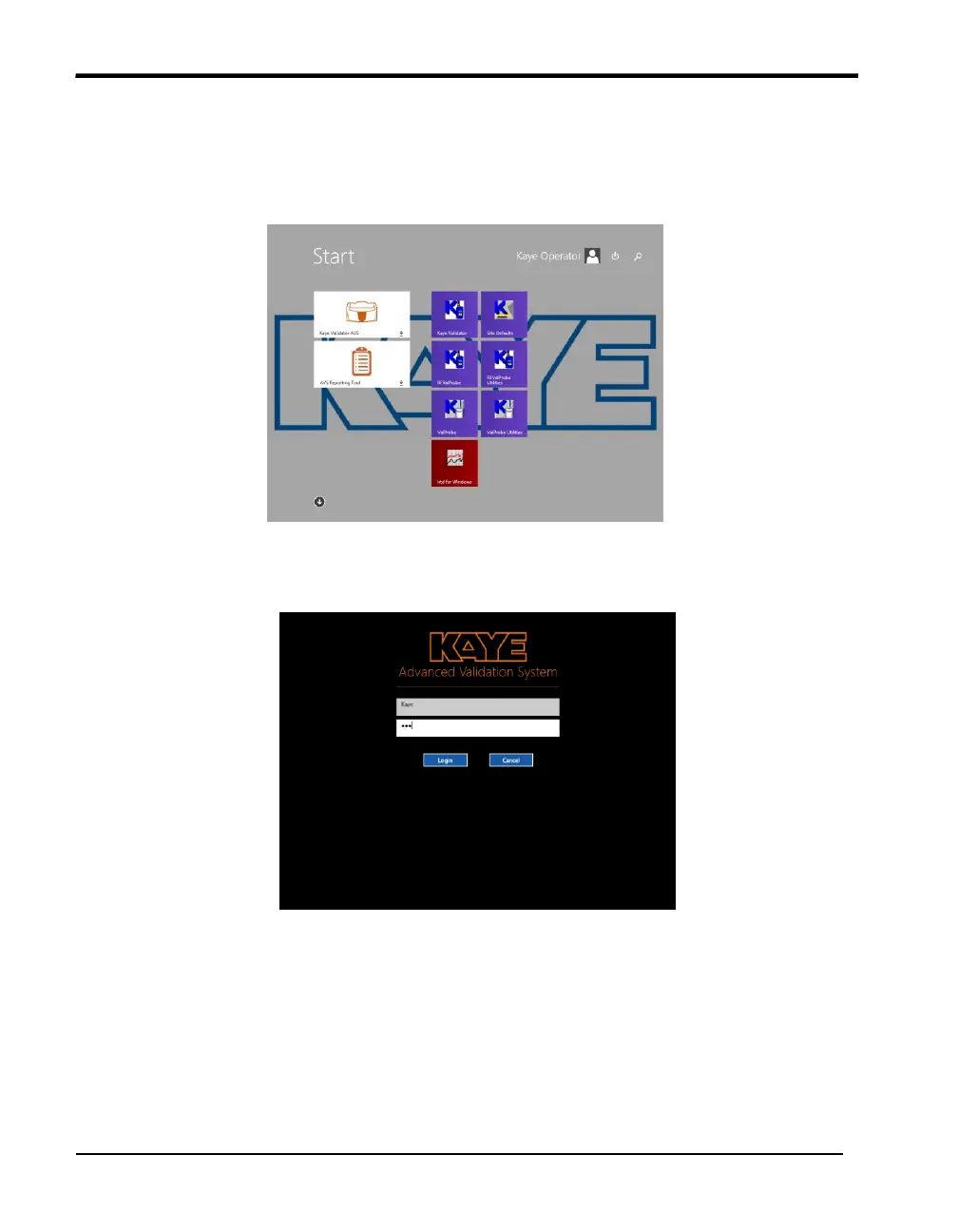
The Kaye validation console boots automatically into the Kaye Operator windows
account on startup. In the start menu, you can start the Kaye Validator AVS software or
use Kaye legacy software (Administrator password required!).
Figure 19: Login Screen
Once you have started the Validator AVS software, login screen appears as shown in
Figure 16 below.
Figure 20: Login Screen
1. Enter “Kaye” in the User ID text box.
“Kaye” is the default System Administrator user ID. The User ID text box is case
sensitive. Please make sure you enter the default user ID exactly as it appears here.
2. Enter “411” in the Password text box, as one time default System Administrator
password.
3. Press Login.



 To Next Page