Chapter 3. Creating User Accounts
Kaye Validator AVS User’s Manual 51
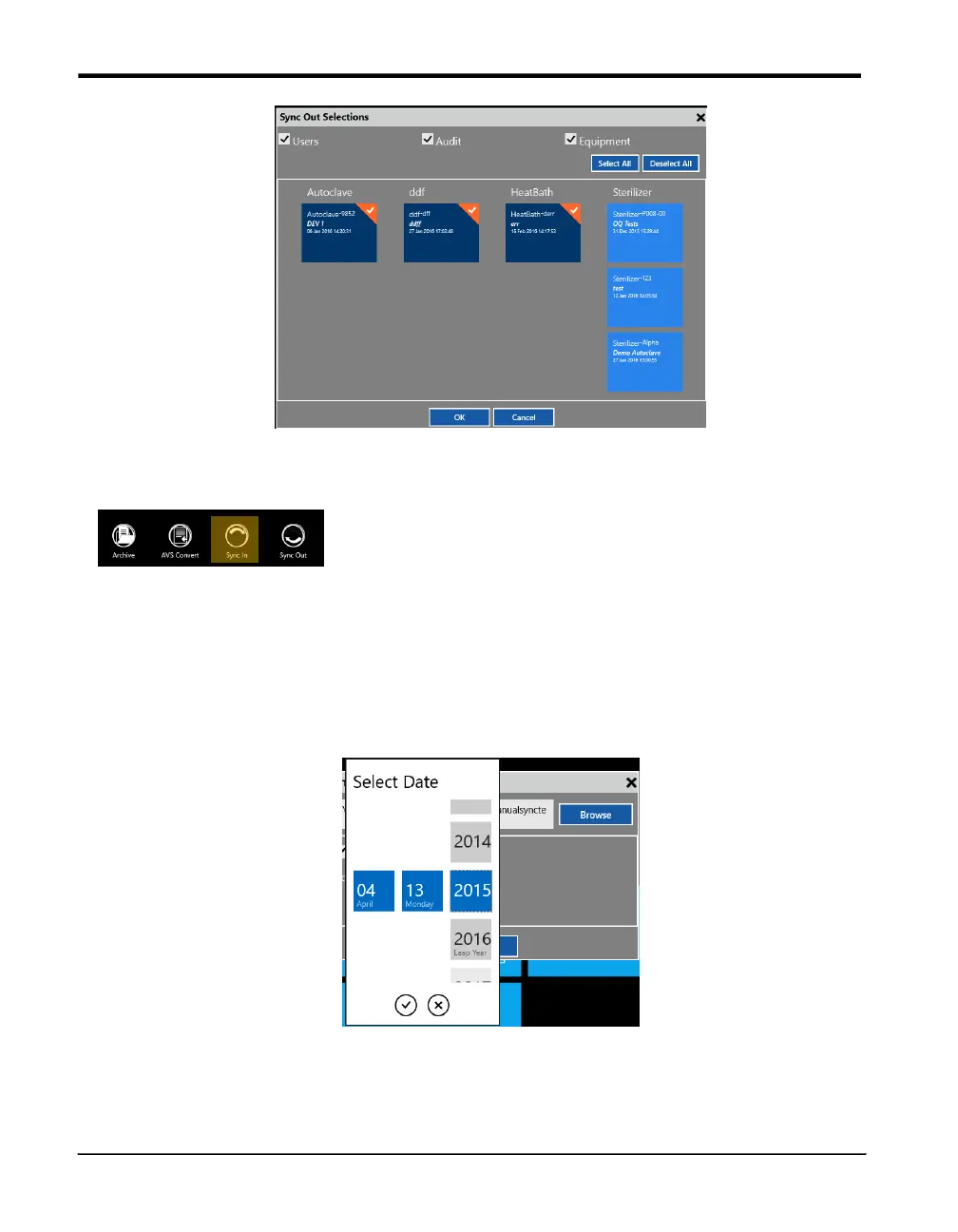
Figure 27: Sync Out selection box
Sync In
The sync in functions copies data from a file location to the console. It can be used to restore
data of a backup generated with the Sync out or Archive function. Like in the sync out
function the user can select which data and which assets are copied to the console. In addition
to the Data selection there’s a date filter to prevent old data to be copied to the console. The
date filter specifies a time frame with simple dropdown selection.
The copied data is merged with the existing console data.
Figure 28: Sync In - Date Filter



 To Next Page