A75UM4E1 (Ver. E.2)
4-5
Error message Treatments
Printer is offline Turn off both scanner and printer.
Check whether or not they are connected each other with
the cable.
If not, connect them and then turn them on again.
There is no suitable roll This is indicated when you do copying in the Auto Paper
Mode but no roll media matches the output image size
because the selected zoom ratio is not proper.
Do either of the following treatments.
1. Load another roll media to the Roll Deck, which
matches the output image size.
2. Change the zoom ratio so that the output image size
should match any of roll media in the printer.
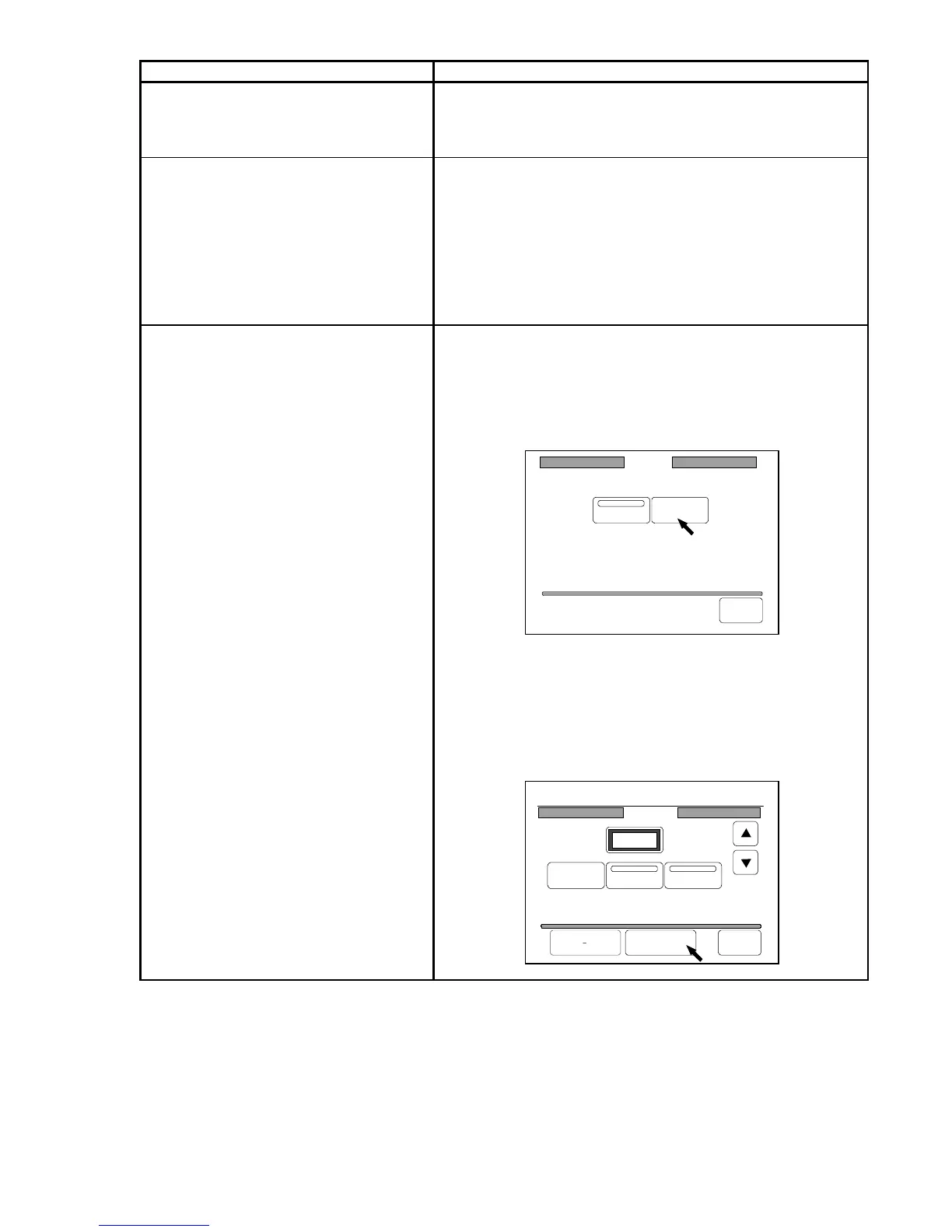
Memory is full This is indicated in any of the following cases.
1. The memory is fully occupied with the image data
during scanning since the original has too much
image data.
Making reference to “Memory” on the page 3-161,
delete the image data from the memory.
2. Quantity of image data of the Set Copy Job
exceeds the capacity of memory.
Making reference to “Memory” on the page 3-161 or
“All Cancel” on the page 3-141, delete the Set Copy
Job from the memory.
Memory
Auto Clear
Clear
Back
23%
001
Page Edit
P.5/10
Delete
Insert Replace
Re Edit All Cancel Back



 To Next Page