A75UM4E1 (Ver. E.2)
4-6
Error message Treatments
Door open Any door of printer is opened.
Close it.
Inner Feed Unit is open Inner Feed Unit in the printer is opened.
Close it making reference to printer’s manual.
Remove the media This is indicated when the media is remaining in the printer
after Initial Cut.
Remove it making reference to printer’s manual.
Set a sheet on the printer Set the sheet media to the connected printer.
Remove the sheet media Remove the sheet media from the printer.
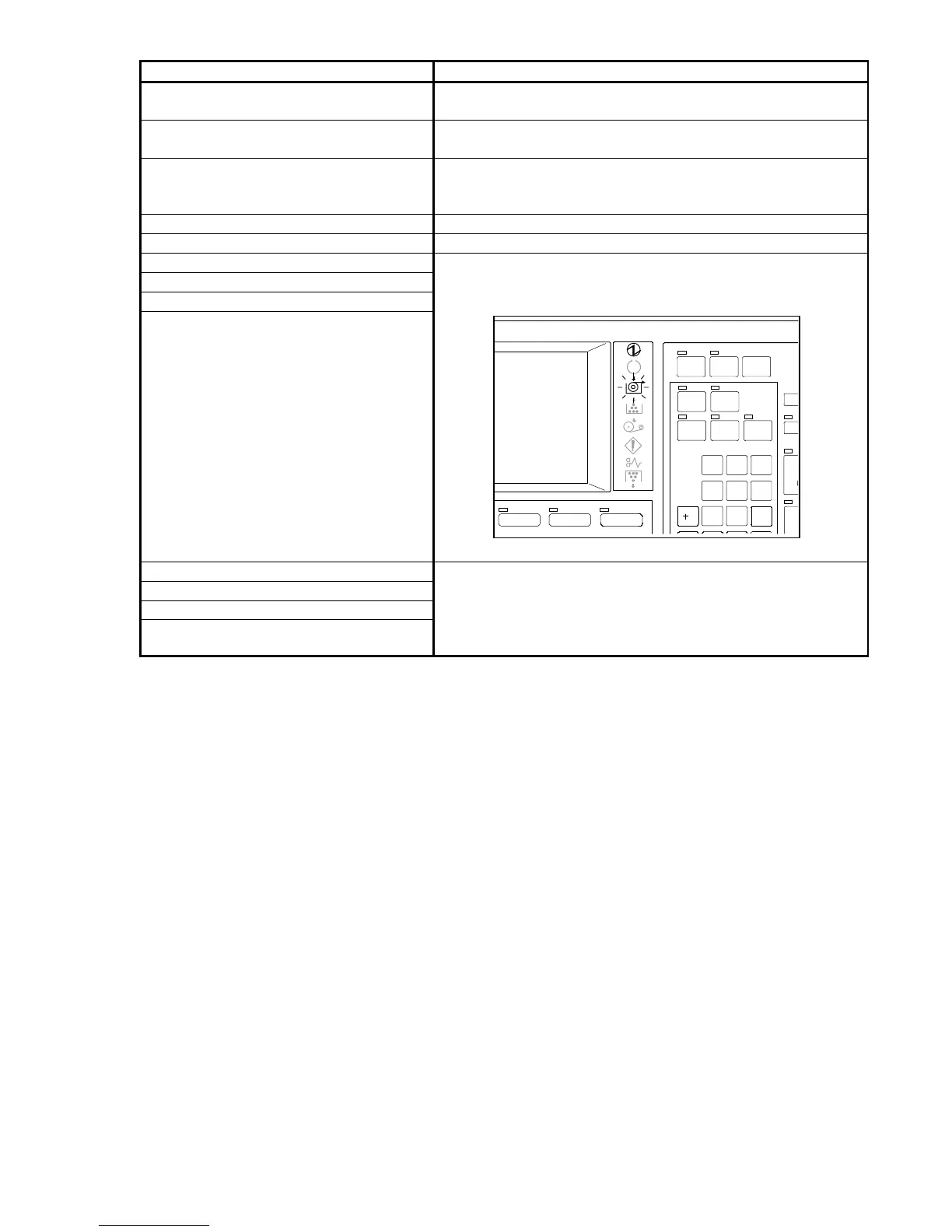
Roll 1 is empty
Roll 2 is empty
Roll 3 is empty
Roll 4 is empty
The Roll Empty Indicator lights up at this time.
Load a new roll media to the corresponding Roll Deck
making reference to printer’s manual.
Roll Deck 1 is open
Roll Deck 2 is open
Roll Deck 3 is open
Roll Deck 4 is open
Close the corresponding Roll Deck.
Note : If “Roll Deck 3 is open” is indicated when the
printer KIP2720E is connected, it means the
Cutter Hatch is opened.
SAVE
INTERRUPT RES ET
SET COPY
AUTO ZOOM AUTO PA PER
PRINT
CONCURRENT
ROTATE
POWE R
/R
1
4
7
2
5
8
3
6
9
IMAGE QUALIT YZOOMPAPER



 To Next Page