A75UM4E1 (Ver. E.2)
4-7
[Service Call Errors]
Error message Treatments
Original feeding motor error
Web is empty
Web feeding error
Cutter Unit error
Wire cleaning motor error
Exposure lamp error
Copy number counter error
Length counter error
Key counter error
Fuser temperature is too low
Fuser temperature is too high
Thermostat open
Fuser motor error
Process motor error
Main motor error
Developer motor error
Paper feeding motor error
Connected printer has some error.
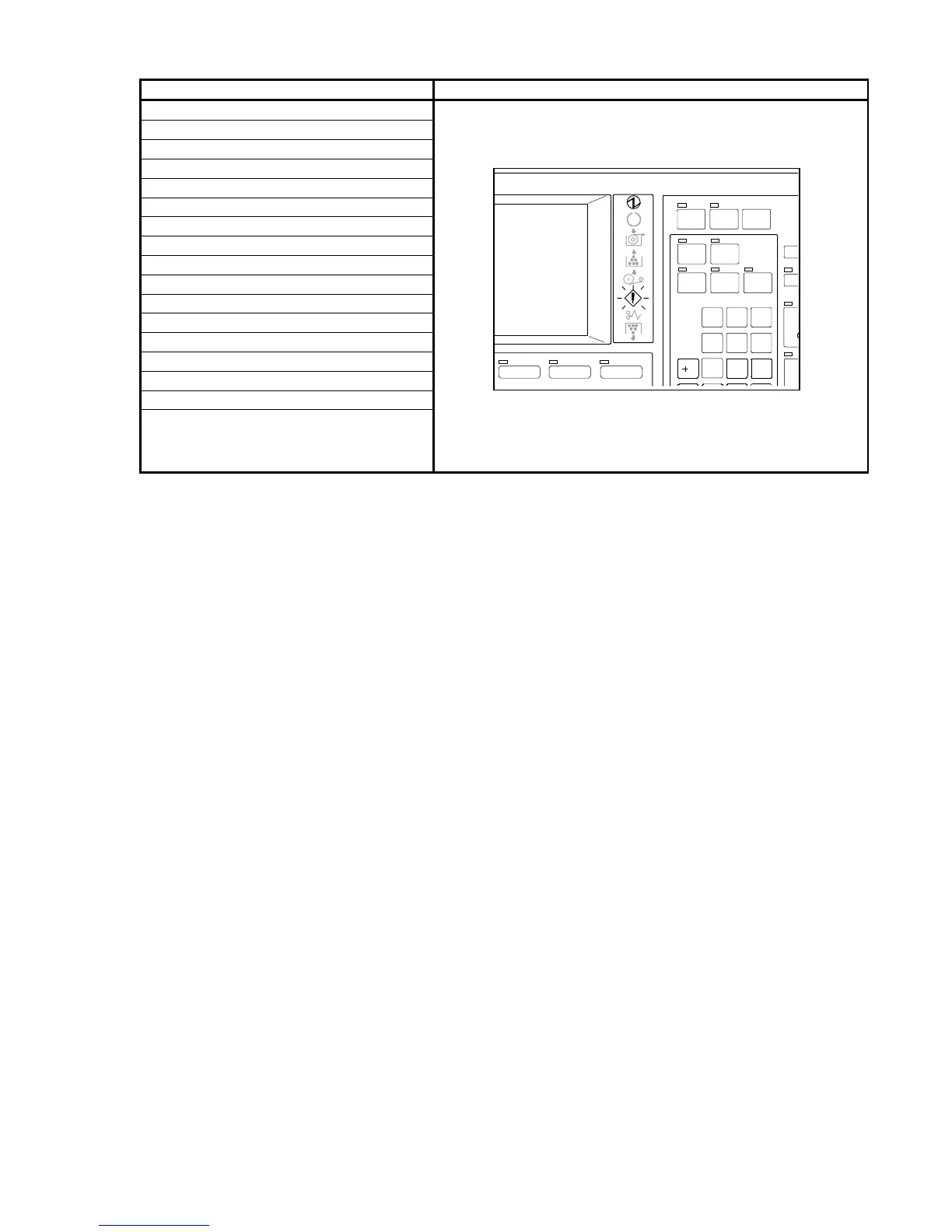
The Error Indicator on the Operation Panel lights up at this
time.
When any of these messages is indicated, you need to call
the service engineer since the printer is having an
abnormal error.
Inform him/her of the indicated message when you call.
SET C OPY
AUTO ZOO M AU TO PAPER
PRI NT
CONCURRENT
ROTATE
POWER
SAVE
INTE RRUPT RESET
/R
1
4
7
2
5
8
3
6
9
IMAGE QUALITYZOOMP APER



 To Next Page