A75UM3E4 (Ver. E.2)
3-25
[References]
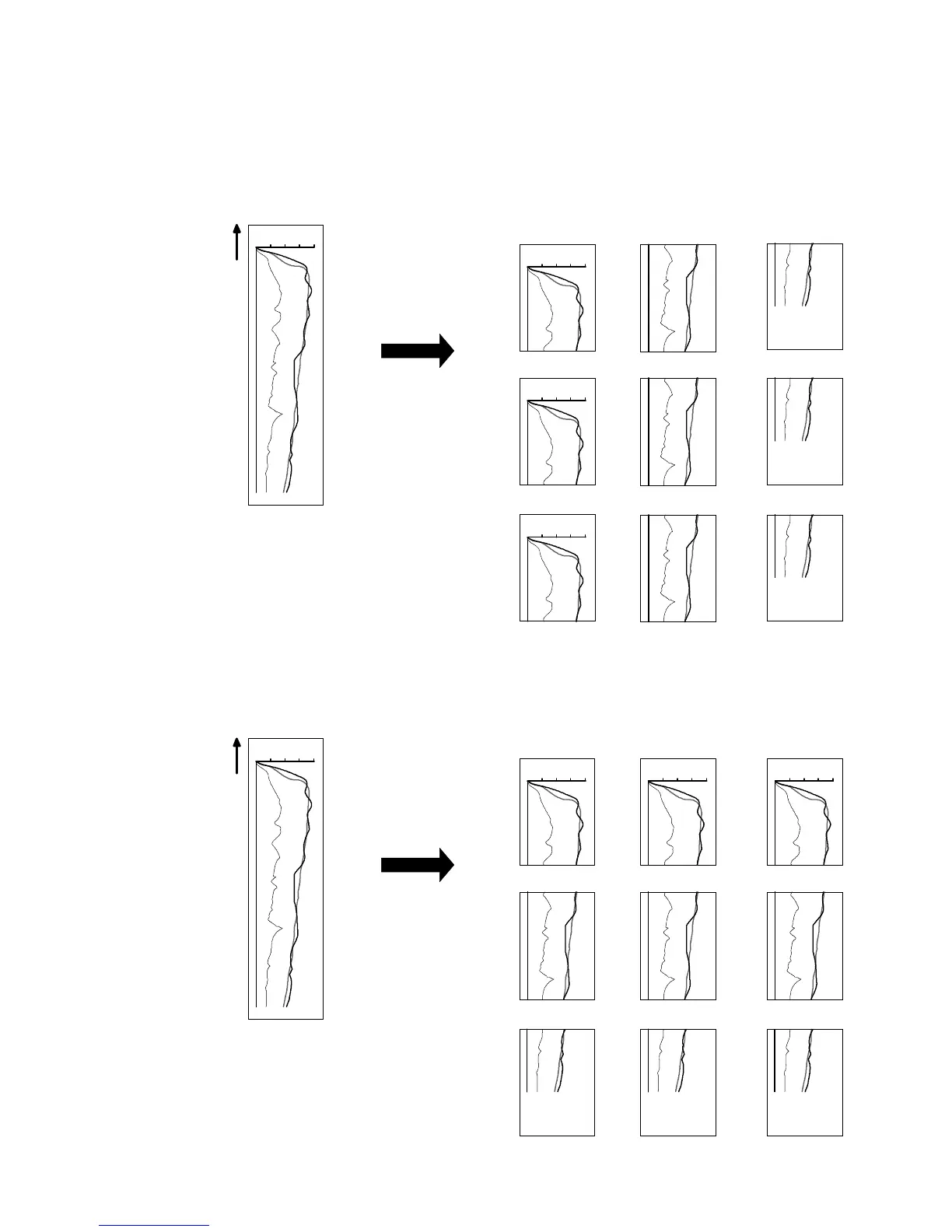
1. If you need some sets of divided copies, it is possible to sort them if you do Divide Copy with Set
Copy Mode and Sort Mode as the following example 2.
As for the way to do Set Copy in the Sort Mode, refer to “Set Copy in the Sort Mode” on the
page 3-112.
(Example 1 : Divide Copy is done with Copy Count “3”.)
(Example 2 : Divide Copy is done with Set Copy Mode, Sort Mode “Sort a” and Copy Count “3”.)
0
100
50
A
B
C
0
100
50
A
B
C
Scanning
direction
Original
Divide Copy with Set
Copy Mode and Sort Mode
0
100
50
A
B
C
0
100
50
A
B
C
Order of copy
1st 4th 7th
2nd 5th 8th
3rd 6th 9th
0
100
50
A
B
C
0
100
50
Scanning
direction
Original
Normal Divide Copy
A
B
C
Order of copy
1st 4th 7th
2nd 5th 8th
3rd 6th 9th
0
100
50
0
100
50
A
B
C
A
B
C



 To Next Page