A75UM3E7 (Ver. E.2)
3-41
[Operation]
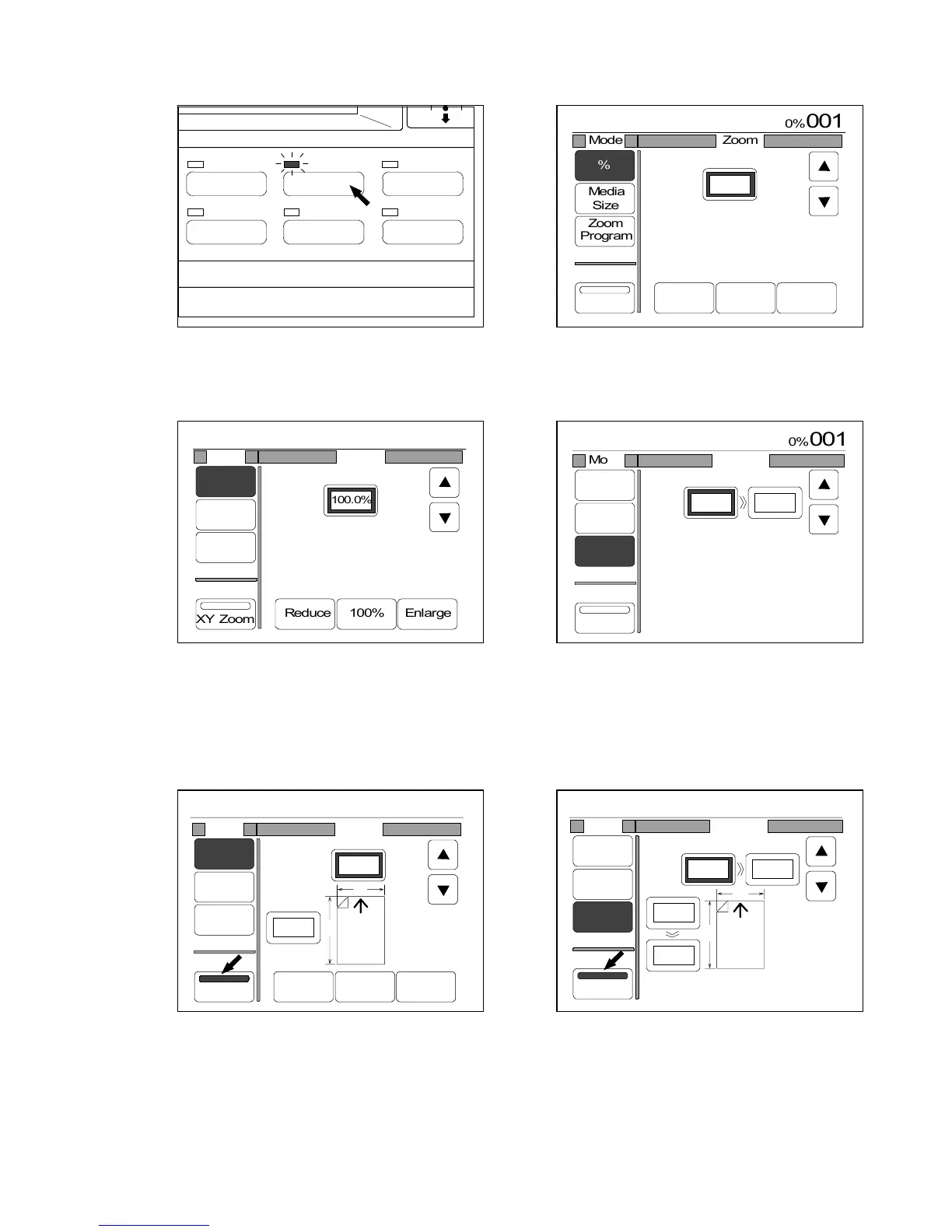
1) Push the Zoom Key to indicate the Zoom Setting Screen on the LCD.
(Zoom Key) (Zoom Setting Screen)
2) Select either % Mode or Zoom Program Mode.
(% Mode) (Zoom Program Mode)
3) Select the XY Zoom Mode pressing “XY Zoom”.
“XY Zoom” is colored, and the LCD indicates the setting indication as follows.
(% Mode) (Zoom Program Mode)
IMAGE QUALITY
LAYOUT/SORT
ZOOM
DATE STAMPFUNCTION
PAPER



 To Next Page