27
4
Quadrant
Energy Analyzer
4
Quadrant
Energy Analyzer
3.1.7 Start
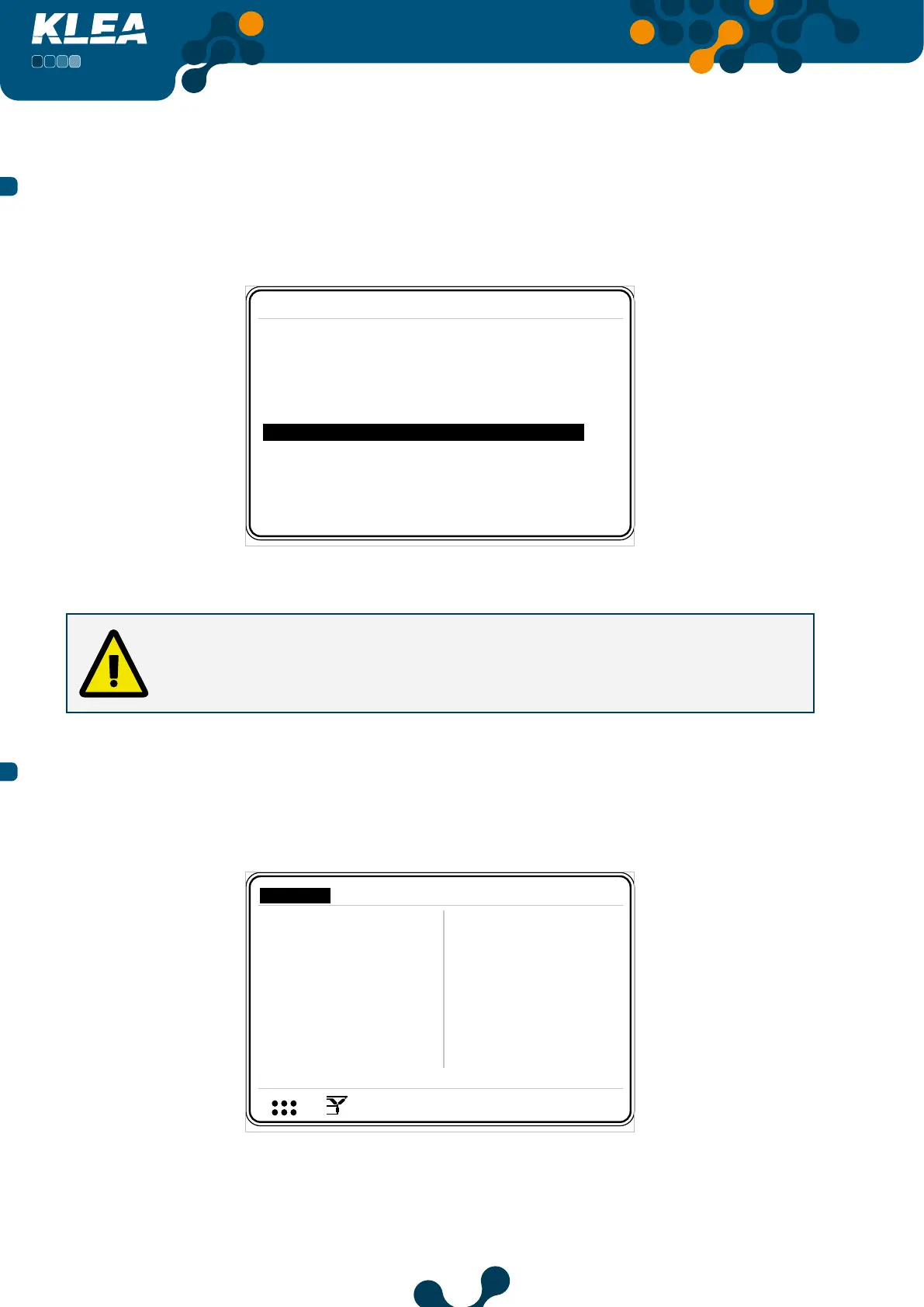
When Start tab is selected, press OK key to initialize Klea.
Initializing ..........................
Startup Settings
Language English
Date 07 January 2013
Time 17:45:28
CTR 1
VTR 1.0
Connection 3phase 4wire
Start
Fig. 3-9 Start
KLEA “first power-on” settings page only appears when KLEA is powered up for the
first time after factory production. Following this first initialization, all the required
settings (including “first power-on” page settings) can be accomplished via Settings
menu of KLEA.
3.2 Startup Screen
After KLEA is turned on, following page appears.
V1
V2
V3
V
V
V
A
A
A
I1
I2
I3
17:22
220.0
220.0
220.0
5.0
5.0
5.0
V
1 2 3
I
1 2
1 2 E
Settings
Measure
Meters
Alarms Analysis
Fig. 3-10 Startup Screen
SECTION 3 MENUS


 To Next Page