60
4
Quadrant
Energy Analyzer
4
Quadrant
Energy Analyzer
SECTION 3 MENUS
THDV hi limit 0.0 %
Fig. 3-56 THDV High Limit Setting
V3 --- V21 high limit:
“3.”,“5.”…“21.”harmonic distortion high limit values are entered. In order to set an alarm for V3,
V5 – V21 operator should enter a high limit value larger than zero. When high limit is entered
as zero (0.0), V3, V5 – V21 alarm(s) will be deactivated (no alarm will be set). High limits can
be adjusted between . 0
100 For Virtual Keyboard Refer to 3.1.4 E.g.).
V3 hi limit 0.0 %
V21 hi limit 0.0 %
Fig. 3-57 V3 - V21 Harmonic High Limit
Delay:
See 3.2.1.1.8.1 V(L-N) Menu - Delay setting.
3.2.1.1.8.13 Harmonics I Menu
“Harmonics I” settings are the same as the “Harmonics V” alarm settings.
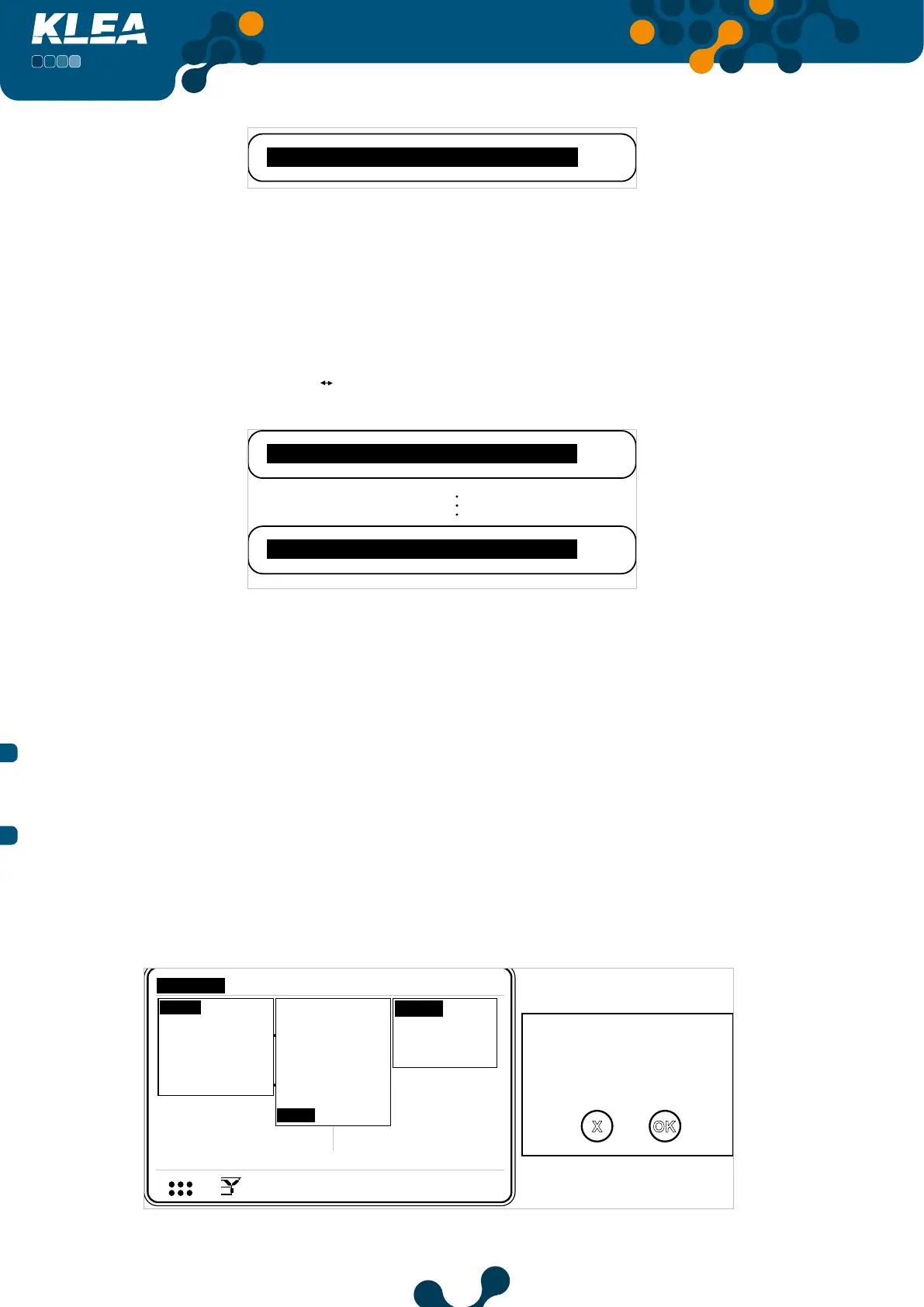
3.2.1.1.9 Clear Menu
In this tab, operator can clear demand values, energy (tariff meter) values and DI (Digital
Input) counters. ”All” option clears all, namely, demand, energy and DI counter values.
When “Clear” is highlighted, press OK key and the following page will appear on the screen.
V1
V2
V3
V
V
V
A
A
A
I1
I2
I3
17:22
0.0
0.0
220.0
5.0
5.0
5.0
V
1 2 3
I
1 2
1 2 E
Setup
Date / Time
System info
Password
Restart
Default settings
Settings
Measure
Meters
Alarms Analysis
Network
Device
Energy
Digital input
Digital output
Communication
Alarm
Clear
Are you sure?
OK
X
All
DI meters
Demand
Energy
Fig. 3-58 Clear Menu


 To Next Page