44
4
Quadrant
Energy Analyzer
4
Quadrant
Energy Analyzer
SECTION 3 MENUS
V1
V2
V3
V
V
V
A
A
A
I1
I2
I3
17:22
0.0
0.0
220.0
5.0
5.0
5.0
V
1 2 3
I
1 2
1 2 E
Setup
Date / Time
System info
Password
Restart
Default settings
Settings
Measure
Meters
Alarms Analysis
Network
Device
Energy
Digital input
Communication
Alarm
Clear
Digital output
Output11
Output2
Output3
Output4
Output5
Output6
Output7
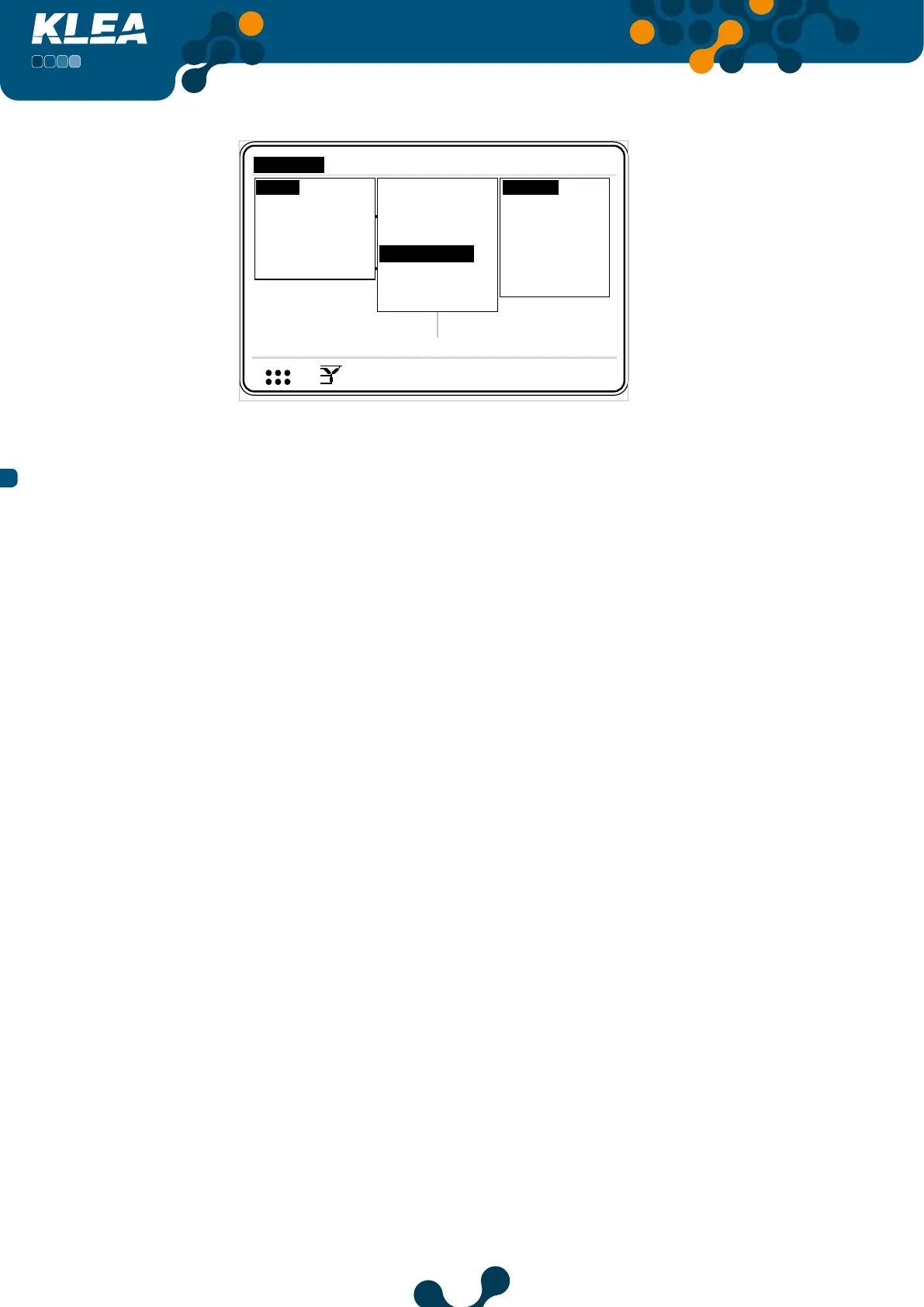
Fig. 3-35 Digital Output Menu (optional digital I/O model
3.2.1.1.5.1 Output1 Menu
Output1 gives output from D01- and D01+ pins
Mode: Press up and down keys to navigate between digital outputs. Press OK on
the desired output, and options seen in Fig. 3-36 will appear. Any of them can be
assigned as output1 operating mode.
Mode setting has the following options.
• O
• T1 kWh
• T1 kWh E.
• T1 kVArh I. Ind.
• T1 kVArh I. Cap.
• T1 kVArh E. Ind.
• T1 kVArh E. Cap.
• T2 kWh
• T2 kWh E.
• T2 kVArh I. Ind.
• T2 kVArh I. Cap.
• T2 kVArh E. Ind.
• T2 kVArh E. Cap.
• Digital Input


 To Next Page