54
4
Quadrant
Energy Analyzer
4
Quadrant
Energy Analyzer
SECTION 3 MENUS
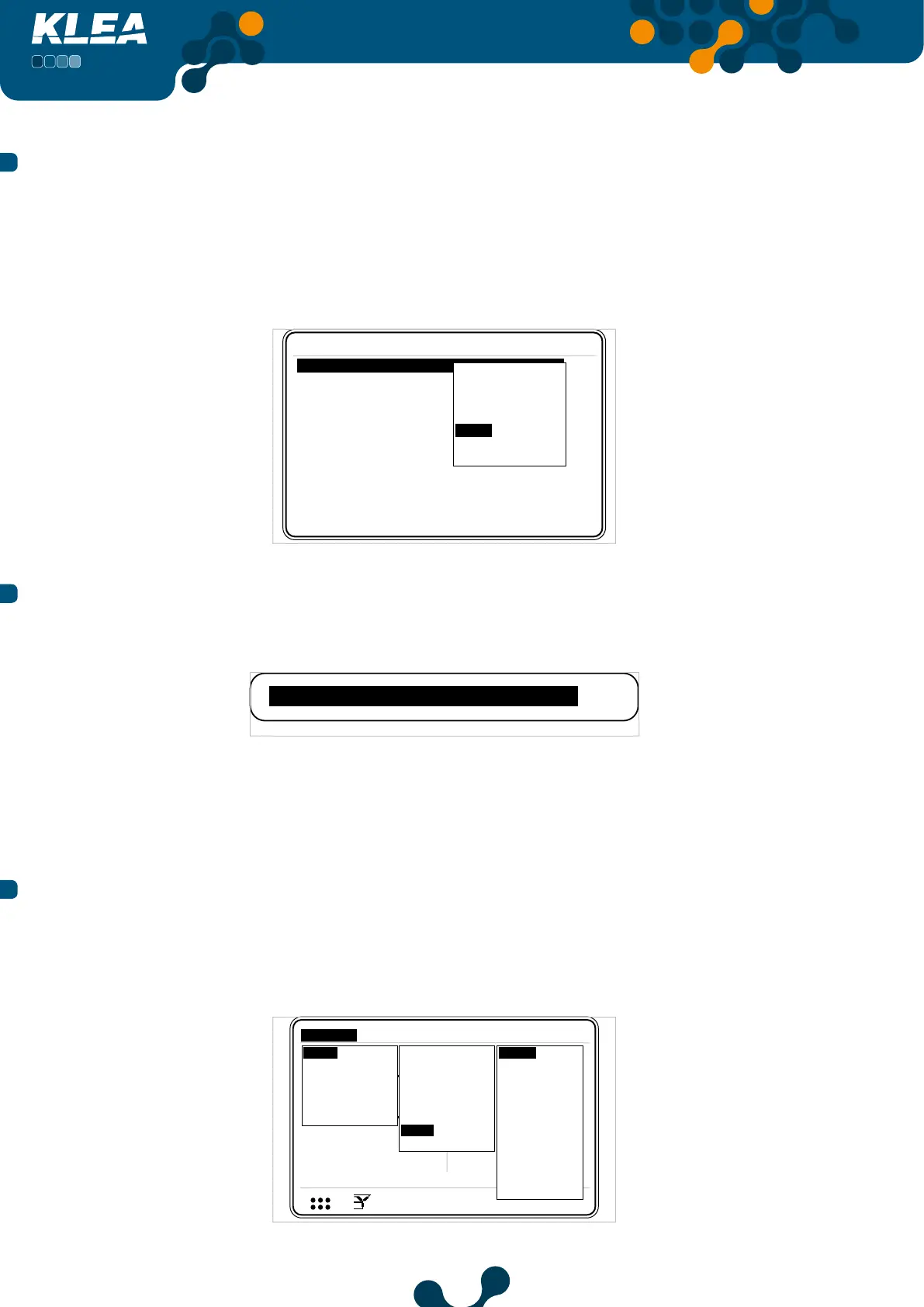
3.2.1.1.7.1 Baud Rate Menu
Inside Communication menu, press up and down keys to select (highlight) ‘Baud rate’ menu
item. Press OK key and baud rate options will appear on the screen as seen in Figure 3-45.
Scroll inside options by pressing up and down keys; press OK key to select the desired value.
Avaliable baud rates are: 2400, 4800, 9600, 19200, 38400, 57600 and 115200 bit/sec.
Settings->Setup->Communication
Baud rate 38400
Slave Id
2400
4800
9600
19200
38400
57600
115200
Fig. 3-45 Setting Baud Rate
3.2.1.1.7.2 Slave Id
In this tab, operator can adjust the slave ID. (For Virtual Keyboard Refer to 3.1.4 E.g.)
Slave Id 1
Fig. 3-46 Slave Id
KLEA can operate in an RS-485 network having a maximum quantity of 247 units. As a
result, ‘Slave Id’ can be adjusted between 1 and 247.
3.2.1.1.8 Alarm Menu
Inside‘Setup’ menu, when‘Alarm’ is selected, press OK key and the options in Figure 3-47
will appear on the screen. Press up and down keys to select the desired option and press
OK key to complete the setting.
V1
V2
V3
V
V
V
A
A
A
I1
I2
I3
17:22
0.0
0.0
220.0
5.0
5.0
5.0
V
1 2 3
I
1 2
1 2 E
Setup
Date / Time
System info
Password
Restart
Default settings
Settings
Measure
Meters
Alarms Analysis
Network
Device
Energy
Digital input
Digital output
Communication
Alarm
Clear
V(L-N)
S
CosØ
PF
IN
F
Harmonics V
Harmonics I
Temp.
Q
P
Current
V(L-L)
Fig. 3-47 Alarm Menu


 To Next Page