64
4
Quadrant
Energy Analyzer
4
Quadrant
Energy Analyzer
SECTION 3 MENUS
Are you sure?
V1
V2
V3
V
V
V
A
A
A
I1
I2
I3
17:22
0.0
0.0
220.0
5.0
5.0
5.0
V
1 2 3
I
1 2
1 2 E
Setup
Date / Time
System info
Password
Restart
Default settings
Settings
Measure
Meters
Alarms Analysis
OK
X
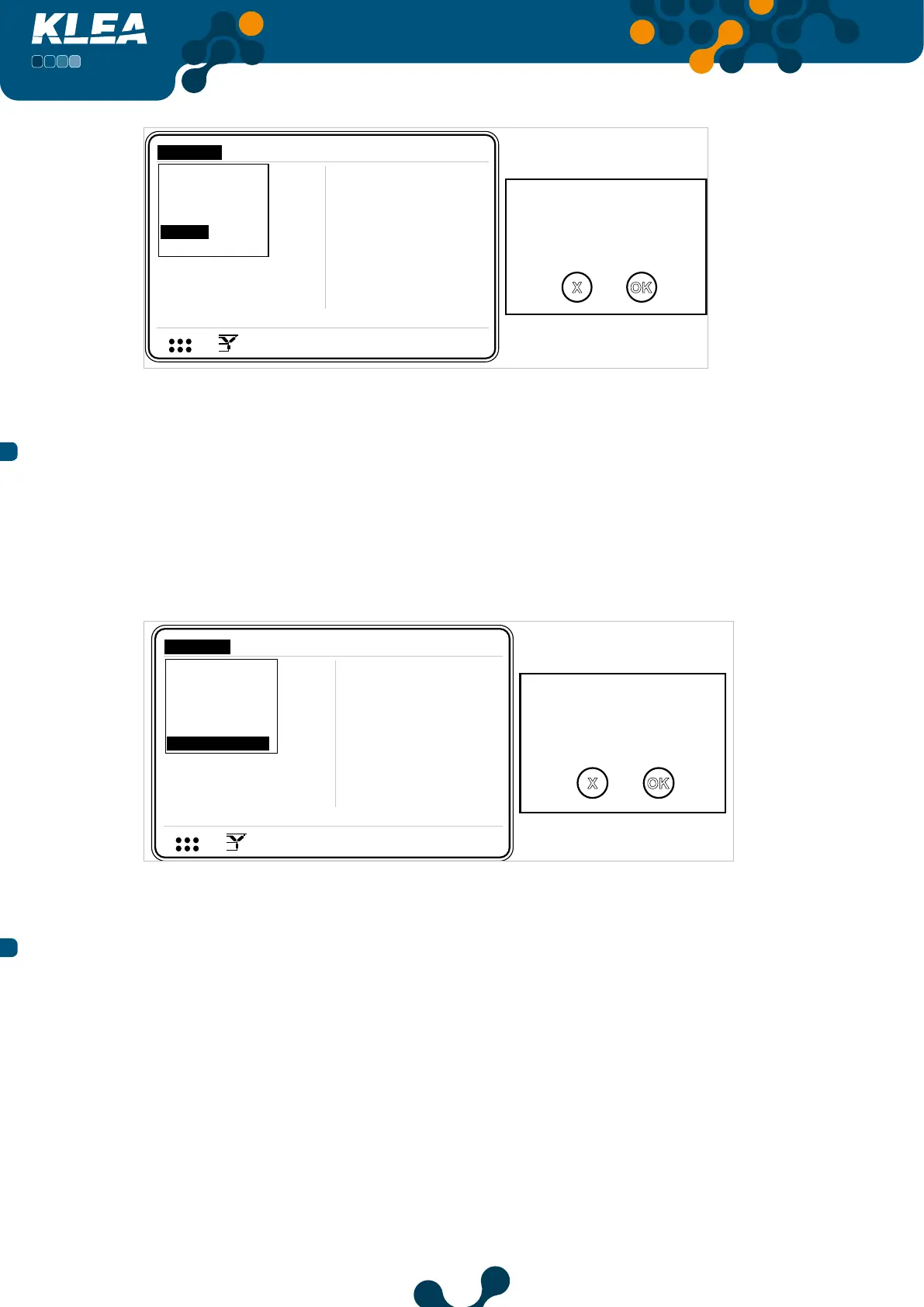
Fig. 3-65 Restart
3.2.1.6 Default Settings
This menu is used to return to factory default settings. All settings except date and
time return to the factory defaults.
NOTE: Tariff meter indexes are not assumed to be a setting. As a result, index values
will not be cleared via this menu.
Default settings will
be assigned.
Are you sure?
V1
V2
V3
V
V
V
A
A
A
I1
I2
I3
17:22
0.0
0.0
220.0
5.0
5.0
5.0
V
1 2 3
I
1 2
1 2 E
Setup
Date / Time
System info
Password
Restart
Default settings
Settings
Measure
Meters
Alarms Analysis
OK
X
Fig. 3-66 Default Settings Command
3.2.2 Measure Menu
The following submenus are included under the measure menu. Operator can
navigate inside measure menu by up and down keys. When the desired menu item is
highlighted, press OK key to select. Following menu items are available:
• Instantaneous
• Demand
• Phasor diagram
• Signals
• Harmonics


 To Next Page