61
4
Quadrant
Energy Analyzer
4
Quadrant
Energy Analyzer
SECTION 3 MENUS
Scroll inside options by pressing up and down keys; press OK key to clear the desired
option. When OK key is pressed,“Are you sure?” message will appear on the screen. Press
again OK key to clear the parameter; press X key to exit with no change in the selected
parameter.
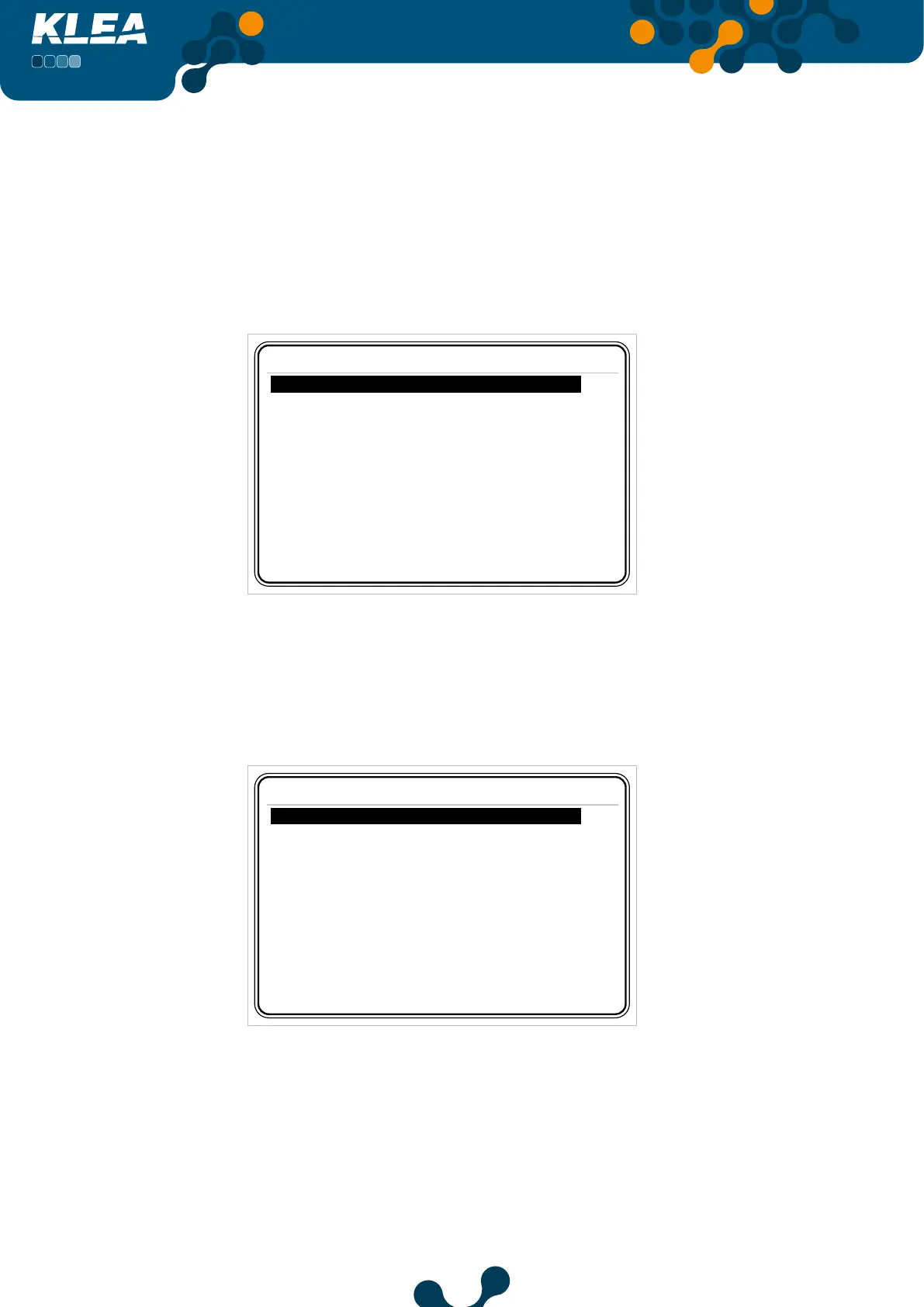
Assume that “Meters=> Imp. Active=> T1” Import active power) submenu is as shown
below.
Meters->Imp. active
T1 267500.1 kWh
T1 rate 1 0.0 kWh
T1 rate 2
0.0 kWh
T1 rate 3
0.0
kWh
T2
0.0
kWh
Fig. 3-59 Before Clear
When the clear process is completed, the submenu“Meters->T1->Imp. Active” will be as
shown in the Fig. 3-60.
Meters->Imp. active
T1 0.0 kWh
T1 rate 1 0.0 kWh
T1 rate 2
0.0 kWh
T1 rate 3
0.0
kWh
T2
0.0
kWh
Fig. 3-60 After Clear
After the clear process, for index parameters, a value dierent than zero may be observed.
This value, is the initial value entered by the operator.


 To Next Page