45
4
Quadrant
Energy Analyzer
4
Quadrant
Energy Analyzer
SECTION 3 MENUS
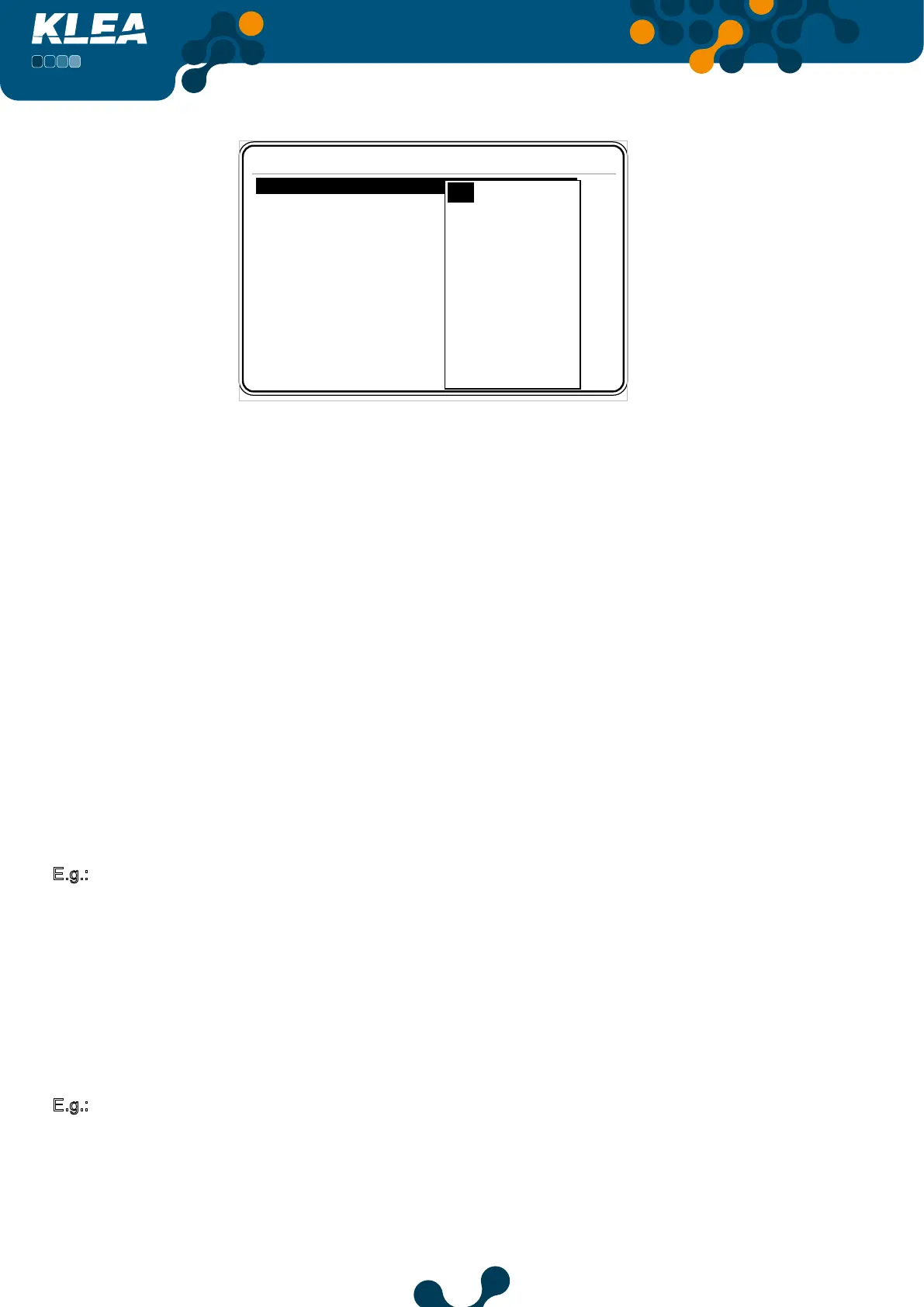
Settings->Setup->Digital output->Output1
Mode
Energy 1.000
Width 100
Multiplier 1
Off
T1 kWh
T1 kWh E.
T1 kVArh I. Ind.
T1 kVArh I. Cap.
T1 kVArh E. Ind.
T1 kVArh E. Cap.
T2 kWh
T2 kWh E.
T2 kVArh I. Ind.
T2 kVArh I. Cap.
T2 kVArh E. Ind.
Fig. 3-36 Output 1 Menu
Energy:
When selected meter option(mode option) counts for the selected “energy” value, Output1
generates a pulse (for Virtual Keyboard Refer to 3.1.4 E.g.).
Width:
It can be adjusted between 50 – 2500 msec (for Virtual Keyboard Refer to 3.1.4 E.g.).
Multiplier:
Multiplier is of use only when “Output1->mode” is adjusted as “Digital input”.
When “digital input1 counter” (Refer to Digital Input 3.2.3.2), reaches the ‘multiplier’; “digital
output1” generates a pulse from DO1+ and DO1- pins.
It can be adjusted between 1 - 10000 (for Virtual Keyboard Refer to 3.1.4 E.g.).
Second example explains this implementation.
E.g.:
Assume the settings are as below,
Digital output : Output1
Mode : T1 kWh
Energy : 2
Width : 100msec
Assume that, Tariff 1 import active previous value is 1.1kWh. When T1 kWh reaches to
3.1kWh, 5.1kWh, 7.1kWh etc. a pulse of 100msec will be generated at the outputs of DO1-
and DO1+.
E.g.:
Digital output : Output1
Mode : Digital input
Energy : When connection type is digital input, the Energy tab is not used.
Width : 100msec
Multiplier :100


 To Next Page