33
4
Quadrant
Energy Analyzer
4
Quadrant
Energy Analyzer
3.2.1.1.2.1 Language
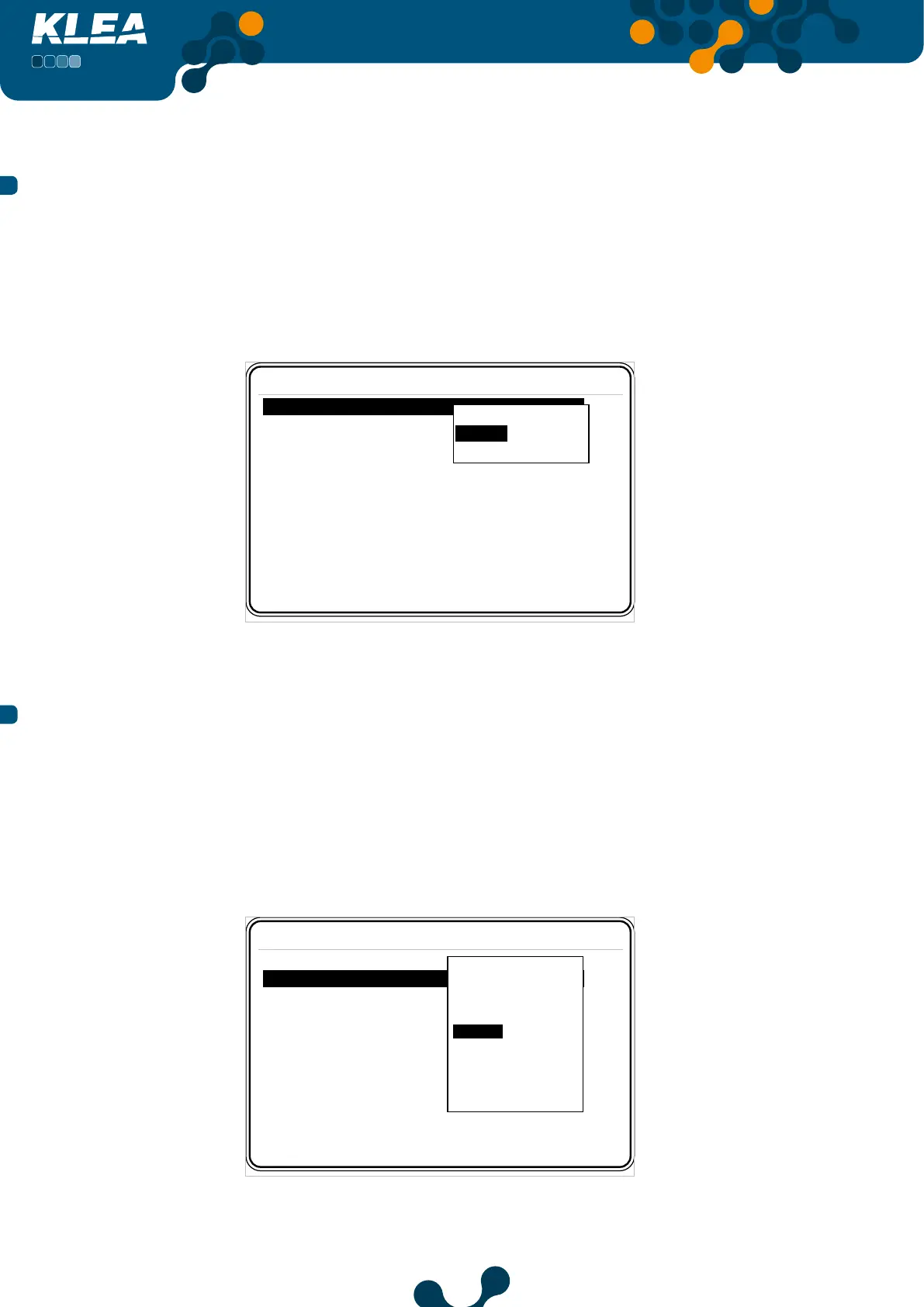
Inside Device menu, press up and down keys to select (highlight) ‘Language’ menu item.
When ‘Language’ is selected, press OK key and the options in Figure 3-20 will appear
on the screen. Press up and down keys to select the desired option and press OK key to
complete the setting.
Settings->Setup->Device
Language English
Contrast Level 0
New password 1
Pass protection Off
Display on Time dependent sec
Display on time 600
Türkçe
P˜ ° °˛˝˙
English
Fig. 3-20 Language Selection
3.2.1.1.2.2 Contrast
Inside Device menu, press up and down keys to select (highlight) ‘Contrast’ menu item.
Press OK key and contrast levels will appear on the screen as seen in Figure 3-21. Scroll
inside contrast levels by pressing up and down keys; press OK key to select the desired
option. Graphical LCD of KLEA darkens towards the Level 4; and lightens towards the
Level -4.
Settings->Setup->Device
Language English
Contrast Level 0
New password 1
Display on Time dependent
Display on time 600 min
Level -4
Level -3
Level -2
Level -1
Level 0
Level 1
Level 2
Level 3
Level 4
Pass protection Off
Fig. 3-21 Options for Contrast
SECTION 3 MENUS


 To Next Page