72
RMON Configuration
RMON Statistics
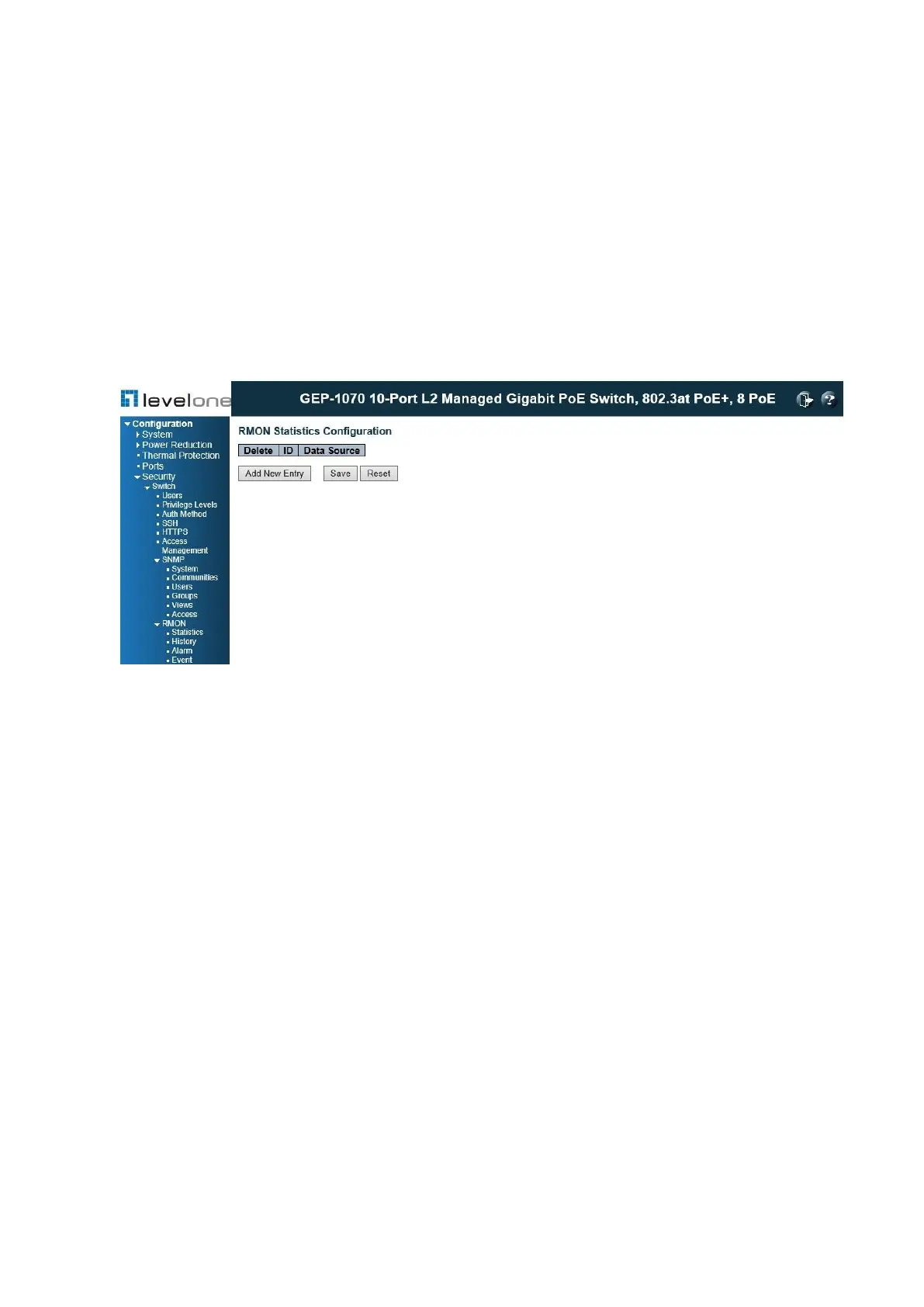
Use the RMON Statistics Configuration page for configurations.
PATH
Configuration \ Security \ Switch \ RMON \ Statistics
Figure 25: RMON Statistics Configuration
PARAMETERS
These parameters are displayed:
◆ Delete – Check to delete the entry after the next save.
◆ ID – Indicates the index of the entry. The range is from 1 to 65,535.
◆ Data Source – Indicates the port ID which wants to be monitored. If in stacking switch, the
value must add 1000*(switch ID-1), for example, if the port is switch 3 port 5, the value is
2005.
WEB INTERFACE
To configure RMON Statistics table:
1. Click Configuration, Security, Switch, RMON, Statistics.
2. Click Add New Entry to create a new entry. The entry index key is ID.
3. Specify the ID, Data Source settings.
4. Click Save.














 To Next Page