Page 108
The terminal programs settings are as follows:
• COM Port - set to port number of the USB port.
• Baud Rate - 115200
• Data - 8 Bit
• Parity - None
• Stop Bits - 1
• Flow Control - Hardware
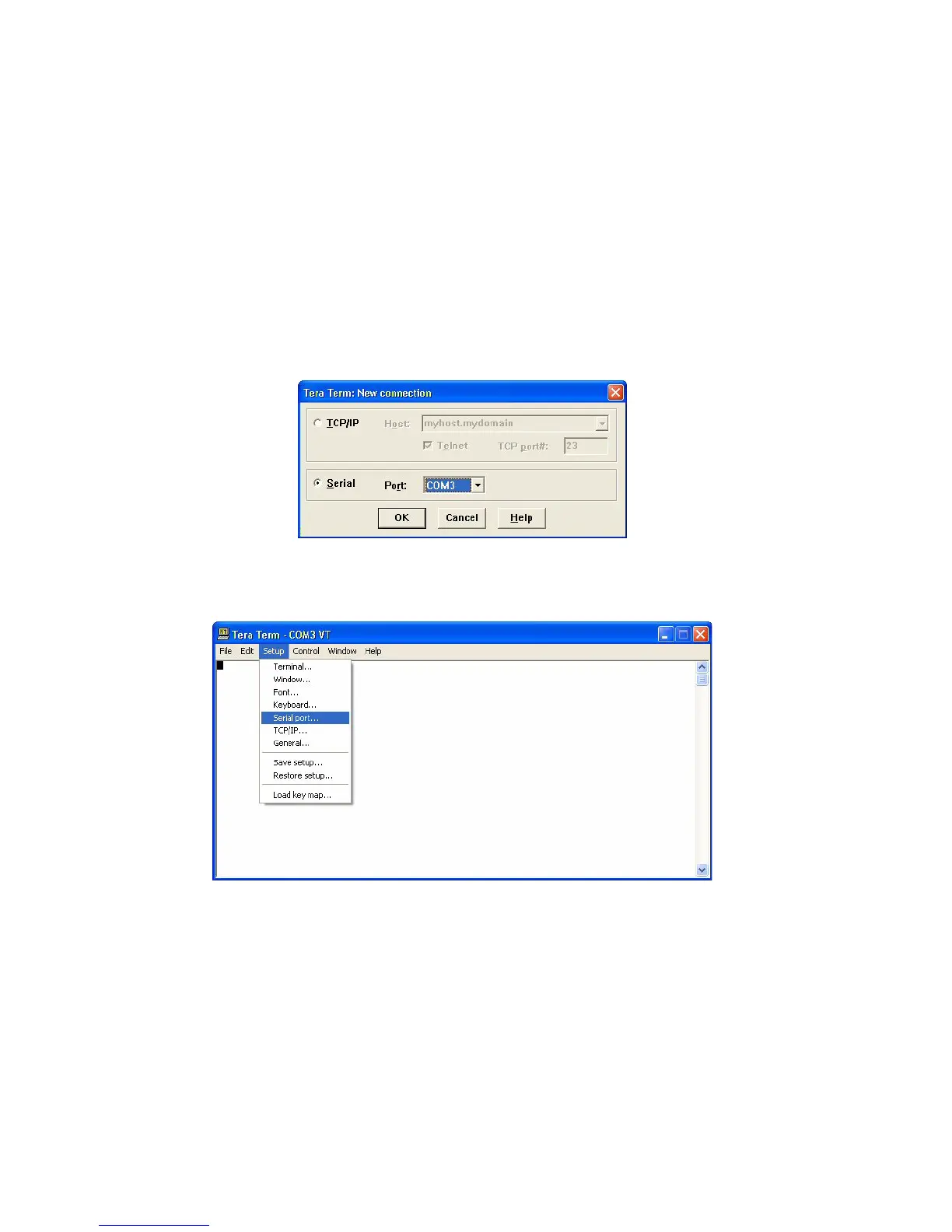
Step 1: To set up Tera Term, first start the program. You will be asked to select
a connection type. Select Serial along with the COM port assigned to
USB port and click OK.
Step 2: To setup the serial port, select the Setup item from the menu bar and
click on Serial Port.
Step 3: Enter in the parameters listed above.



 To Next Page