Configuration the Simple Way Configure Inputs
Z-Max Advanced Programming & Systems Design Guide rac00-sdg
Revision A:11/2005 Page 27
necessary when false triggering due to rapidly changing lighting
conditions is likely.
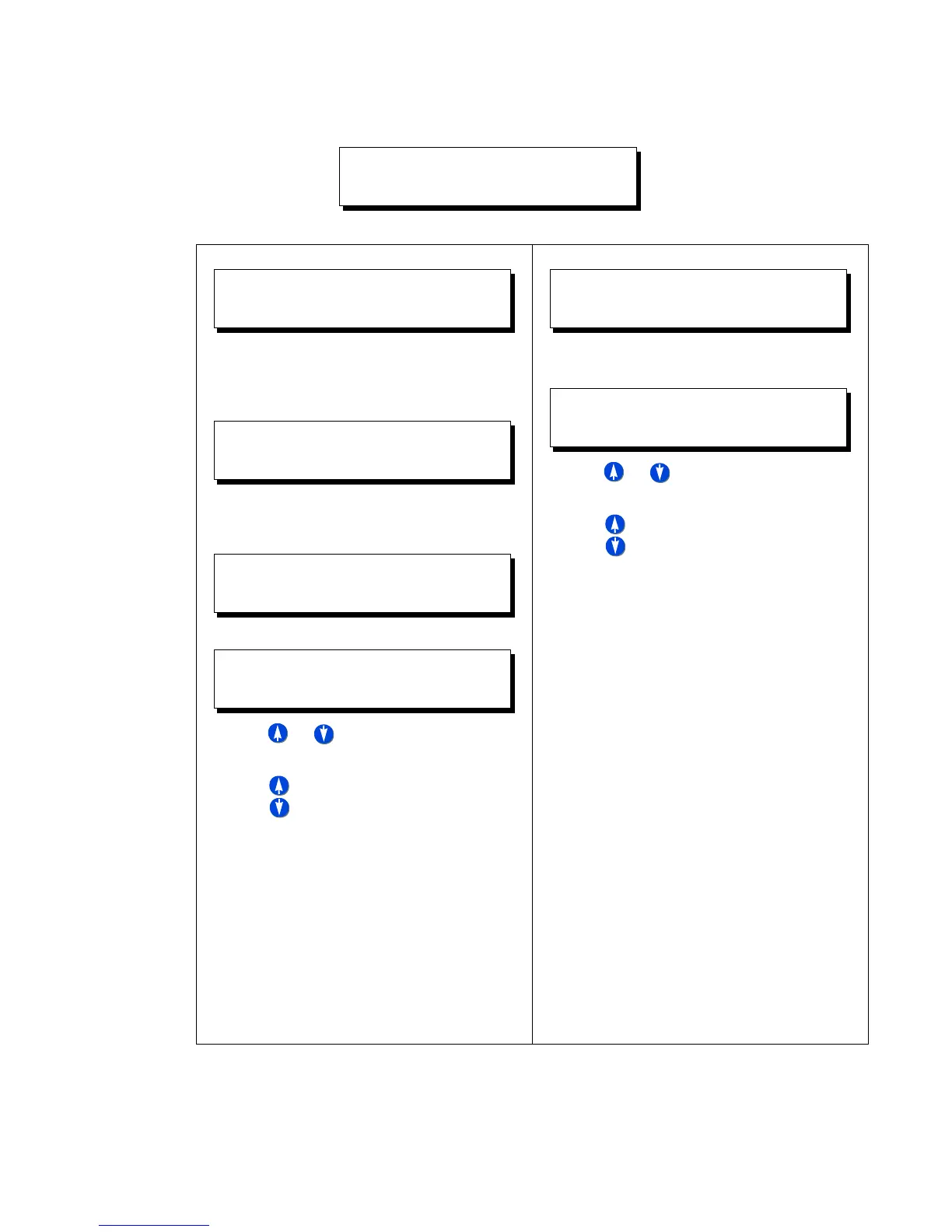
Step 5: Photocell type=0-10V
Step 6: Enter number of fc per volt for your
photocell. For example, if you have a
photocell with range 0-100fc at 0-10V,
that’s 10fc per volt
Step 7: Enter fc trigger level, that is when the
relays should turn "on", or rather the
trigger point of the photocell
Step 8: Add relays which should be controlled
• Use or to increase or decrease the
relay number
• Use to select any of the possible three
actions for this relay
• YES - turns this relay on (and/or off) when
the switch the trigger point is crossed
• IGNORE - instructs the relay panel to not
change the state of this relay when the
trigger point is crossed
Step 9: Press Save/Select to save your
settings and complete configuration of
this input.
Step 5: Photocell type=Switching
Step 7: Add relays which should be controlled
• Use or to increase or decrease the
relay number
• Use to select any of the possible three
actions for this relay
• YES - turns this relay on (or off,
depending on behavior) when the
photocell activates
• IGNORE - instructs the relay panel to not
change the state of this relay when the
switch is pressed
Step 8: Press Save/Select to save your
settings and complete configuration of
this input.
ENTER TIME DELAY
DELAY TIME:005
PHOTOCELL TYPE
TYPE: 0-10V
PHOTOCELL
FC/VOLT=010V
ENTER FOOTCANDLE
ON FC:085FC
ASSIGN RELAYS
RELAY 001:YES
PHOTOCELL TYPE
TYPE:SWITCHED
PC RELAYS
RELAY 001:ON



 To Next Page