4.6 SWITCHES M A E D A Crawler Crane
4-36 5/2020 CC1908S-1
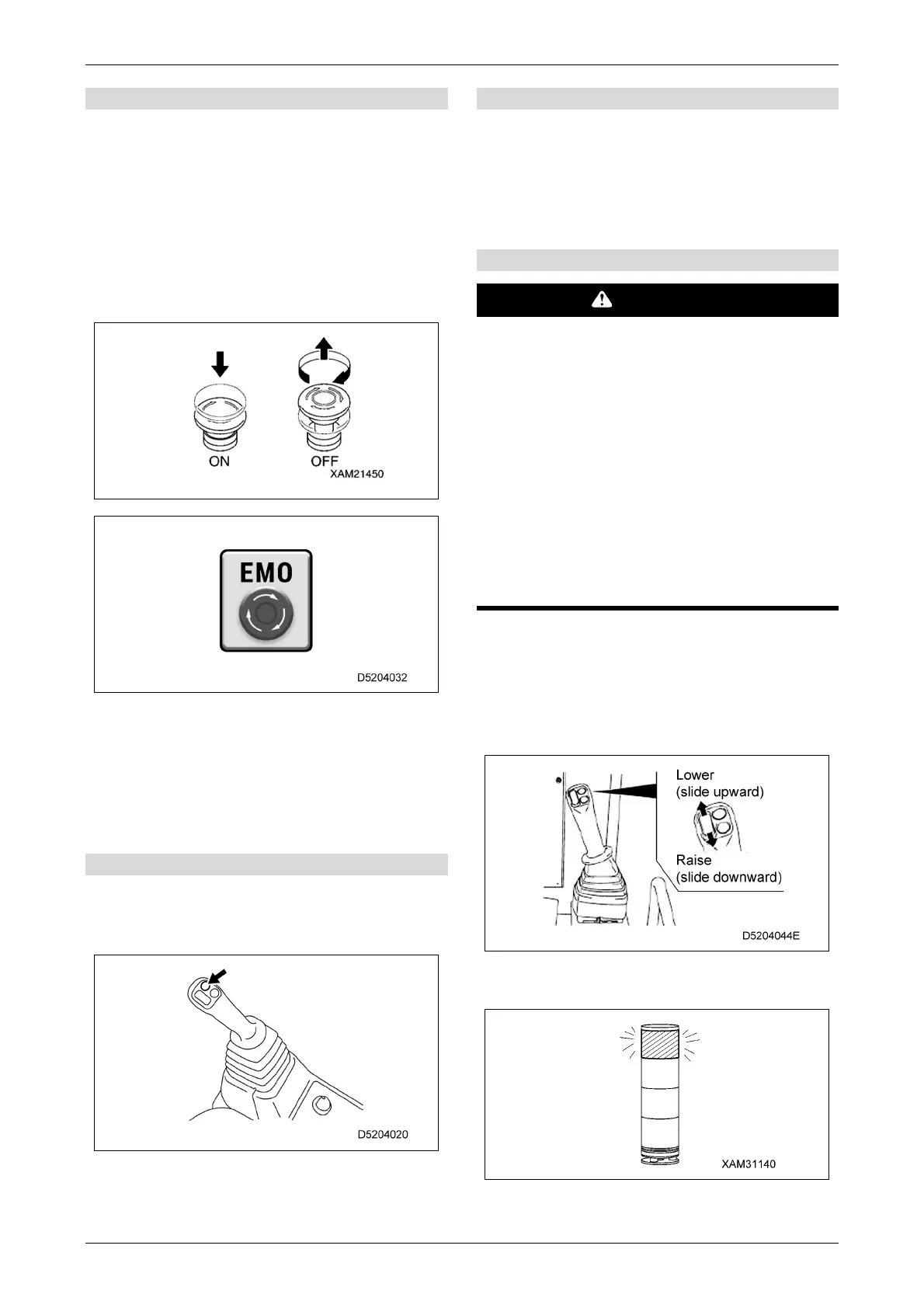
[1] Emergency stop switch
Use this switch to stop the engine in an
emergency.
ON: The engine stops.
"EMO" is displayed at the centre of the
monitor.
OFF: Turn the switch clockwise (in the direction
of the arrow in the illustration).
The switch returns to its original position.
The "EMO" display disappears.
When restarting the engine after an
emergency stop, be sure to turn the
emergency stop switch to the "OFF" position
before starting the engine.
No camera image is displayed while in the
"ON" position, but this is not a fault.
[2] Horn switch
Use this switch to sound the horn.
Press the switch on the knob part of the right-hand
control lever to sound the horn.
[3] Boom/fly jib selector switch
Selects the boom/fly jib operation.
This is available only when the fly jib is mounted.
Selection is not possible unless the control
levers are in the neutral position.
Check the monitor display before operating.
[4] Hook stowage lever
WARNING
• The hook stowage lever disables the
automatic stop function of the overwinding
prevention device. When stowing the hook
block, operate the control lever down
carefully and be sure not to allow the hook
block to crash into the boom.
• Use the hook stowage lever only for simple
stowage of the hook block in the boom tip.
• Operating the lever upward allows lowering
at a constant speed, but movement may not
be stable, as the lever does not allow fine
control.
Use this to stow the hook block.
• Lower: Lowers at dead-slow speed when slid
upward.
• Raise: Raises at dead-slow speed when slid
downward.
The working status lamp illuminates in red
while winding up using this lever.
Loads cannot be raised by operating the
winch using this lever, but this is not a fault.



 To Next Page