M A E D A Mini-Crawler Crane Section 4 – MOMENT LIMITER (OVERLOAD DETECTOR)
3/2019 MC305C-3 4-73
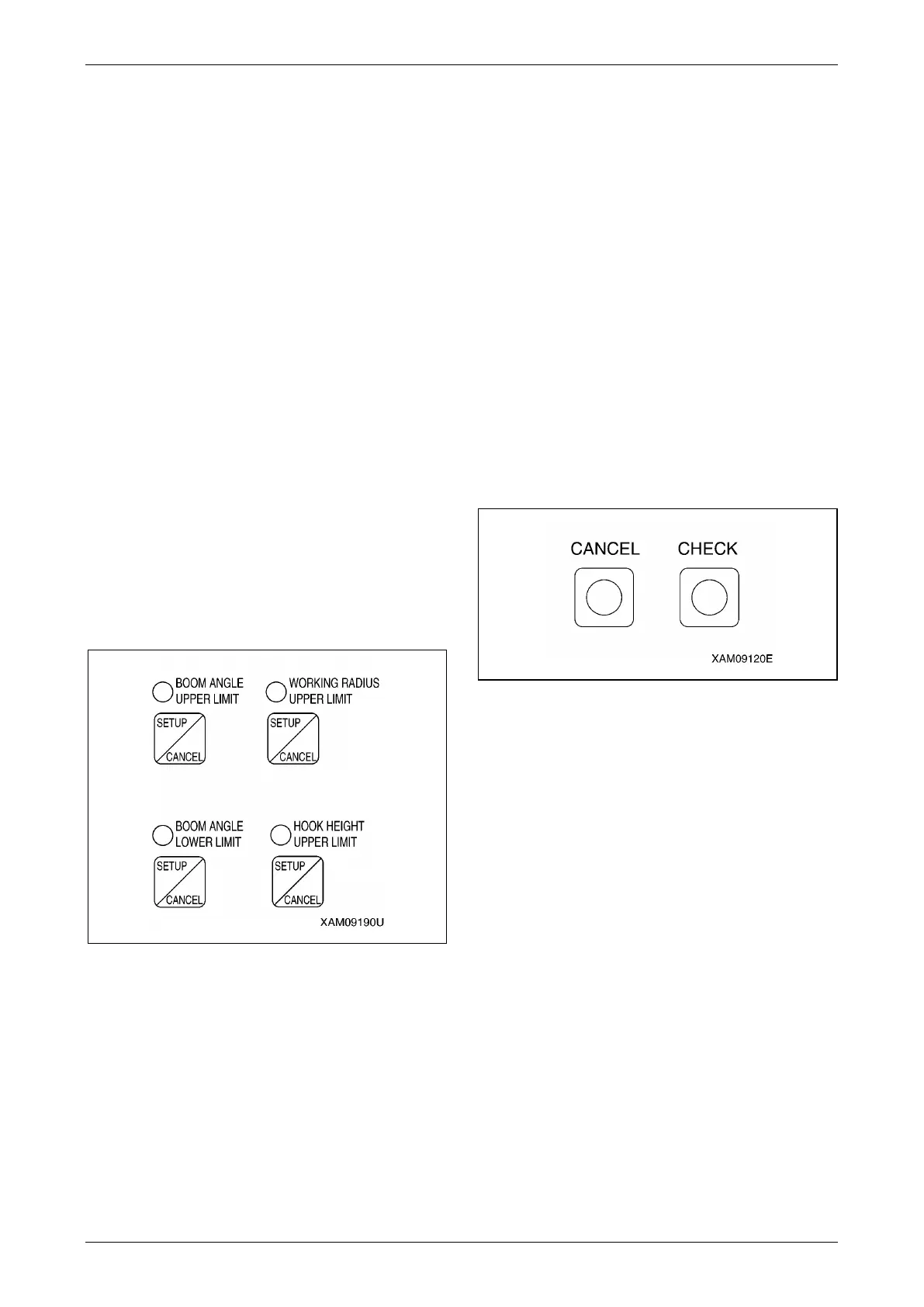
Setting Working Envelope
Operate the boom to the limit of the working
envelope you would like to restrict, and press the
appropriate SETUP/CANCEL switch for 2
seconds.
You can set that limit value.
At the same time, the LED above the appropriate
switch lights up.
Then, return the boom to the following setting to
enable the restriction control.
"Set value – 10 degrees or more" for boom
upper limit.
"Set value + 7 degrees or more" for boom lower
limit.
"Set value – 1.3 m or less" for working radius
upper limit
"Set value – 1.3 m or less" for hook height
(With [Lower] or [Retract] operation of the
boom)
Or, turn the starter switch to the "OFF" position
and then turn again to the "ON" position to enable
the restriction.
NOTICE: The last status of the set value has been
held in memory even if the starter switch is turned
to the "OFF" position.
Fig. 4-198
Cancelling Working Envelope Setting
• Press and hold the CANCEL switch and CHECK
switch at the same time for 5 seconds or more.
All the set working envelope restrictions are
cancelled.
At the same time, the LED above all the working
envelope limit switches go off to complete the
cancellation of the settings.
• Press the SETUP/CANCEL switch of the item
which restriction you would like to cancel for 5
seconds.
The set value of only the item can be cancelled.
At the same time, the LED above the switch
goes off to complete the cancellation of the
setting.
NOTICE: See "Descriptions of Switches on
Moment Limiter Display" on page 4-65 for how to
set limit on the working envelope.
Fig. 4-199



 To Next Page