Section 4 – REMOTE CONTROL SYSTEM VERIFICATIONS Mini-Crawler Crane M A E D A
4-96 3/2019 MC305C-3
REMOTE CONTROL
SYSTEM VERIFICATIONS
Checking Before Starting Engine
WARNING! Precautions shown in this
section must be practiced prior to the day’s
work, without fail.
Serious injury or death may arise when
these checking are neglected.
Further, see "Pre-Start Visible Checks" on
page 5-22 for the checking of the crane
structure.
In the event where any failure is revealed in
such checking, repair it, or contact us or our
sales service agency.
Checking before Turning ON the
Transmitter
WARNING! For the Checking before Turning
ON the Transmitter, ensure that the engine
starter switch is in the OFF position, as well
as the Receiver main switch is OFF.
Otherwise, the engine may un-expectedly
starts and cause serious injury or death,
while checking the Transmitter.
Perform the following inspections white the
Transmitter power is OFF:
• Check the control levers, operation buttons,
LCD screen, Accelerator lever and Grip for oily
dirt or other soil.
Scrub away the dirt with a clean cloth or such,
when any.
• Check for foreign bodies such as particles of
small stone or sand, caught into small
openings in the vicinity of the control levers
and/or Accelerator lever.
Remove such particles completely, when any.
In the event where such particles are caught in
the small openings in the vicinity of the control
levers and/or acceleration lever, they may
disturb correct operations and cause
un-expected motion of the Crane which results
a serious accident.
• Check for any cracks and/or damage to the
Transmitter enclosure, or impairment to the
rubber cover of the operation levers and
control buttons.
Repair such cracks or damage immediately,
when any.
Such cracks or damage may allow water to
enter inside and brings troubles or failures to
the Transmitter and cause a serious hazard.
• Check the smooth and correct actions of each
of the operation lever and control button, and
the Accelerator lever, as well as they smoothly
return to the each neutral position when the
finger is released.
Repair the operation levers, Accelerator lever
and/or control button without delay, when any
of them show an incorrect action.
Any failure to the operation levers, Accelerator
lever and/or control button brings troubles or
failures and cause a serious hazard.
• Check the connection cable for any cracks,
damages and/or bents, or loose connection or
damage in the connector section.
Repair or replace to a new cable, where such
cracks, damages, or loose connection is
present.
Checking after Turning on the
Transmitter
At the moment when the Transmitter is powered
ON, make checks on following items:
Verification of the LCD Screen Sign at
Power-On
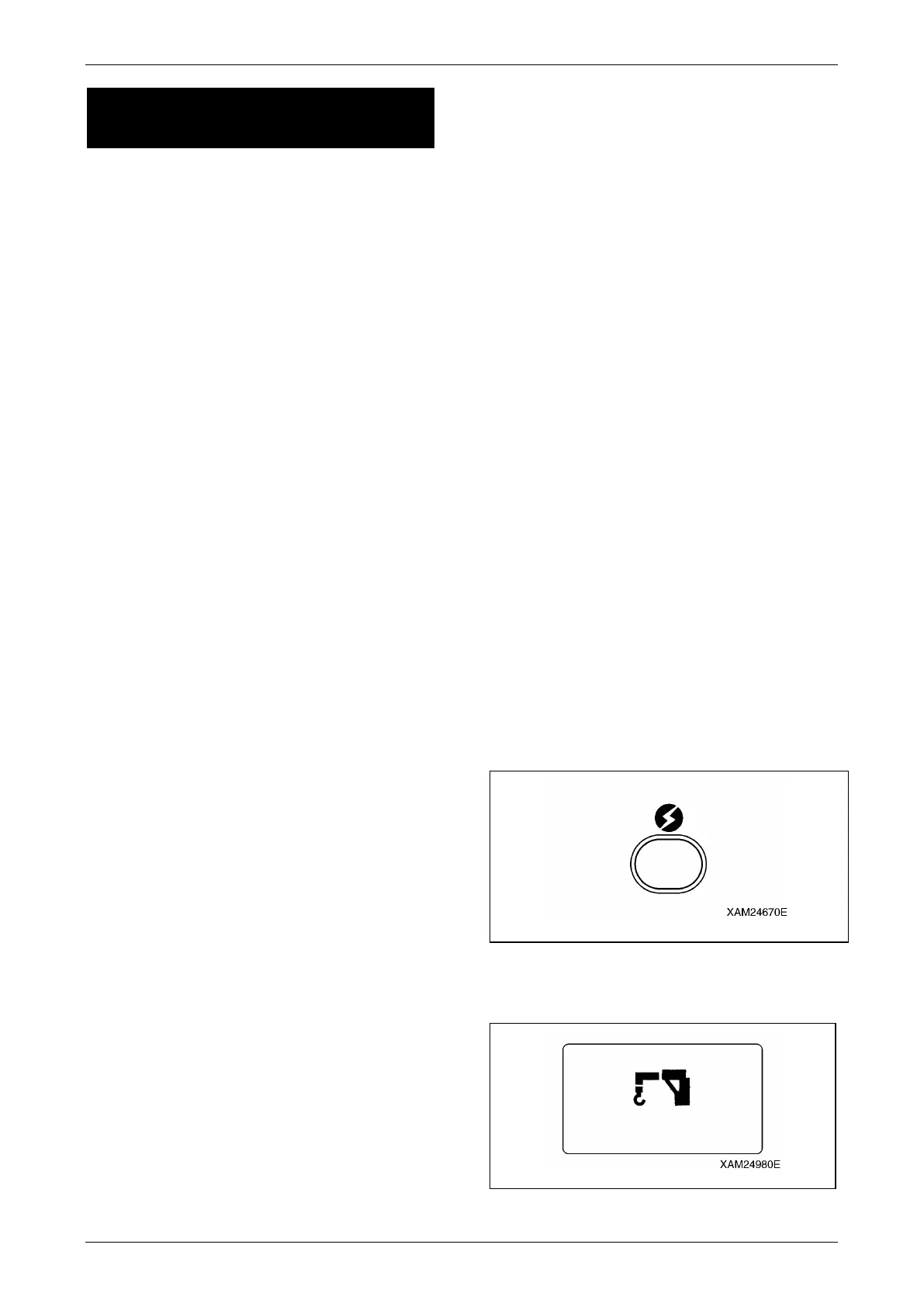
Push the Power switch to turn ON the
Transmitter.
At this moment, confirm the mark as shown
below, in the LCD screen.
Fig. 4-266
NOTICE: In two seconds of this condition, it
automatically enters into the "CRANE MODE".
Fig. 4-267



 To Next Page