M A E D A Mini-Crawler Crane Section 4 – REMOTE CONTROL OPERATION
3/2019 MC305C-3 4-115
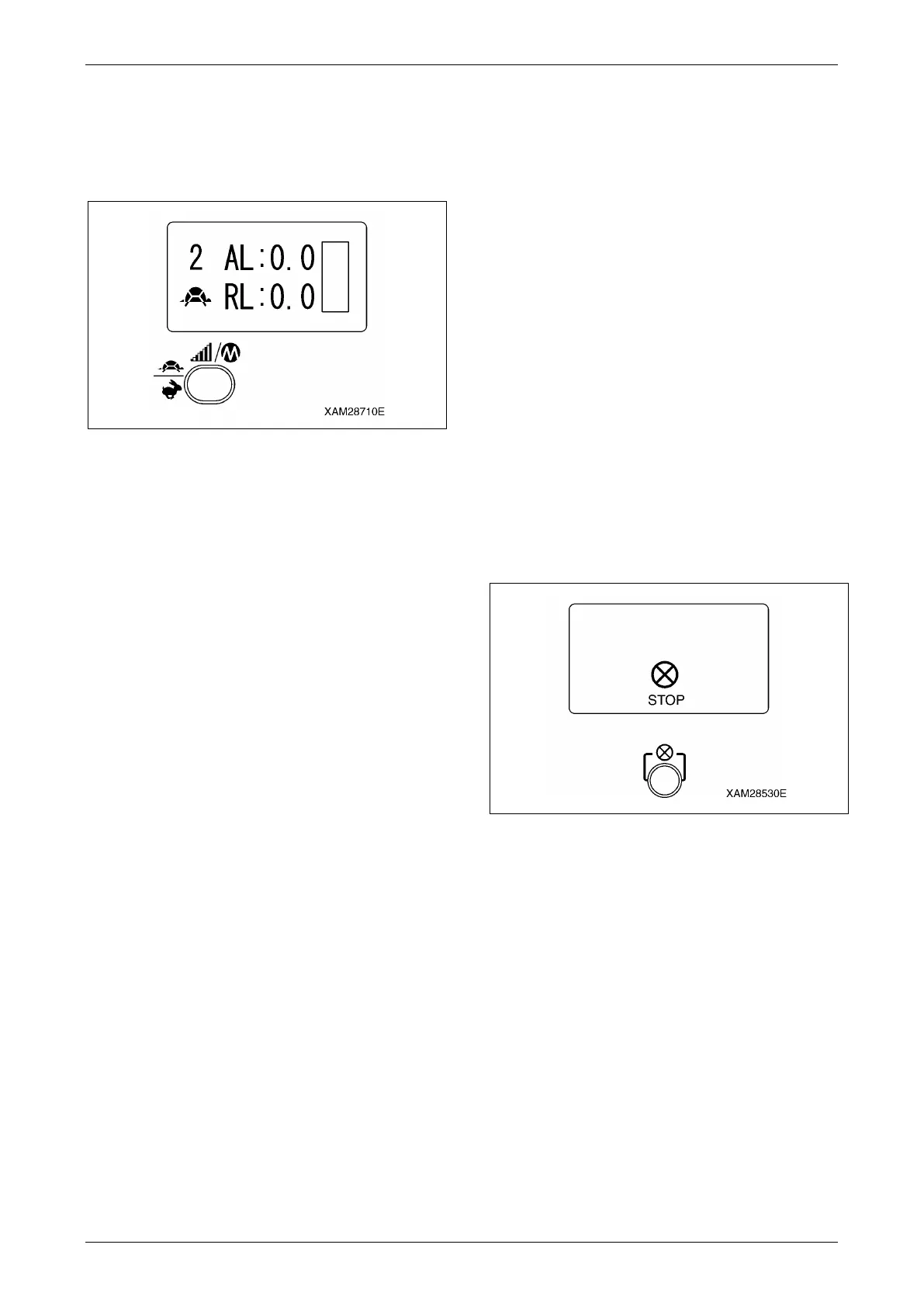
4. When the settings for all the required
operation levers are complete push the
Speed/Mode button. Now the setting is
established and the Micro speed mode is
available.
Fig. 4-347
Engine Stop and Emergency Stop
Procedure
WARNING!
• For any abnormalities in crane operations,
push immediately the Stop/EMO button to
stop the engine. Such cases include that
the crane operation does not stop though
you release your fingers from any of the
operation levers or Accelerator lever, or
the Crane starts the operation despite that
no operation lever is manipulated.
• In such event of the emergency stop of the
engine, turn OFF the power of the
Transmitter and check the cause of the
emergency, after the engine stops, and
repair the failure.
• The Stop/EMO button is also available to
stop the engine in the normal conditions.
Push the Stop/EMO button to stop the engine
from the Transmitter or in case of emergency.
The engine stops.
Fig. 4-348



 To Next Page